ARoel
-
Posts
530 -
Joined
-
Last visited
-
Days Won
1
ARoel's Achievements
-
yeah I can do that. Hopefully that resolves the problem. Thanks Damien. I'll revisit this thread if the problem recurs or if that permanently solved the problem,
-
Hi, I'm formulating some sort of my own backup policy because as I just realized, my file organization for the past decades have been a mess (no backups, some even with triplicate files in one HDD) and I'm lucky I was able to recover my decades old family photos. I lost a lot of photos before just because of hardware failures. Surprisingly, not a single one was lost due to a corrupted files (at least from what I can remember). I want to make sure I avoid all that now. As of now, I have these: 1. Working PC equipped with 2 x 4TB HDDs, set to RAID1. 2. Home server - Truenas with NextCloud installed, equipped with 4 x 4TB HDDs, set to RAIDZ2 (I think this is similar to RAID6). Set up in the same house where my working PC is. 3. OneDrive subscription My planned backup "rule" as of now is to: 1. Retain ALL raw files in my working PC, whether they be active or not. I'll archive everything there. 2. Working PC is then synced to a folder in NextCloud (Home server). No file in here will ever be touched or accessed unless my working PC gets stolen, catches fire, or things like that, unless I really have to (something which I will try to avoid at all cost). Files will never be uploaded to NextCloud directly as well. 3. NextCloud is then synced to OneDrive. Similarly, no file will be accessed unless both my PC and Home Server get lost at the same time. No files will ever be uploaded here. I'm new to this and I'm not sure if this is a good plan to follow. I think this is enough protection from hardware failure. or maybe not? Remember I just said I never had a corrupted file? Not anymore. I just had it last night (It's in this topic: . ) I'm not sure what caused the file to be corrupted but what happened eventually was: corrupted fie in main PC = corrupted file in home server = corrupted file in OneCloud. So, not a single useable file was left. Luckily it was my first file using this new system I want to follow. A blessing in disguise and a wake up call, telling me that I am not doing enough. So, with all that, what else should I do? Basically, I just want my kids, their kids, grandkids, and so on to still be able to access these files in the future. Thank you.
-
oh I just did. Thanks. By the way, my pictures folder is set to sync to the NextCloud installed in my home server. I tried pausing the sync and all .psd files saved during that pause turned out fine. I tried resuming the sync, then all psd files saved after that turned out fine as well. I'm quite puzzled though how this app which does a one-way sync could corrupt my local file (then eventually to the cloud file as well). I'm afraid it could recur and damage my new files again, like the taipei 101 file I just edited. By the way, this might be a useless info but that was the first ever file I edited on this pc and synced to the homeserver.
-
thanks Damien. Same thing happened after about a minute.
-
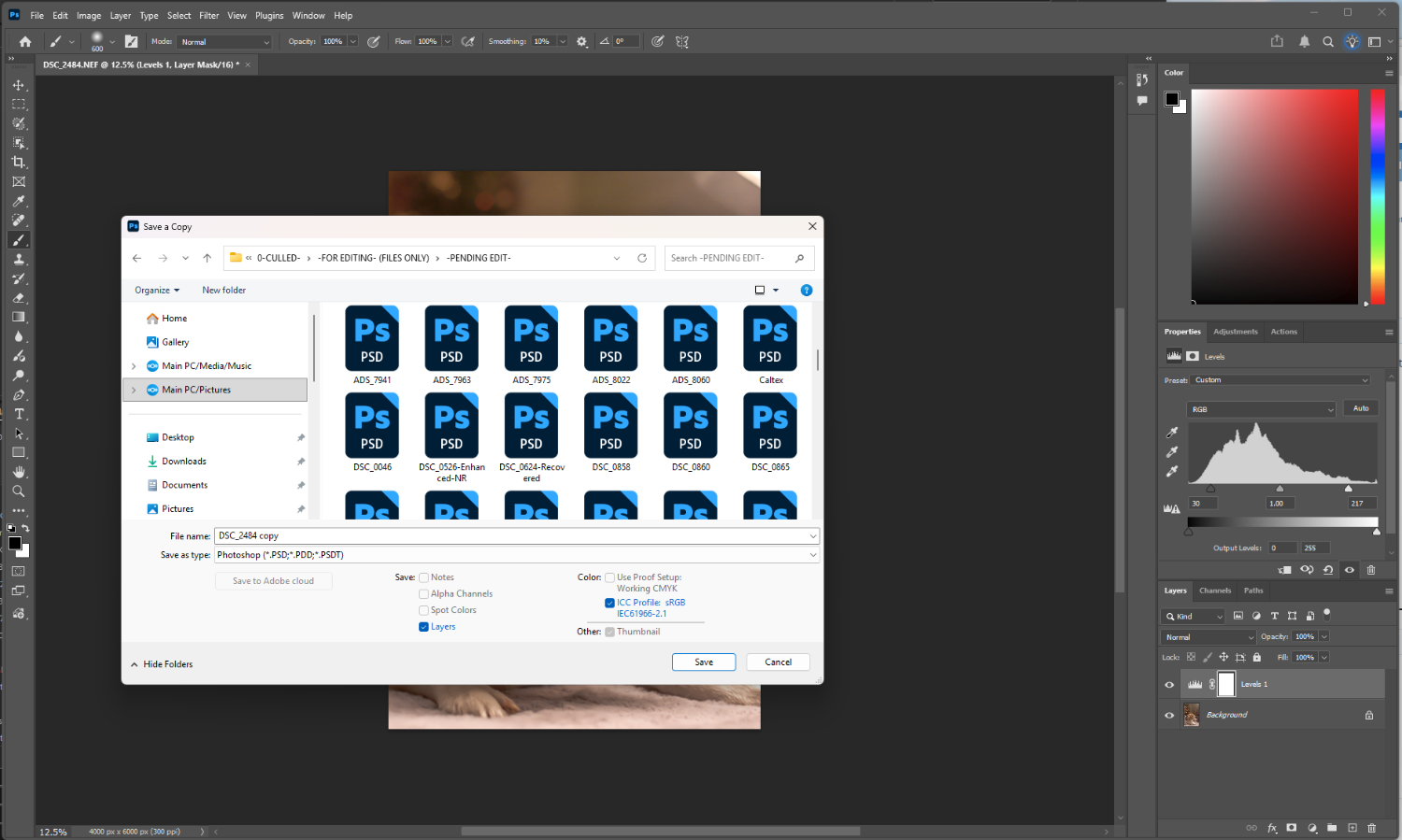
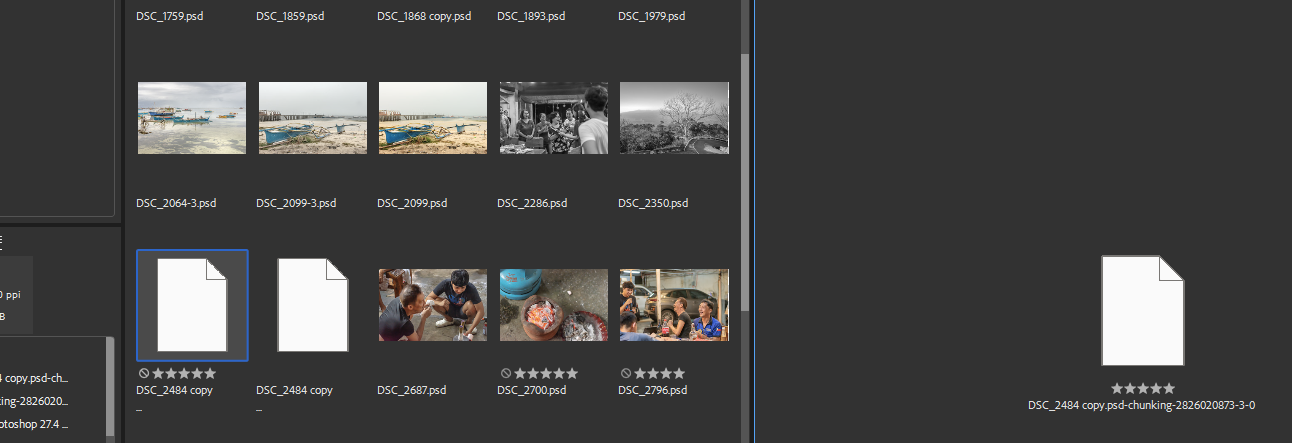
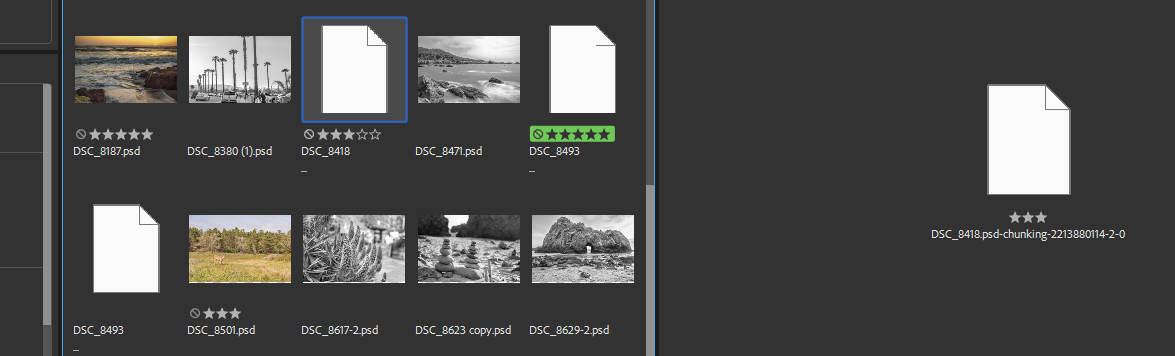
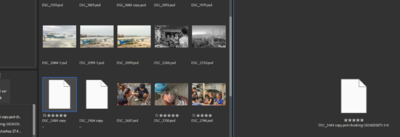
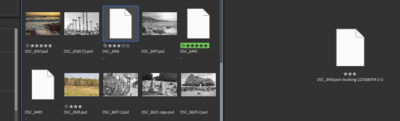
Hi, I'm working on a newly set up pc and have noticed that whenever I save a psd file, the file would eventually become like this after about a minute or 2. It's not happening to my older files. Just the newly saved ones. Thank you.
-
Thanks Damien. Will reshoot instead
-
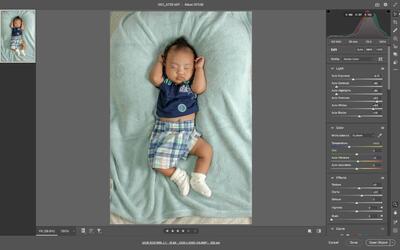
Not quite sure if I should be using this. Thank you


-
Sorry Damien, it's just that I dont have anything else to do. 😅 If this is the style I'm going to take, I can just do it as early as the levels phase, then finish it off with the skin, right?

-
Thank you. I just noticed though, some of the dresses has turned from orange to red. Other than masking the cooling filter, is there an easier way to revert to this color?

-
Oh yeah, that's it. I realized it's kinda hard for me to deviate much from the clean processed look. I just did both the curves and cooling filter. I know you dont give much opinions on AE but can you at least tell me if there's anything here that ruined what we worked hard on in raw, levels and skin?

-
https://images.squarespace-cdn.com/content/v1/61eeef8e8e1f463ea84012f5/c7ef65ad-7b63-4b16-9638-dad52764d1d2/Beautiful+Life+Natural-22.jpg?format=2500w (Got the photo from https://www.beautifullifestudios.com/natural-wedding-photography, but posting this link alone would lead to tons of images) Hi Damien, not sure if the one in this link has just been clean processed or an AE was applied to it? Hard for me to describe but I was wondering if I could apply this style to the attached photo? Thank you.

-
Thanks Damien! Never heard of black balance before. What you did to the blacks alone already made a huge difference without deviating from that old photo look which I was after. Getting more excited. Thank you.
-
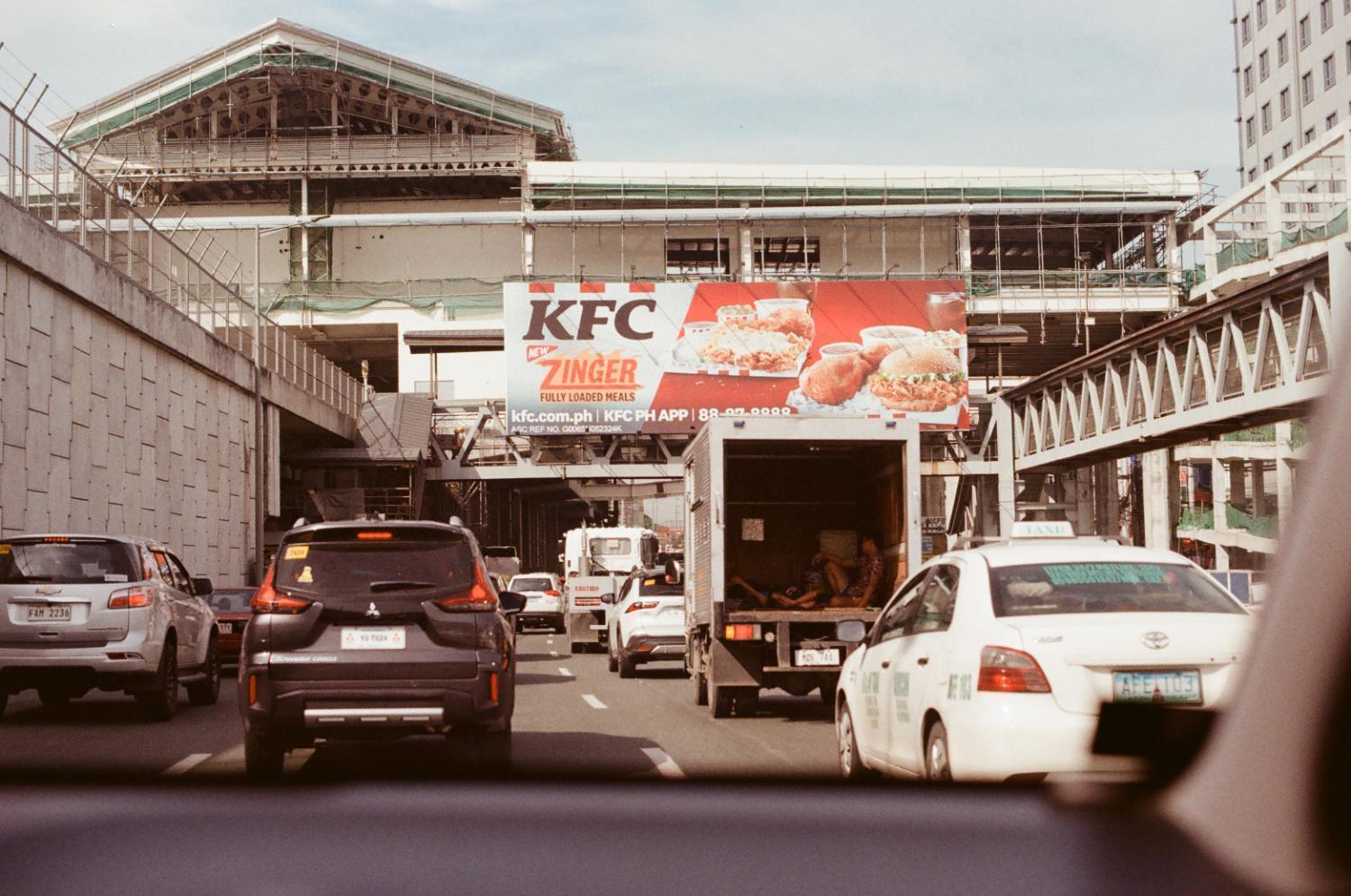
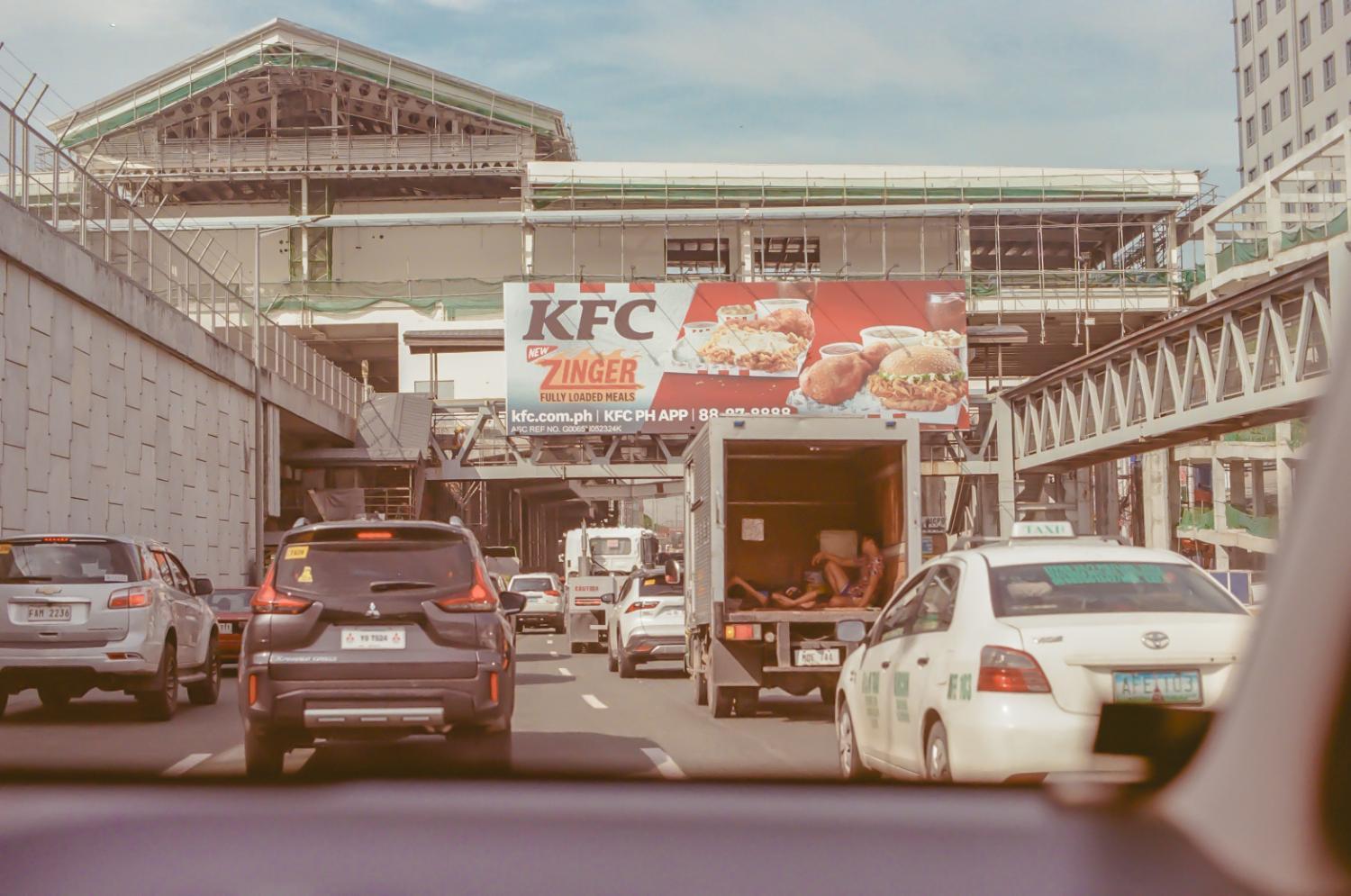
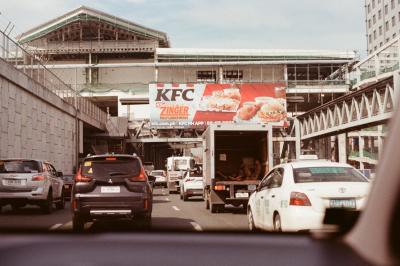
Hi Damien, it's been days now and I still couldnt shrug off the excitement about the potential of photos like this once edited with advanced levels. Would you be so kind to do an edit? I dont need a psd file and I wont be using the image anywhere. I wont even ask how you did it. I'm really just curious how it would look. This is the image straight from the lab just in case. Thank you!
-
Oh I see, thank you!
-
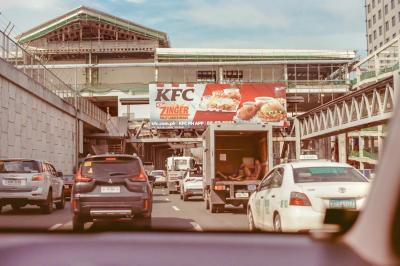
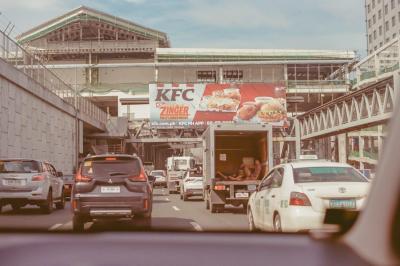
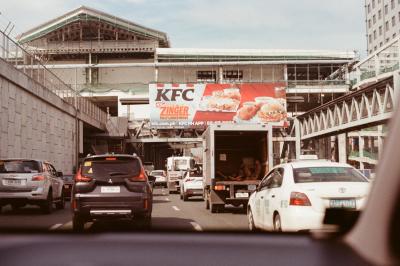
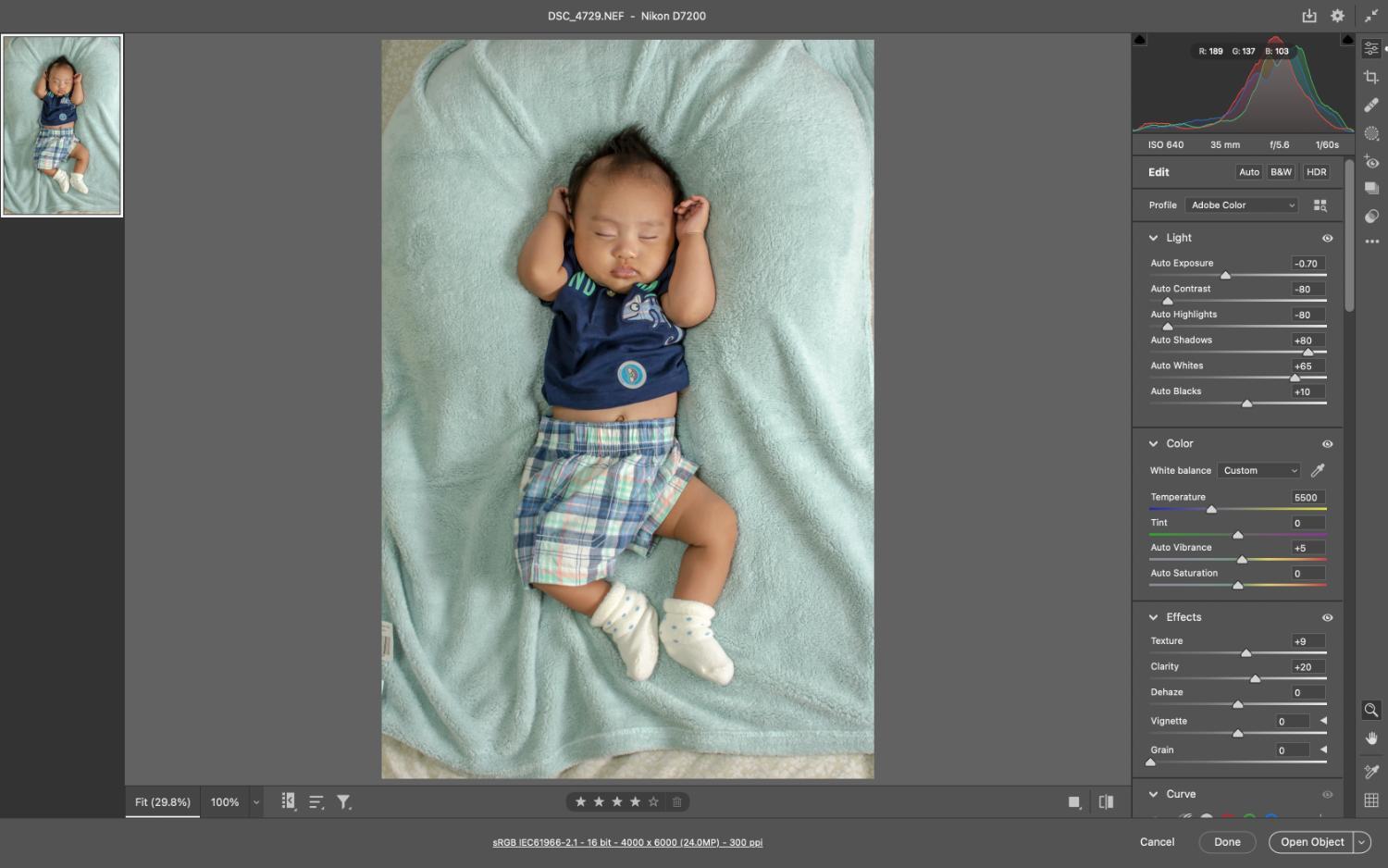
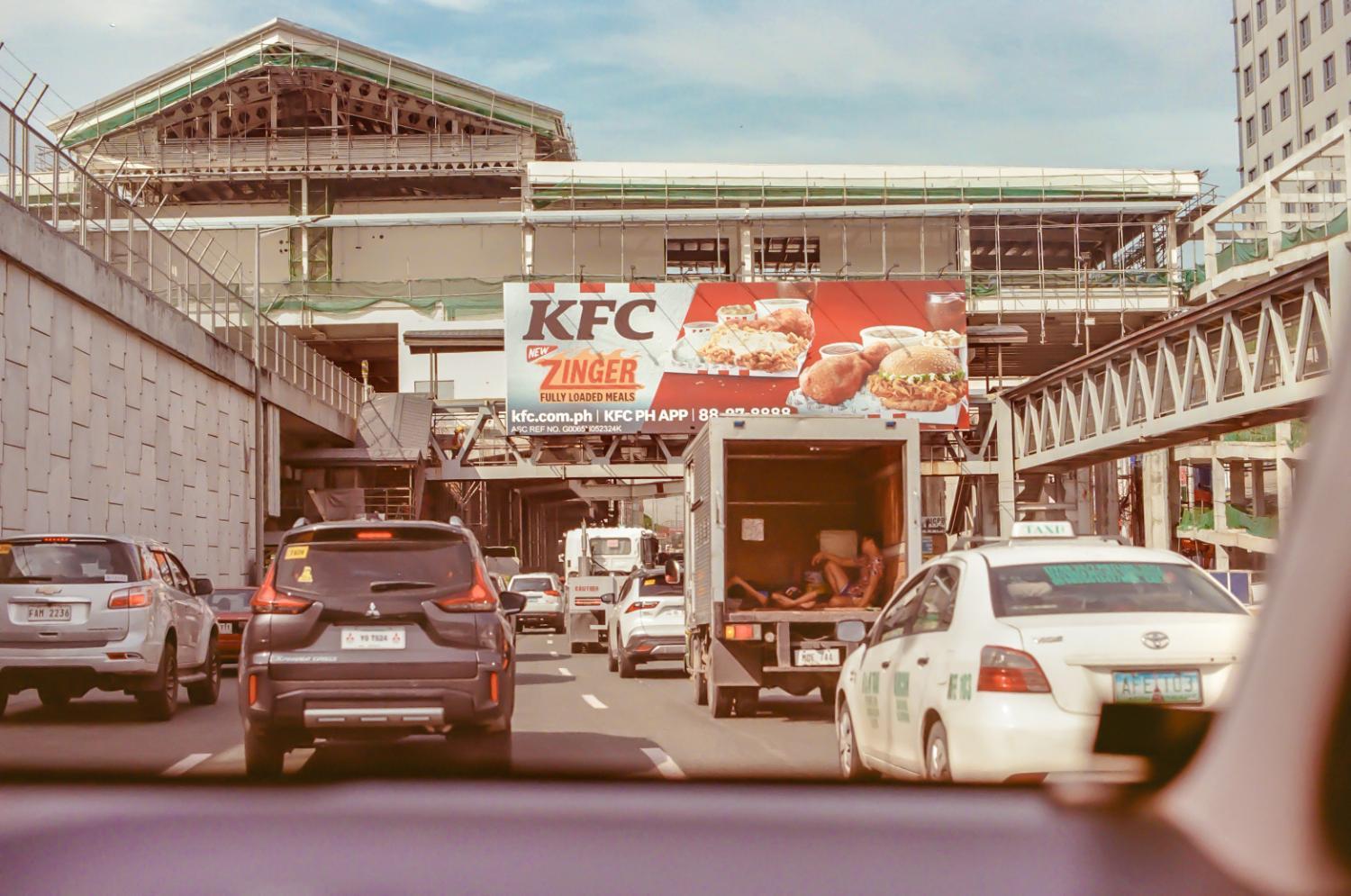
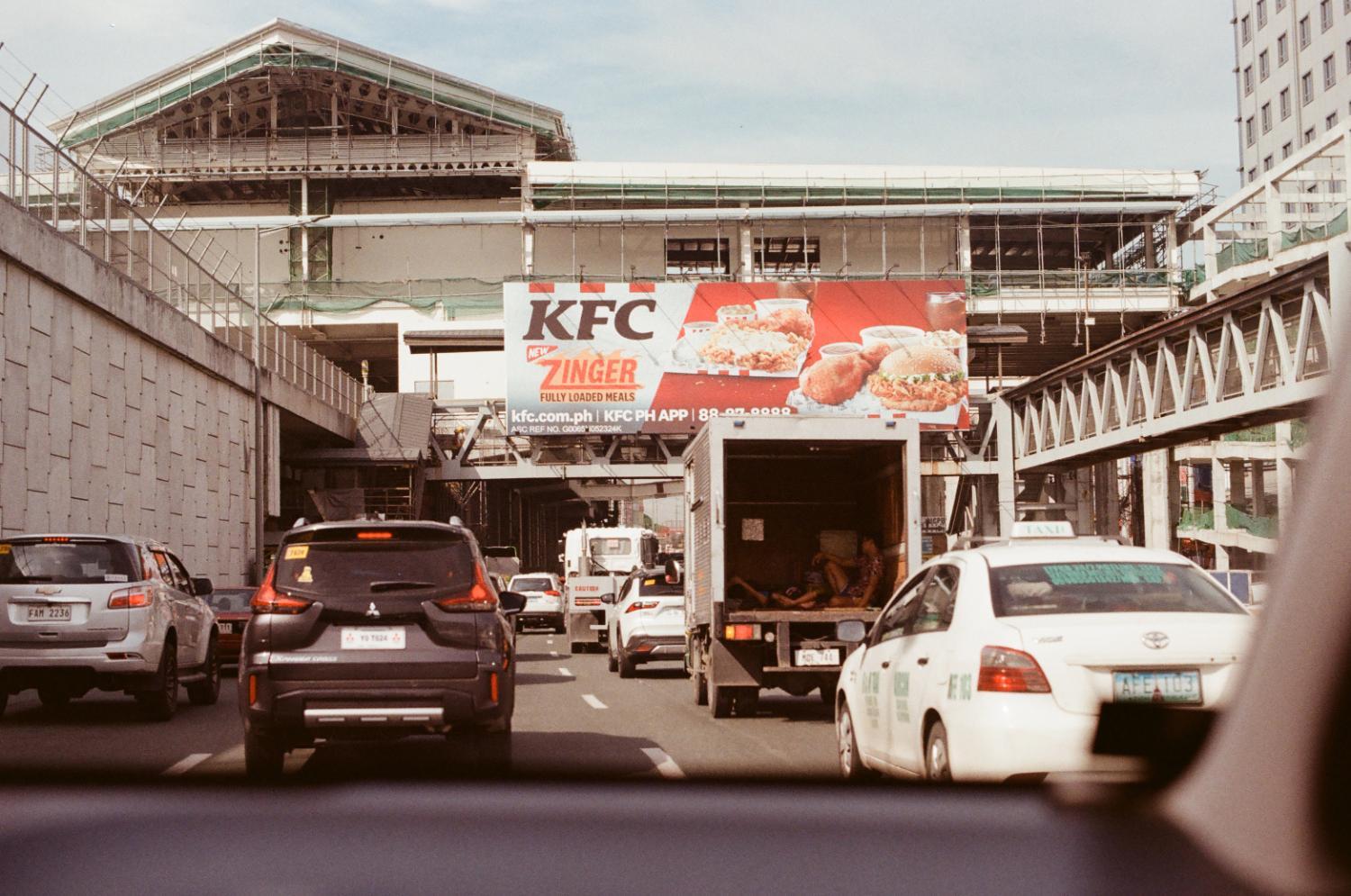
Hi Damien, do you perhaps have some advice, recommendations, or articles about clean processing photos from film scans? Here's one I played with using a little bit of camera raw filter (except the white balance, texture, and clarity parts), then levels. Not sure with what I was doing though.