
KCPhoto
-
Posts
8 -
Joined
-
Last visited
KCPhoto's Achievements
-
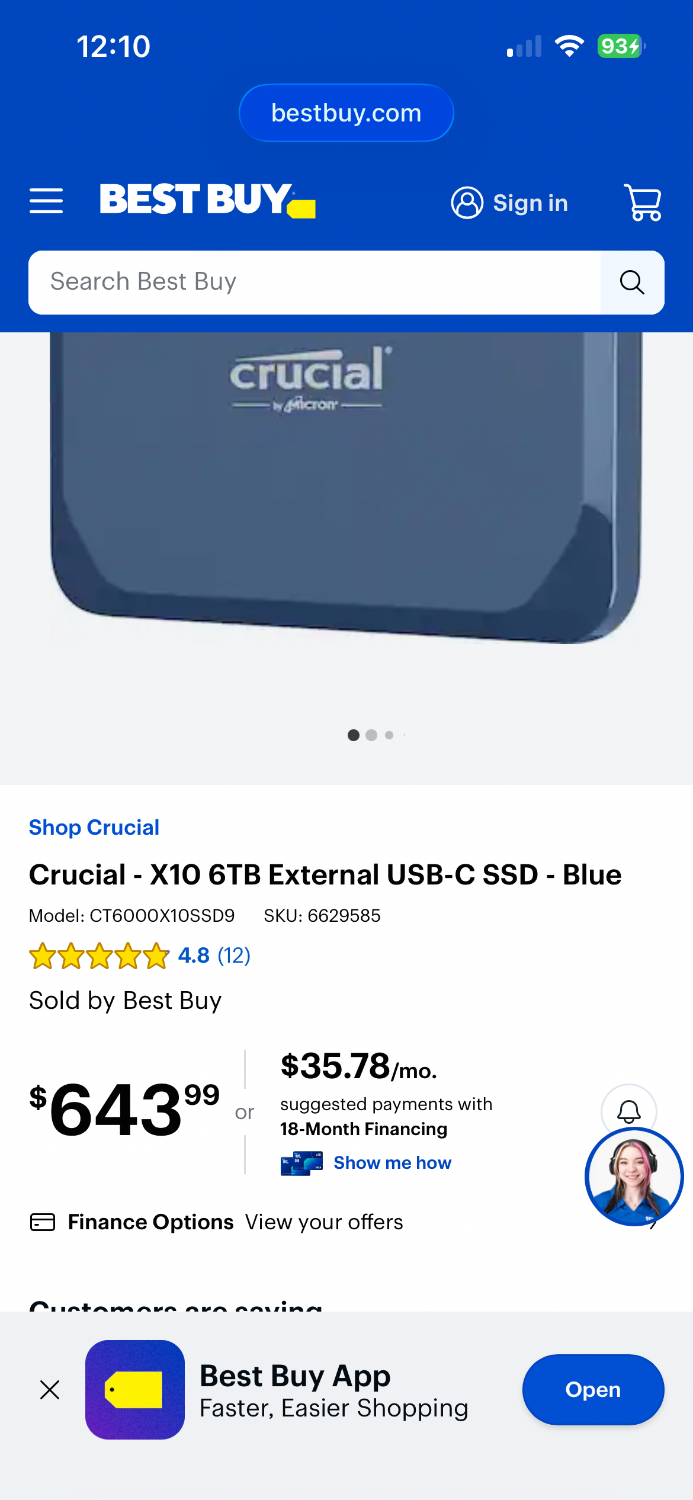
Brian, what do you think of this Crucial SsD as my main working drive and then getting or assembling my own Hhd as my second backup? I’m not too worried about using the FireWire night now. Thoughts? thank you!!!!
-
Okay Great! Any thoughts on the other post I made yesterday regarding the G-Drive and the secondary drive? Thank you!
-
Also, how do you recommend formatting HD's when you get them. I've always used disk utility and choose Mac OS Extended (Journaled) with GUID Partition Map.
-
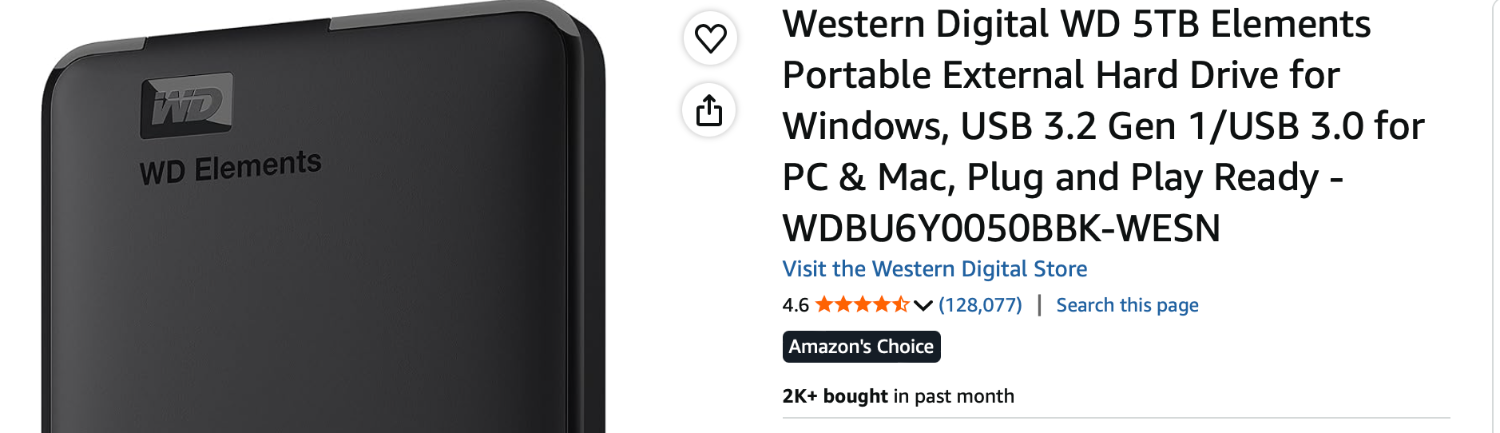
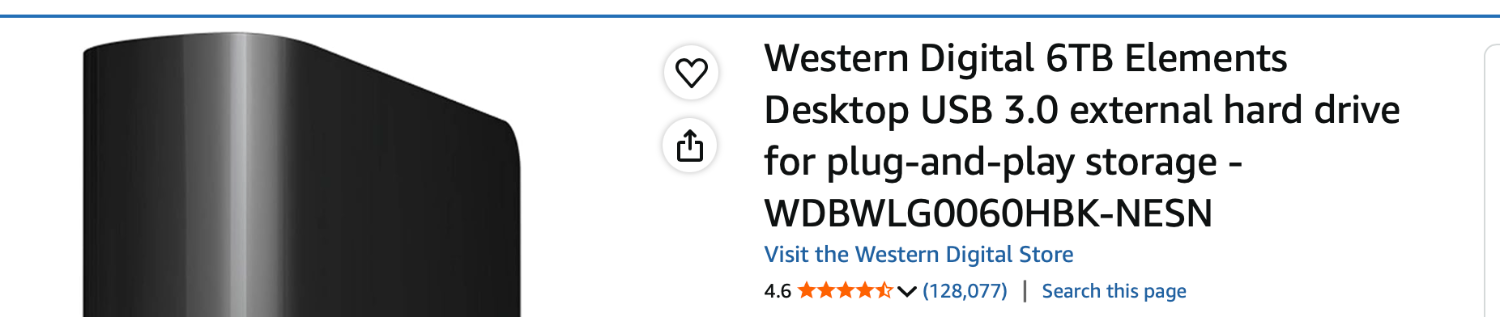
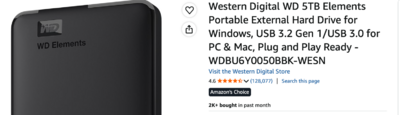
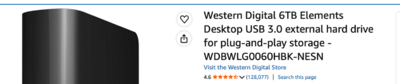
Brian, thank you so much for giving such great info. I appreciate your time and knowledge. I’ve been a photographer for 27 years and the computer part of it is still a learning curve for me. I learned in a darkroom and I literally feel “in the dark” about a lot of computer stuff haha! I don’t think I have the skills to crack open and build my own external drive. I would not intentionally buy “green/eco-friendly” either but from what you’ve said I won’t know for sure what I’m getting so that’s a little scary. I think we have the same 2017 iMac. Scary story, my iMac failed last year (horror). This happened at the same time I found out my time machine HD also failed. It was a stressful week but I found a local company that replaced my internal HD and was able to get the info off my time machine back up. It took a full week. It was painful. I’ve been wanting to upgrade my computer to the new Mac Studio (via your recommendations) and I did read somewhere that you said the prices are going to go up. So I’m saving as much as I can because I feel like I’m on borrowed time with this computer. Also, my time machine is a separate WD HHD and I don’t use it for anything else. If you don’t mind, I have some follow up questions. The G-Drive Thunderbolt you linked to on B&H is pretty expensive. I like to use 6TB (that’s just a personal preference) but it might change based on your answer. I just have felt that if that drive suddenly died it’s just more information I’d have to replace from a back up drive. Also the 12TB is $900. The 6TB is $650. If I use this as my main working HD would you feel that using a regular WD HHD would be okay as my 2nd back up? The first photo is the one I just bought to replace my Seagate HHD that just died. Could I use something like this as my second backup (that would copy the G-Drive you suggested)? I’ve read and reread everything you said and I don’t think I saw what your 2nd back up goes onto. Just that you keep one HD off site (that is your "cloud" back up). The 2nd photo is the one I was looking at to use for my new second back up. If I get both of those drives that's about $965. of external storage...gulp. But I should be able to store years of sessions on these. I can justify just about anything;) Let me know your thoughts. Thanks again! Kat
-
Hello! I’m having a bit of a headache dealing with a failed external HDD and trying to figure out the best way to copy my backup copy onto a second new HDD. Currently, I have two external HDDs plus a cloud backup service (which I signed up for years ago, so I’m sticking with it). Last year, an external drive crashed—my Time Machine backup—and yesterday my main HHD stopped working. Both were Seagate, so I’ll be switching to WD! First question: You mentioned in another thread that you don’t recommend mirroring software. I’m considering using Carbon Copy Cloner to copy my second backup drive so I can get back to having two external hard-drive backups. What’s the difference between using CCC and simply dragging and dropping the files? CCC would make things much easier and give me confidence that everything copied correctly. The drive is 5TB. Second question: I feel like I’m starting over with my backup system and want to do it right. Do you recommend not working directly from an external HDD? I’ve done this for years because my 2TB iMac doesn’t have enough space for all the files I’m actively working on for photo sessions. I also saw that you don’t recommend SSDs. I feel like everywhere I read SSD’s are the way to go. Or should I stick with HDDs? I was thinking of buying two new 4TB WD HDDs for backups, using CCC to keep them synchronized, and continuing with my cloud backup—giving me a 3-2-1 setup. What would you recommend for a solid backup plan? And should I keep as much as possible on my iMac’s internal drive, or is it okay to continue working directly from HDD #1? Thank you! Kat