
Lcrutledge
-
Posts
1,381 -
Joined
-
Last visited
-
Days Won
3
Lcrutledge's Achievements
-
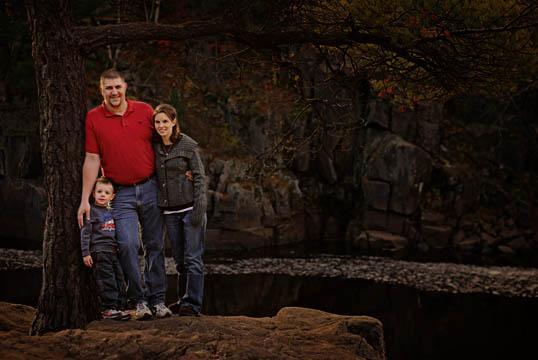
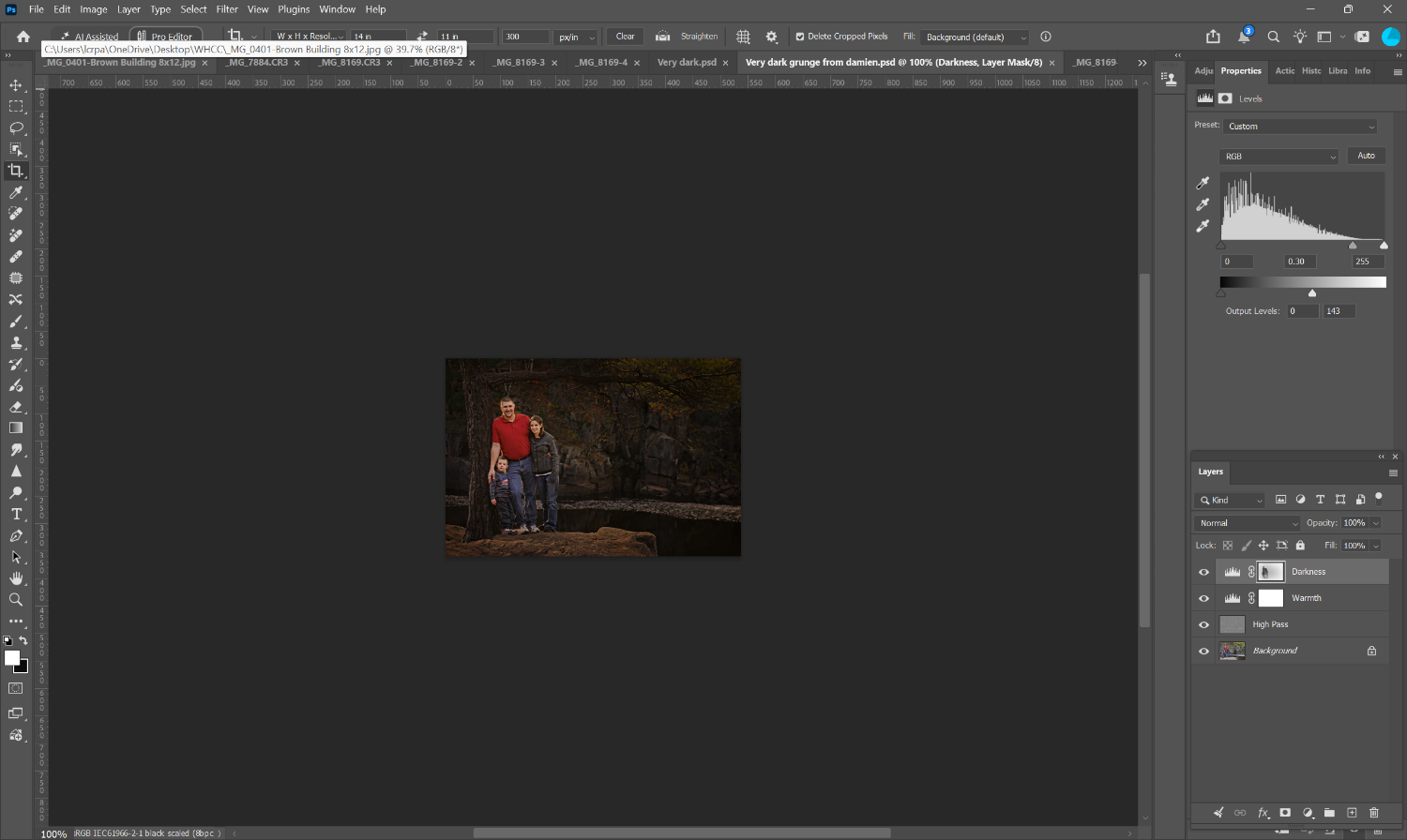
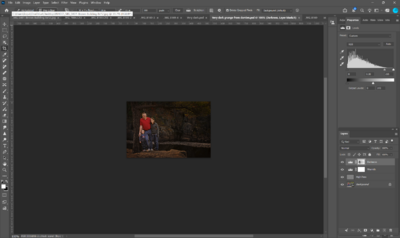
I am trying to create a look that I think my sister would like. I went through your website and found this file. I don't know what "high pass" is though. Can you explain the three levels you have on here please? Thanks.
-
Ok, so do you recommend anything for security?
-
Both, but mainly to advertise myself.
-
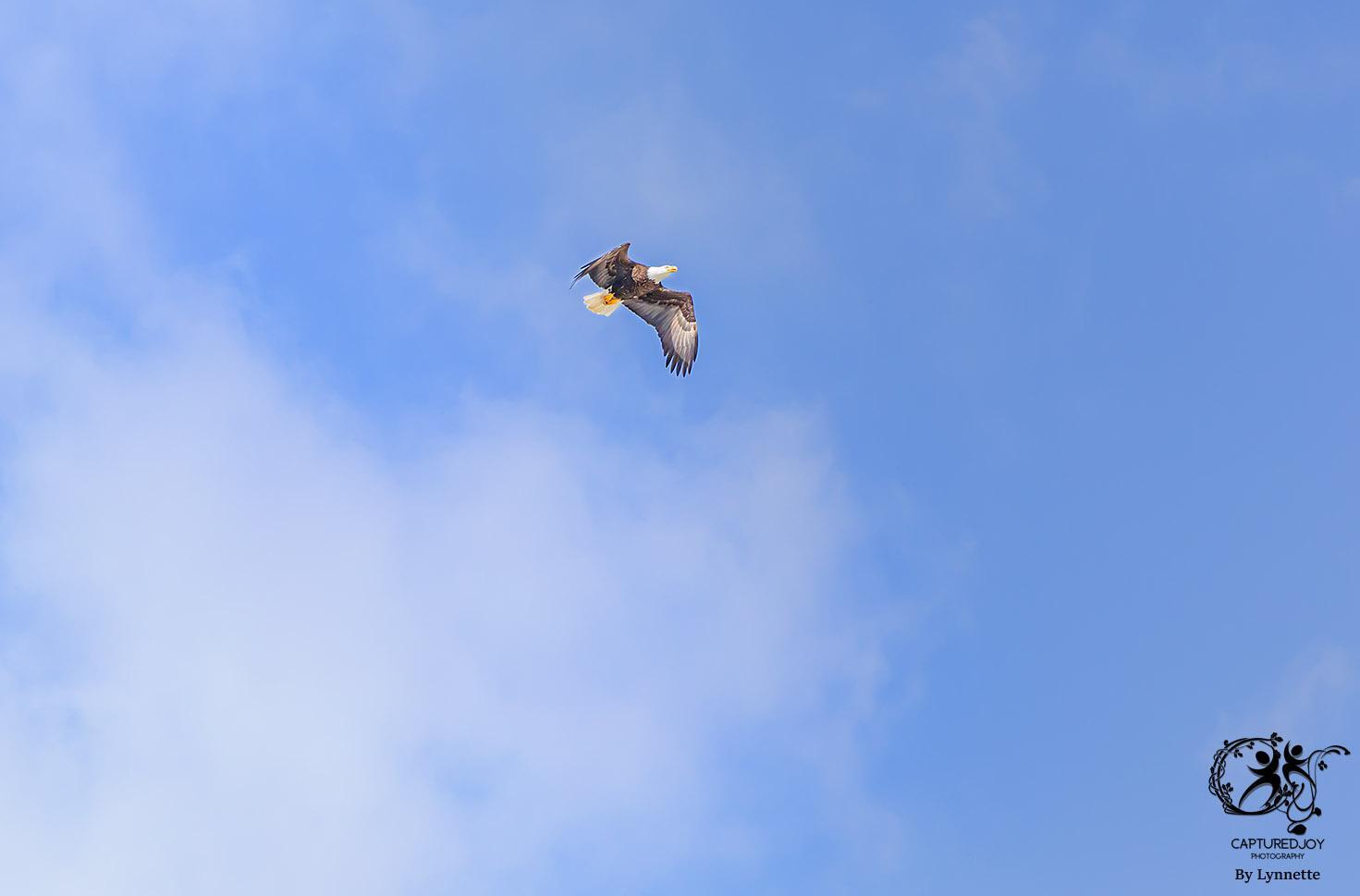
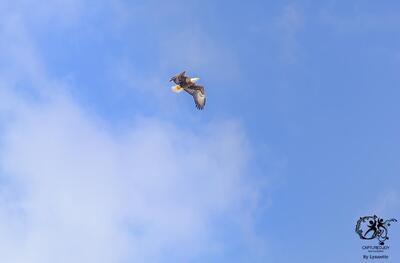
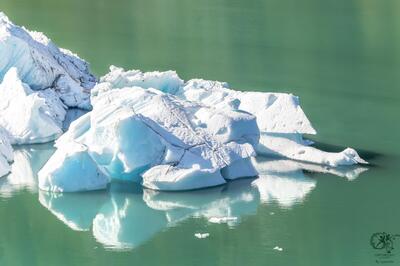
I have read a couple of different articles that talk about logo placement. Some say keep it in the same place all the time. Some say move it around to help keep you picture "safe". Some say you can size it differently based on your photo and media while some say to keep it the same. With the first picture, the logo is the same size that I start out with, but it seems way too big in this instance. The second photo has a smaller logo, and I've used soft light to reduce the attention away from the picture. Is there one right way to do this?
-
That is super easy! Thanks!
-
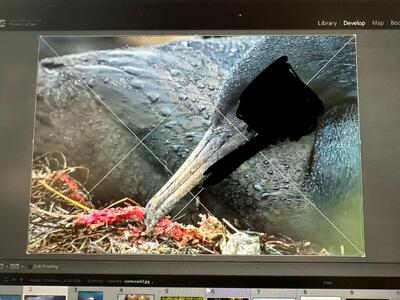
The guidelines are going across the picture vertically. How can I do this in Photoshop? (Not my picture)
-
Oh!!! I guess I didn’t. My bad. I have the level showing in my viewfinder now so I don’t end up with this anymore.
-
I did, (you made me, lol) but I didn’t try to clone until after.
-
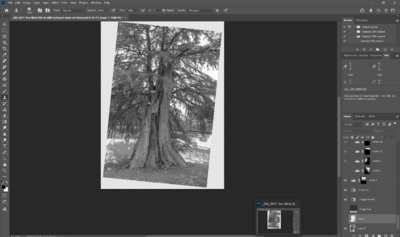
-
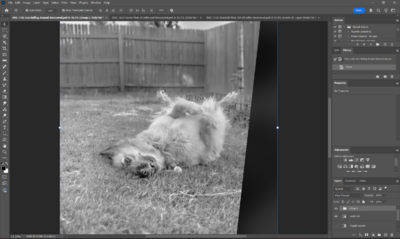
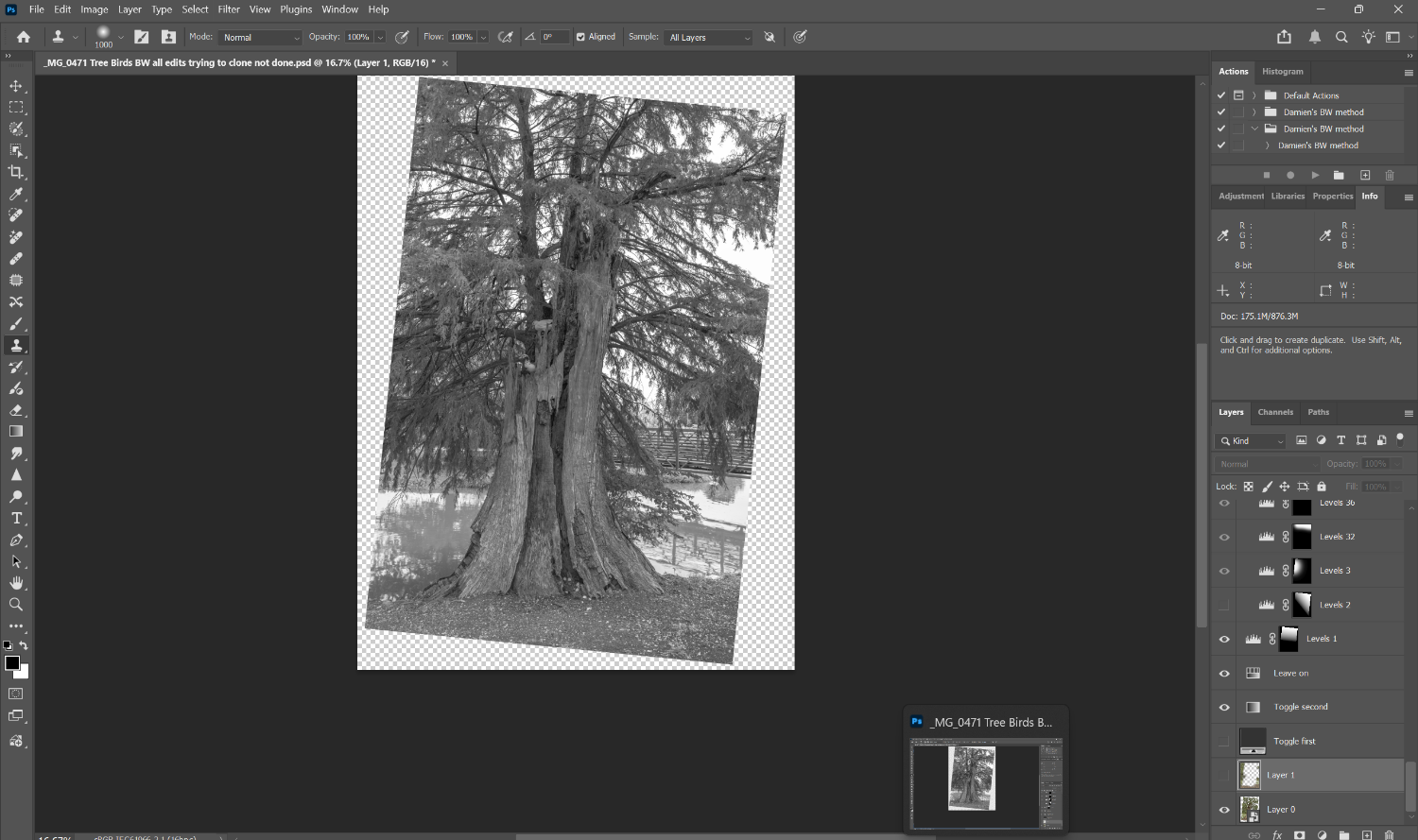
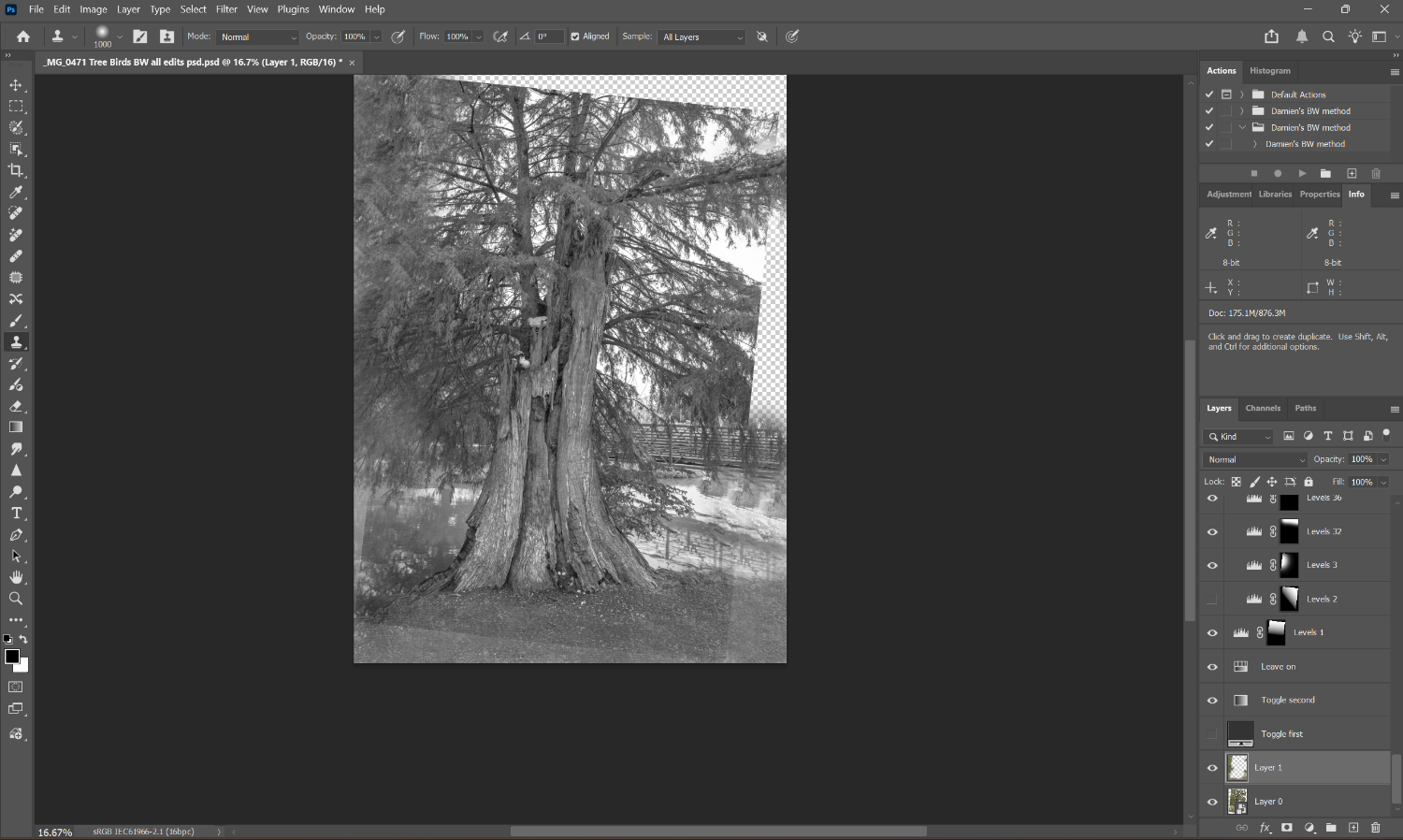
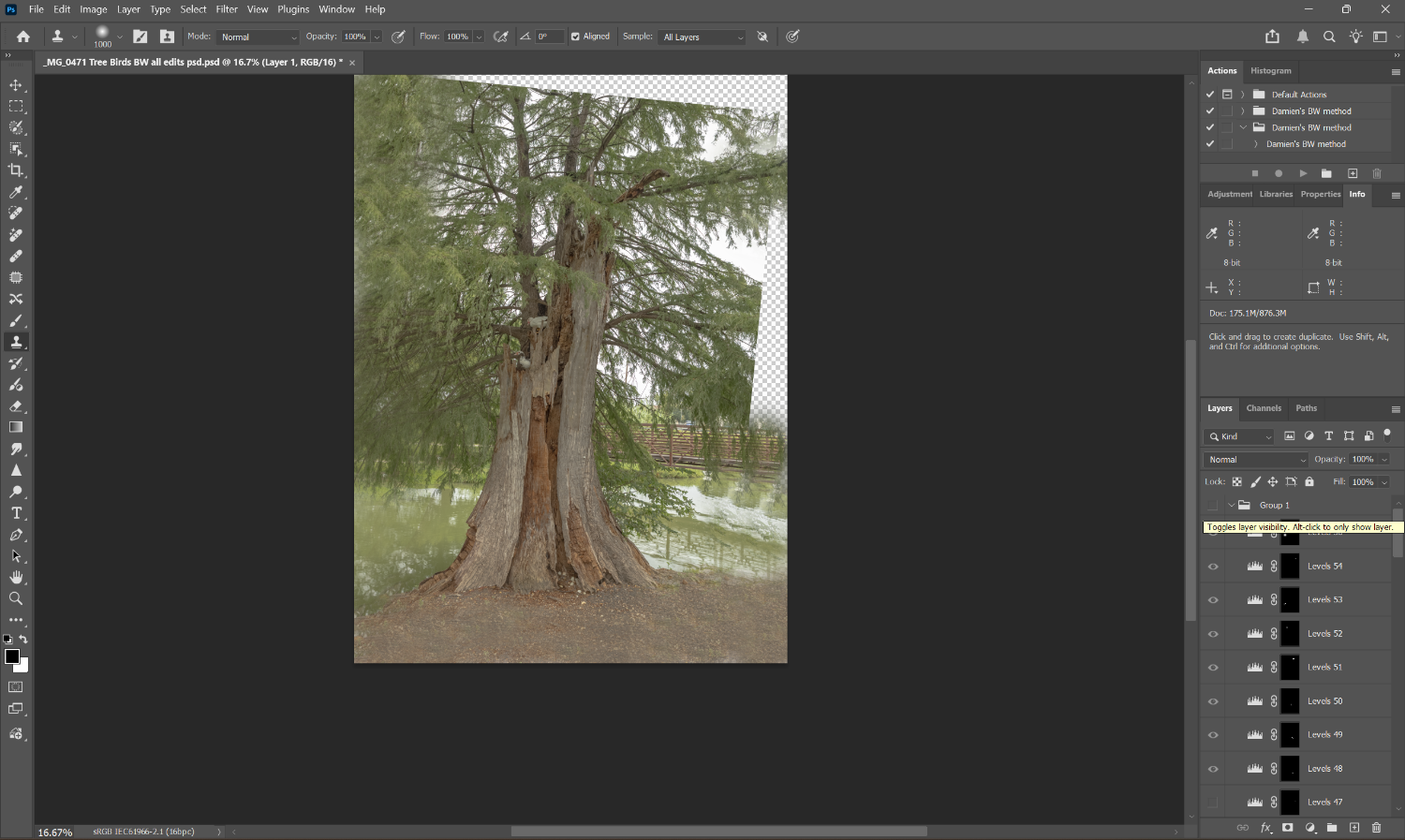
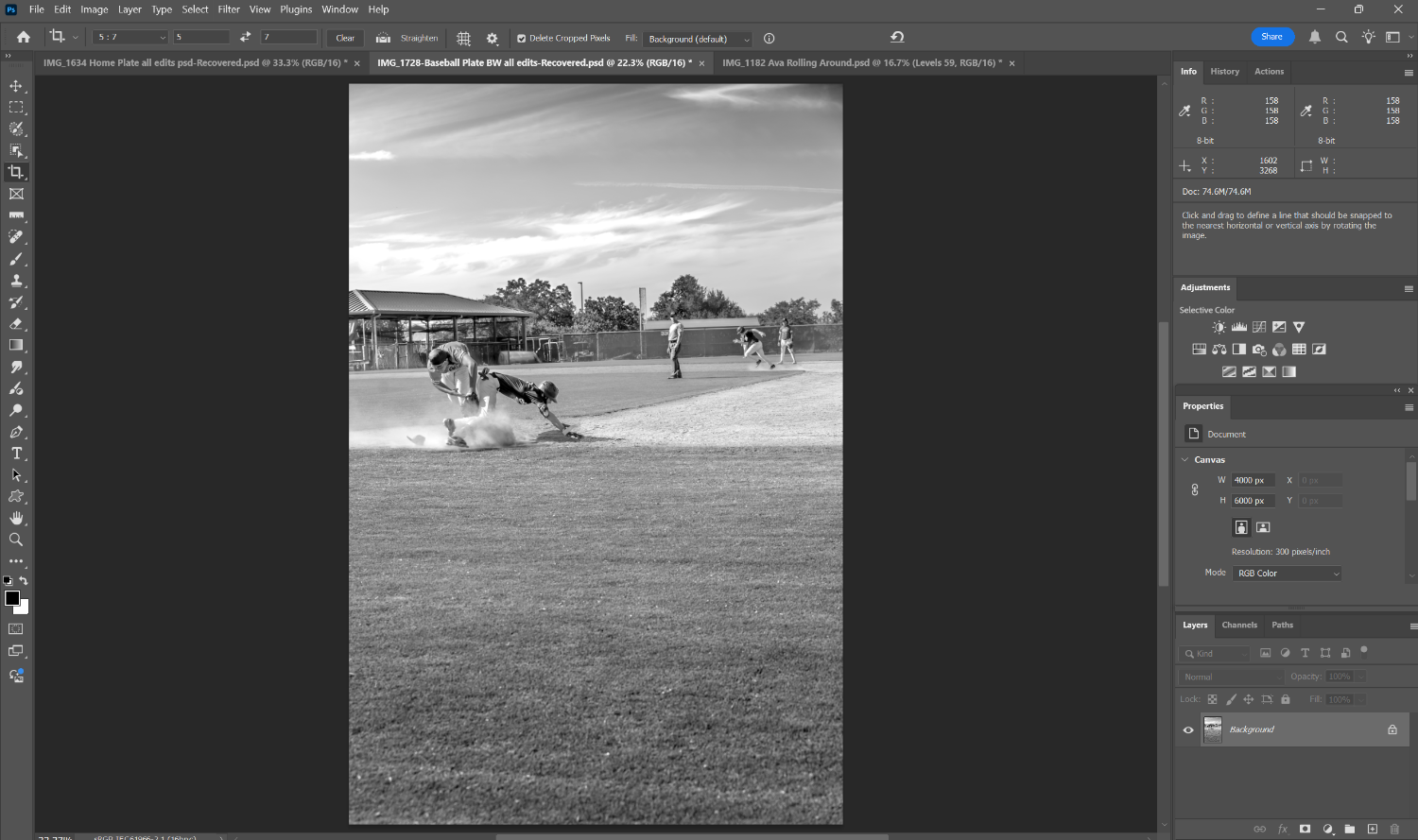
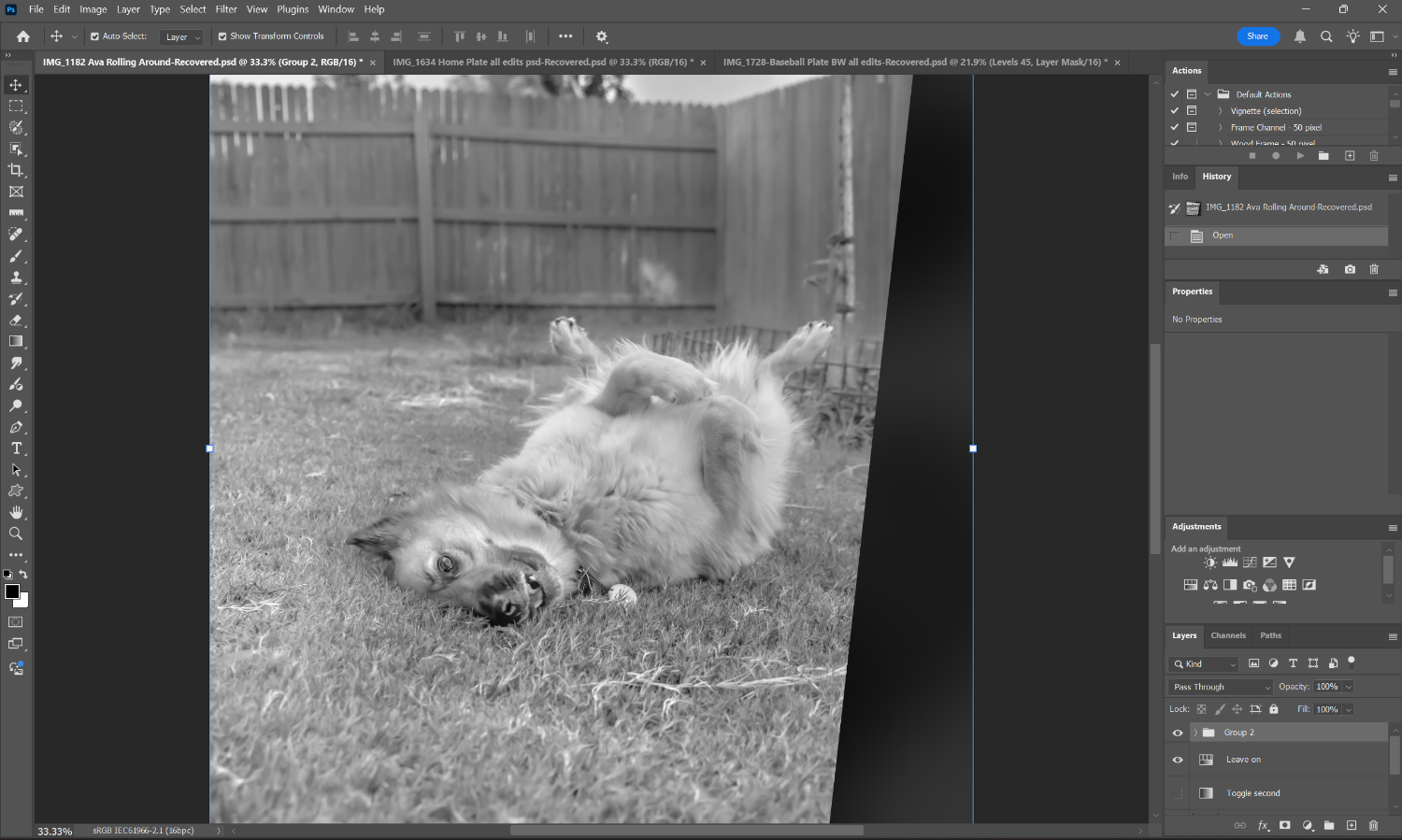
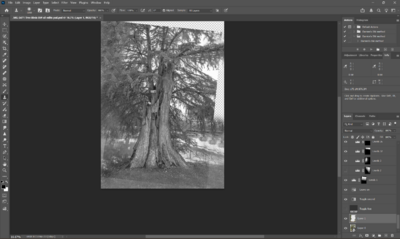
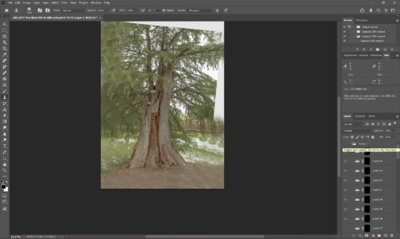
I'm trying to find a way to clone in detail for this picture so it can crop to a standard size. (it was not straight at all) I've done some cloning, but while it looks ok in color, it looks back in the BW edit (that I already done in class). How can I make this better? I'm doing the cloning after the fact, which I guess could be the problem.
-
I'm going to take pictures at a Dog Walk later this month. My problem is that the humans' legs and other dogs get in the way of a good picture. I could try to get a clean (no people) picture of the area before the walk starts, but it would have to be at THE EXACT ANGLE as the pictures I end up taking, right? How do I get a clean picture of just the dogs I'm focusing on? I saw a picture of a co-photographer at a dog walk many years ago. His beautiful picture of dogs has haunted me. Mine had human legs and knees in it. lol
-
Ok. Thank you!
-
What does your set up at home look like? How tall is your desk? Do you have anything on the wall? My desk is too short to edit on my laptop. I put it on a thick book but then typing on it is awkward. I have the writing tablet which has helped so much with editing. I feel like my set up can be improved but not sure what to invest in yet. thanks.
-
Baseball Plate
Lcrutledge replied to Lcrutledge's topic in Output - print, websites, Facebook, email, client disk, etc
No, it seems to be once I undo all crop and flattening to get back to the layers that I see those blue lines.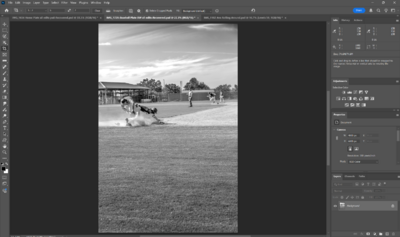
-
Baseball Plate
Lcrutledge replied to Lcrutledge's topic in Output - print, websites, Facebook, email, client disk, etc
Ya, it seems so.