
kharrison
-
Posts
633 -
Joined
-
Last visited
-
Days Won
1
Everything posted by kharrison
-
I found a ds423 but couldn't find a ds923. I also seen this one QNAP TS-464-8G-US 4 Bay Desktop NAS. What are your thoughts or recommendations on nas system? As for the drives the noise doesn't bother me because the nas sits in my basement hooked up to my router.
-
I do have a Seagate in the nas now. It was a little tricky getting it to recognize it but eventually it did. So will I always struggle with that? I only see the 925, do you recommend another system?
-
I have a 6 TB g drive with my photos and personal files. I shoot some clients, maybe a dozen a year. Most of my photos are family. We have a big family. I have 72.6 gb free of 237 gb on my c drive, 774 gb of 931 gb on my d drive and 1.16 to of 5.45 TB on my g drive. My nas system I copied all my drives on it to have copies of everything and then I tried to use Windows to set up a back up and I unfortunately filled the 12 TB drive. I am trying to learn on the fly about storage which obviously I am not succeeding at. Based on this information can you recommend our help me with my situation? I appreciate your time.
-
I am new to the system. I was reading some of your other post and I am kind of nervous about investing more in Seagate because of the failure. Do you have recommendations on Western digital that would fit my nas system? I have been moving over all my photos and files to the nas for back up? Do you also recommend I do automatic back ups?
-
Hi Brian's. I bought the synology ds925. I bought Seagate ironwolf pro 12tb. Is this a good set up or would you recommend something besides the ironwolf?
-
Thank you so much for the great detailed information. I put 2 on my Christmas list ☺️
-
I noticed that you recommended the g drives. I seen you recommended the 6 TB hard drive amd I was curious about the 1 TB ssd. I get the 6 TB is more memory but are ssds faster and more durable? Just trying to make a good educated decision on what I should use. I am a hobbyist with a 1 TB hard drive and I need more space. Should I change over and get multiple ssds or get one bigger hard drive?
-
Brian, I have another question about bridge and where my cache is set up to save, should I start a new post or can I ask it here?
-
great, thanks. Can I ask you another question about adobe bridge as well about where my cache is set up and an issue I am having?
-
-
Hi Brian, I picked up a 2nd external hard drive because I have one that is failing. Do I need to format it before I use it. I never have in the past but was wondering if I should. I tried to search on here but I could not find any instructions on what you recommend.
-
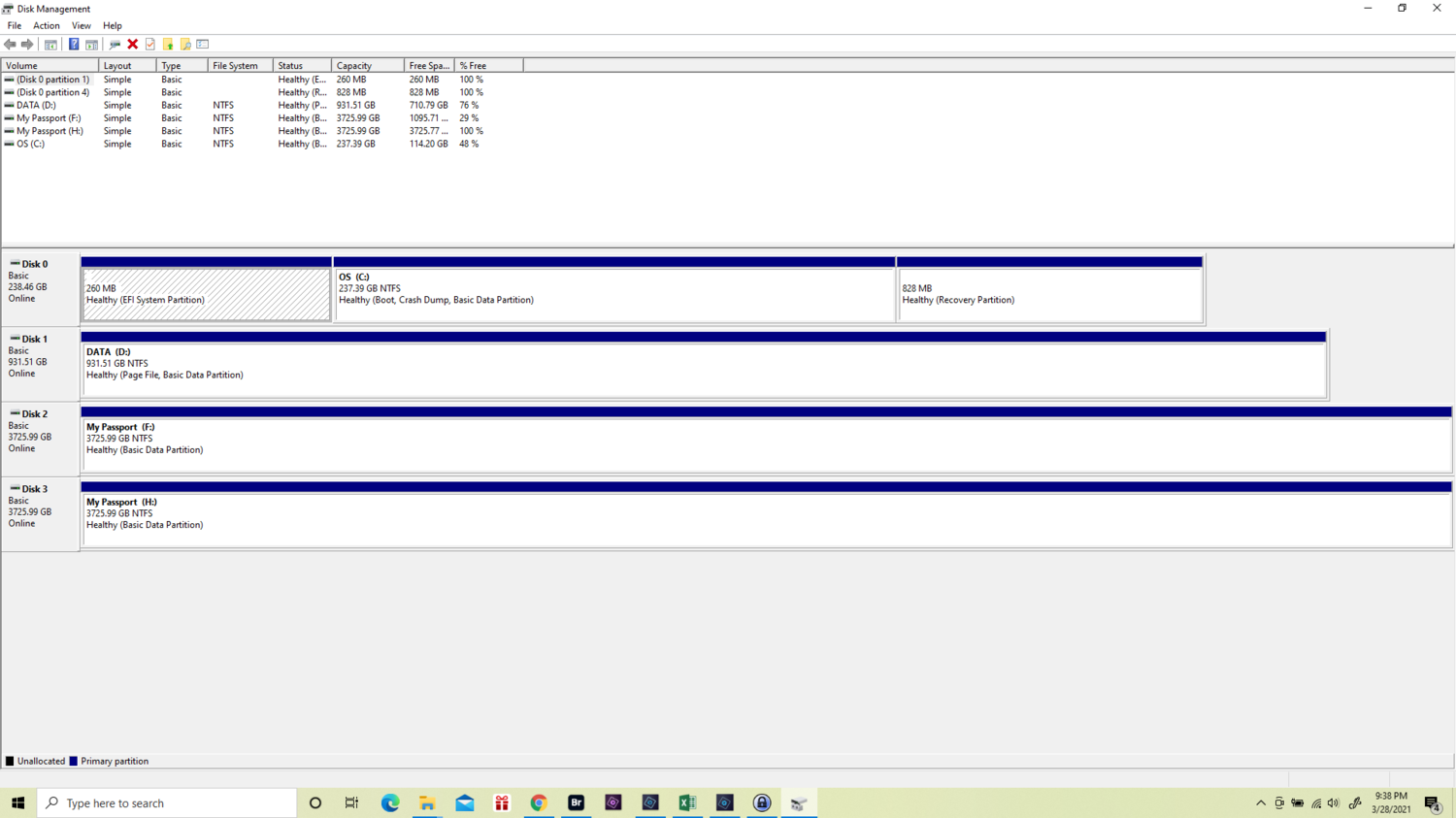
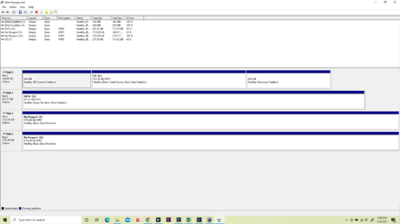
Hopefully that gives you the info you are asking for. My C drive is over full and is in red with only 2.5GB available, and my D drive is showing 788GB free. Sorry after reading all your advice I know this is a problem, I didn't research it much to be honest. Just started looking into it now that I am having issues. I appreciate your help so much. If you have anything else I can read to see if there is anything else I can move I would appreciate. Thank you so much for getting me this far. Yes I am running windows 10
-
Hopefully that gives you the info you are asking for. My C drive is over full and is in red with only 2.5GB available, and my D drive is showing 788GB free. Sorry after reading all your advice I know this is a problem, I didn't research it much to be honest. Just started looking into it now that I am having issues. I appreciate your help so much. If you have anything else I can read to see if there is anything else I can move I would appreciate. Thank you so much for getting me this far.
-
-
Hi Brian, I just ran into the problem of my scratch disk being full and my cache for Bridge is also full and not displaying my photos. I just read through some of your information and realized I should have this on my D drive and not my C drive. But, I couldn't find any instruction on how to do so. If there are instructions somewhere can you point me in the right direction to find them or is it as simple as cutting what I want to move from my C drive and pasting on my D drive? If it is that easy am I just removing the whole adobe folder and moving it over?
-
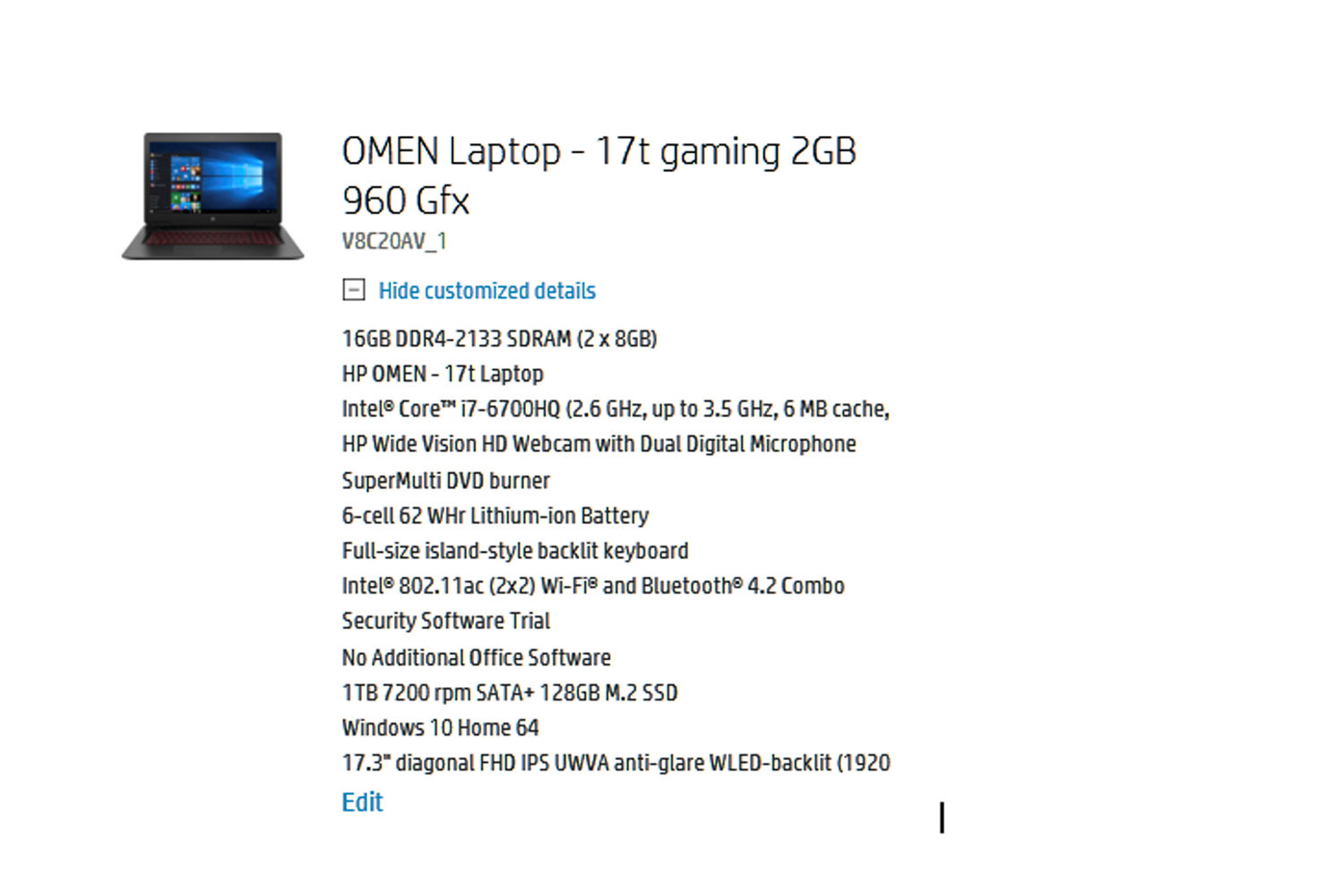
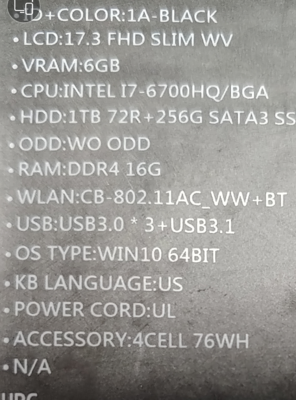
so if I add this on I would be better 512GB PCIe® NVMe™ M.2 SSD? Instead of the above with the 1tb 7200 sata?
-
ok, thank you!
-
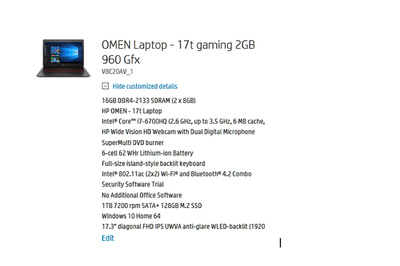
I have read the other posts and see you recommend the asus. just curious would this version of the hp be ok or is there enough difference in the ASUS that I should just go with it?