Gemma Schaefer
-
Posts
142 -
Joined
-
Last visited
Gemma Schaefer's Achievements
-
And I'm about to cry. I desperately needed a new laptop so I looked at the ram and graphics card etc and it all looked the same so I ordered the one I posted above. What is the IPS / OLED part mean? I honestly don't know about any of this.
-
Is this one comparable and good enough? https://www.bhphotovideo.com/c/product/1888408-REG/acer_phn16_73_95nt_16_predator_helios_neo.html/overview
-
Otherwise, do you happen to have any other links to laptops that are comparable?
-
Than you so much for your quick and thorough response. I really appreciate it. I am happy to spend the money on a 'real' computer if it means it will actually do what I need. Mine is coming up on 10 years old so well over due for a new one and doesn't have half the stuff I should have I am sure. The one you sent the link for is saying that it is not available at the moment. As long as I look for something that has those stats I should be good to go I assume?
-
Hi Brian, My laptop is on it's way out and I need to replace. The tech guy in my networking group suggested two options but I honestly don't know if they have everything I need. And also if the graphics card is good enough for the latest version of photoshop. Would you be able to offer any advice on if either of these are good for me? https://www.bestbuy.com/product/dell-inspiron-15-fhd-15-6-touchscreen-laptopintel-i7-1355u32gb-ram2tb-ssdintel-uhd-graphicswindows-11-black/J3K4L94VSW https://www.bestbuy.com/product/dell-15-6-fhd-touchscreen-laptopintel-i7-1355u32gb-ram2tb-ssdbacklit-keyboardfingerprintwin-11-black/J3K4L9W8HP Thank you
-
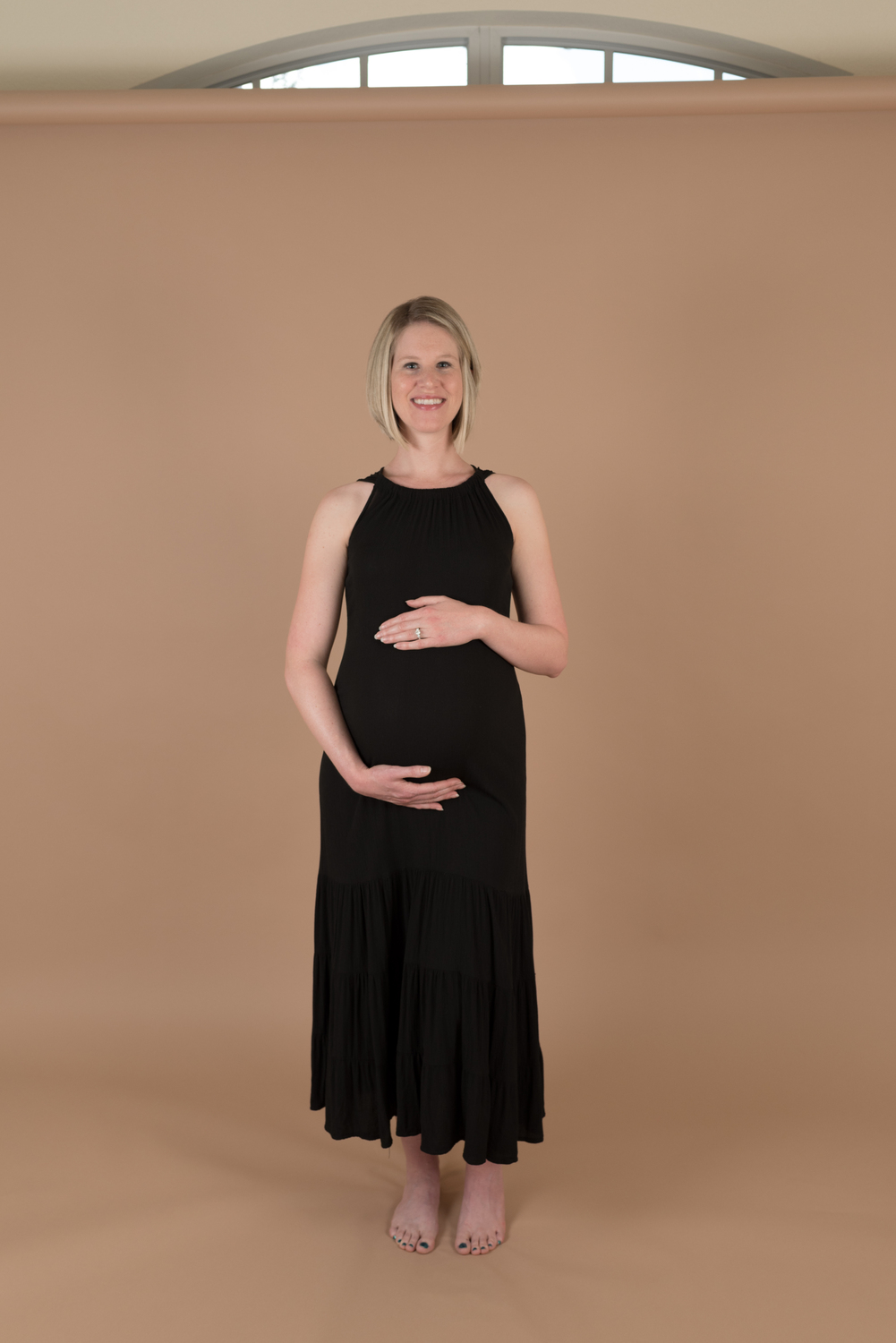
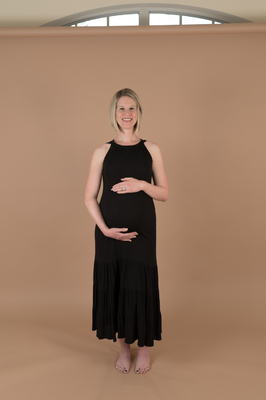
f/5 1/200 ISO 250 35mm I know where I went wrong and wont be making that mistake again in a hurry but the full body shots all have this softness. Is it too soft to save? Thanks
-
Looking for a new computer
Gemma Schaefer replied to Gemma Schaefer's topic in The Windows & PC Hardware Forum
Awesome thanks for getting back to me This may be a dumb question...but I will ask anyway! Can I use that laptop with the external monitor or would that not work or be a stupid idea? I was just thinking that way I would have a laptop to take to my IPS sessions but I think it is better to edit on a monitor rather than a laptop screen because you don't have the changing angle etc?! Do you happen to have a link (like a checklist) of what I should be looking for ? Thanks again -
Hi, I hope I am asking this in the right place. I really need a new computer. At the moment I have an HP laptop and it is on its way out. I would probably prefer to stay with PC but wouldn't rule out a mac. I have PS CS6 and I would like to be able to continue to use that (dont know if it makes a difference). I could have a desktop, (although I would probably still need a laptop for IPS sales sessions) so I dont know if I would be better just getting a laptop and an external monitor? I dont have a particular budget in mind because i want to get something decent but would prefer not to completely break the bank. what should I be looking for in terms of memory etc? I have no idea about technology so any advice would be really appreciated. Thanks so much
-
Sorry to respond again but I think I answered the too zoomed in question...ctrl t and free transform them to fit? Being a smart object they should maintain the quality right? I also used ctrl T to do the larger photo at the bottom which made it work but will enlarging it to fit affect the quality? Or no because it is a smart object? Thanks and sorry for my panicky messages ^
-
FIgured I would work on placing other photos while I was waiting for a response. Placed the next one and it is too zoomed in. When I created the collage I made the layout based on the jpeg images I had edited and shown to my client, placing them in the collage as a whole psd file is giving a completely different crop! Any ideas on what I can do, if anything? Can you tell this is my first collage?!
-
-
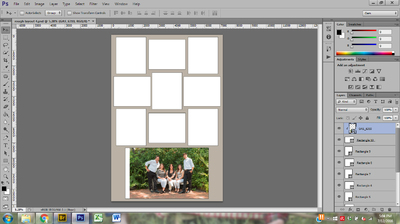
Oh dear! I am only placing the first one and I have already come across a problem! When I shot the photo I did it lopsided so there was more greenery on one side that the other...by placing it I cant get it to fit in the area I need it to fit in. Is there some way I can make it fit or am I screwed? Attaching a screen shot
-
I completely trust you, your PS skills are off the charts. Just trying to learn and grow and make sure I understand what I am doing so next time I don't bug you with the same questions. Thanks again for your help. If I get stuck on the sharpening side can I take it back to the print sharpening class please?
-
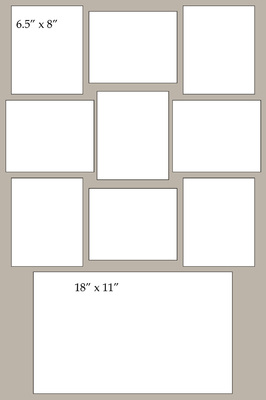
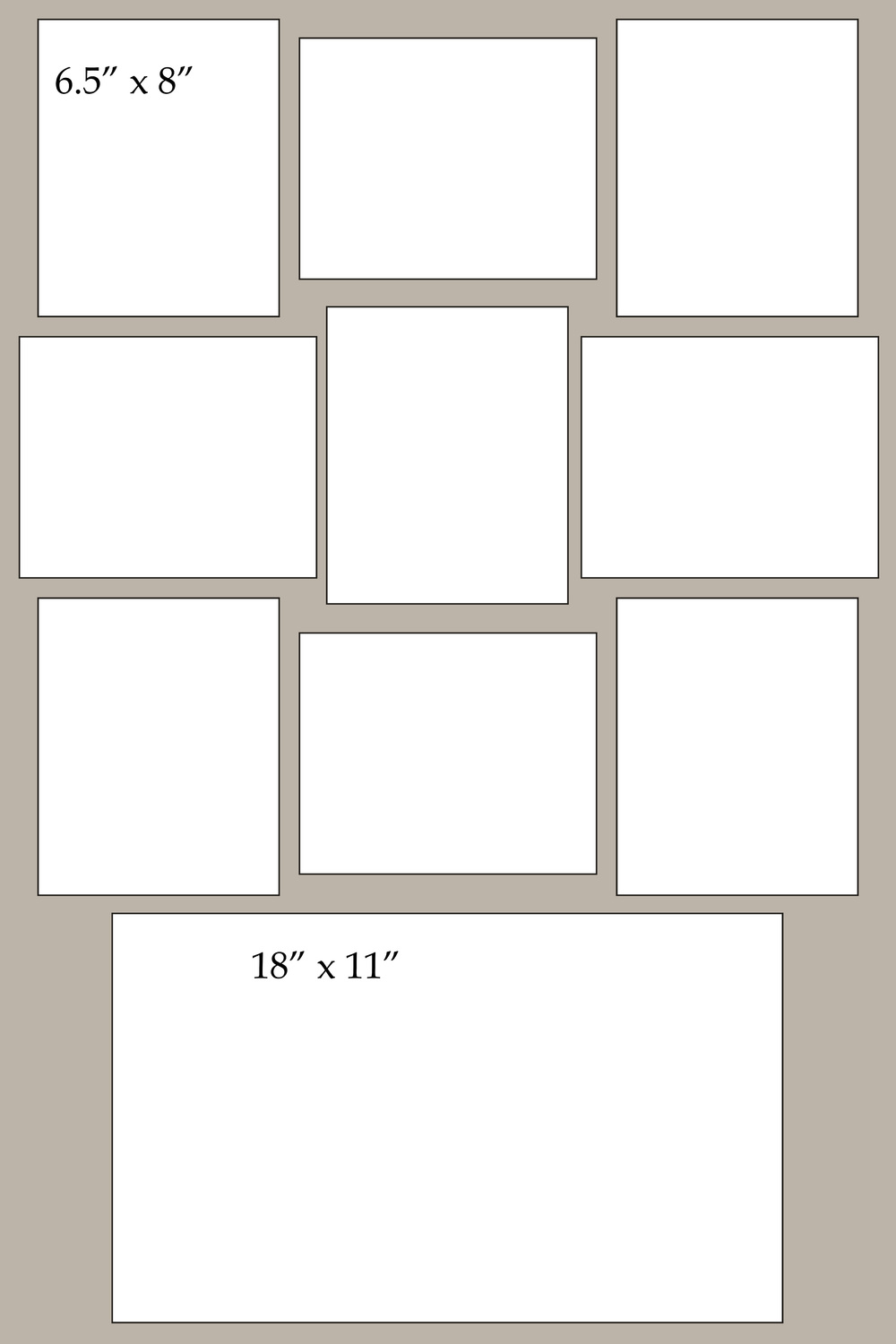
Thanks for your help. I agree that the middle looks uneven, it looked fine with the grids on but as soon as I posted here I thought the same. I am going to start placing my photos in. Just purely out of interest why do you not crop to the correct size and 300 res before placing the images? I would have thought that by placing the whole image and then using the shape to kind of crop to what you want to see you would be lowering the quality of the image, or am I completely confused on resolution? Thanks
-
I have only created the layout, I havent actually put the photos in yet because I wasn't sure whether to crop first then place (and if so should I flatten, crop and save as a jpeg - I think keep it as a psd?) Or whether to just place the whole image the resize it to the shape. Either way I am attaching the layout, it will be a 24 x 36 .