
Kellie W
-
Posts
1,603 -
Joined
-
Last visited
-
Days Won
2
Kellie W's Achievements
-
yes that is one of the reasons why I pursued the AI option. Thanks again
-
Hi Brian, I want to thank you for the help. It certainly got me off to a great start. I really didn’t want to send my photos away. There are some issues I don’t want to get into but I didn’t want hand over photos of my grandkids to strangers. It was pointed out to me to try AI. Well $225 Canadian plus a new external hard drive, 90 hours later and as far as I can tell, everything is recovered! 300+Gb. The AI had me answer some questions and then recommended Disk Drill software. Thank you again for your time and help.
-
👍🏻
-
yes I am concerned about them too. I really didn't "cut" them. I was not at home when I typed that message and just made a word error. I can't afford those services. Maybe that software you recommended I guess. I am heart broken. I have 3 granddaughters who are competitive gymnasts and the youngest one just started to compete this year and was so excited for me to take the photos so they would display on my digital frame. The were literally the next photos I was about to edit.
-
I am truly sorry about the "cut" typo. I have never ever ever used cut. Always copy, command + c
-
Also, I am not in the USA so I don't really want to ship to Gillware. I don't suppose you know a good Canadian company? Or maybe I can do myself since I didn't "cut" and paste.
-
Sorry, command c and command p
-
Sorry maybe used the wrong word. Not teck savvy. I used control c and control p. Was that wrong?
-
Nothing worked. I cut and pasted the primary file folder. Which I could see. I didn’t look to see if the photos populated by clicking on the folder.
-
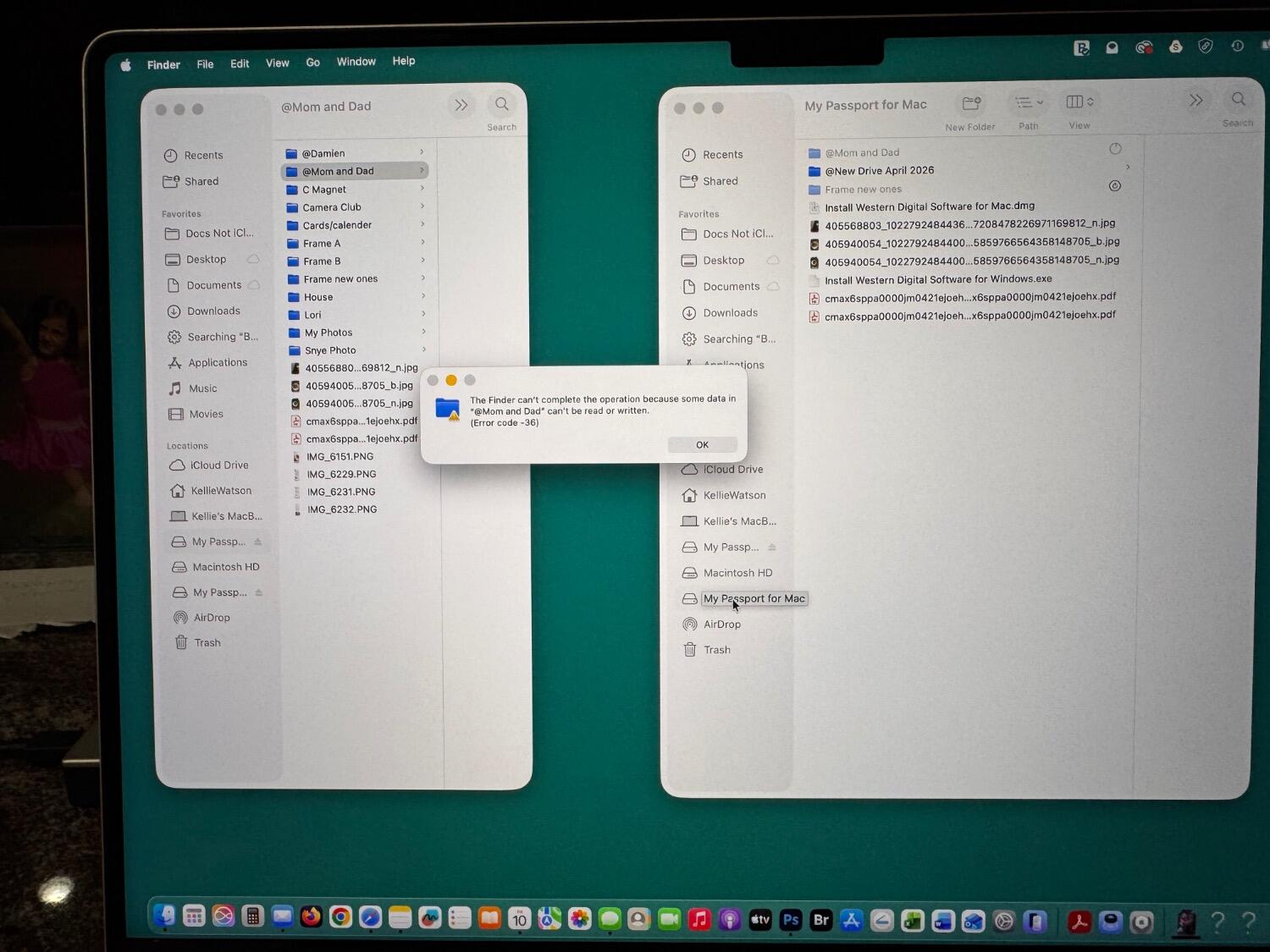
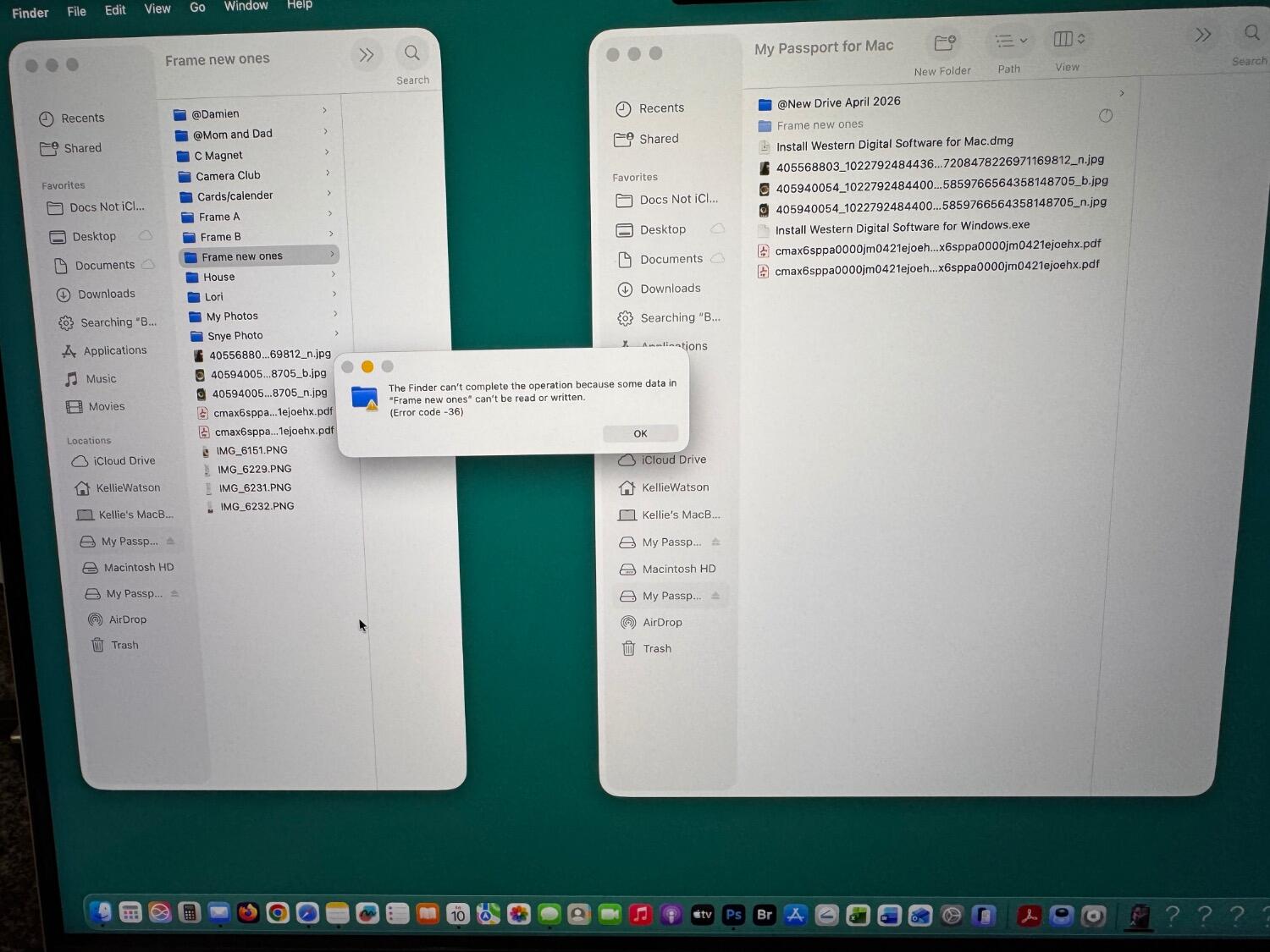
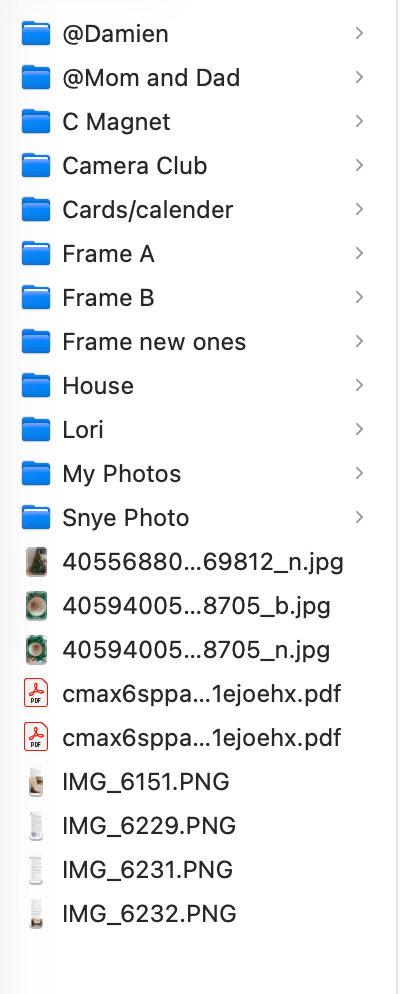
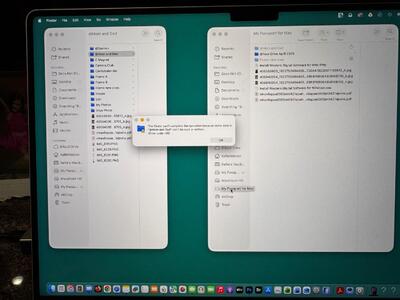
The first jpg and pdfs copied over. Then I tried “frame new ones”. Result is attached. Not good. I will try a couple more of the smaller necessary files and report back later this weekend. I do have a questions about the folder: My Photos. It is a huge folder with many folders inside it. Eg 2023, 2024, 2025, 2026. Then within each year maybe 30 folders. (Eg. Granddaughter #1s birthday, #2s birthday, etc). The only necessary ones are 2025 and 2026. How do I approach this large folder?
-
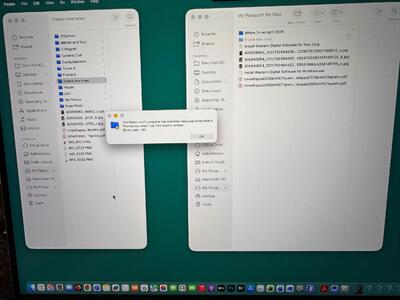
main directory on external drive loaded up in about 20 minutes. I have ejected it so I can use my computer. Everything seems there at this level anyways.
-
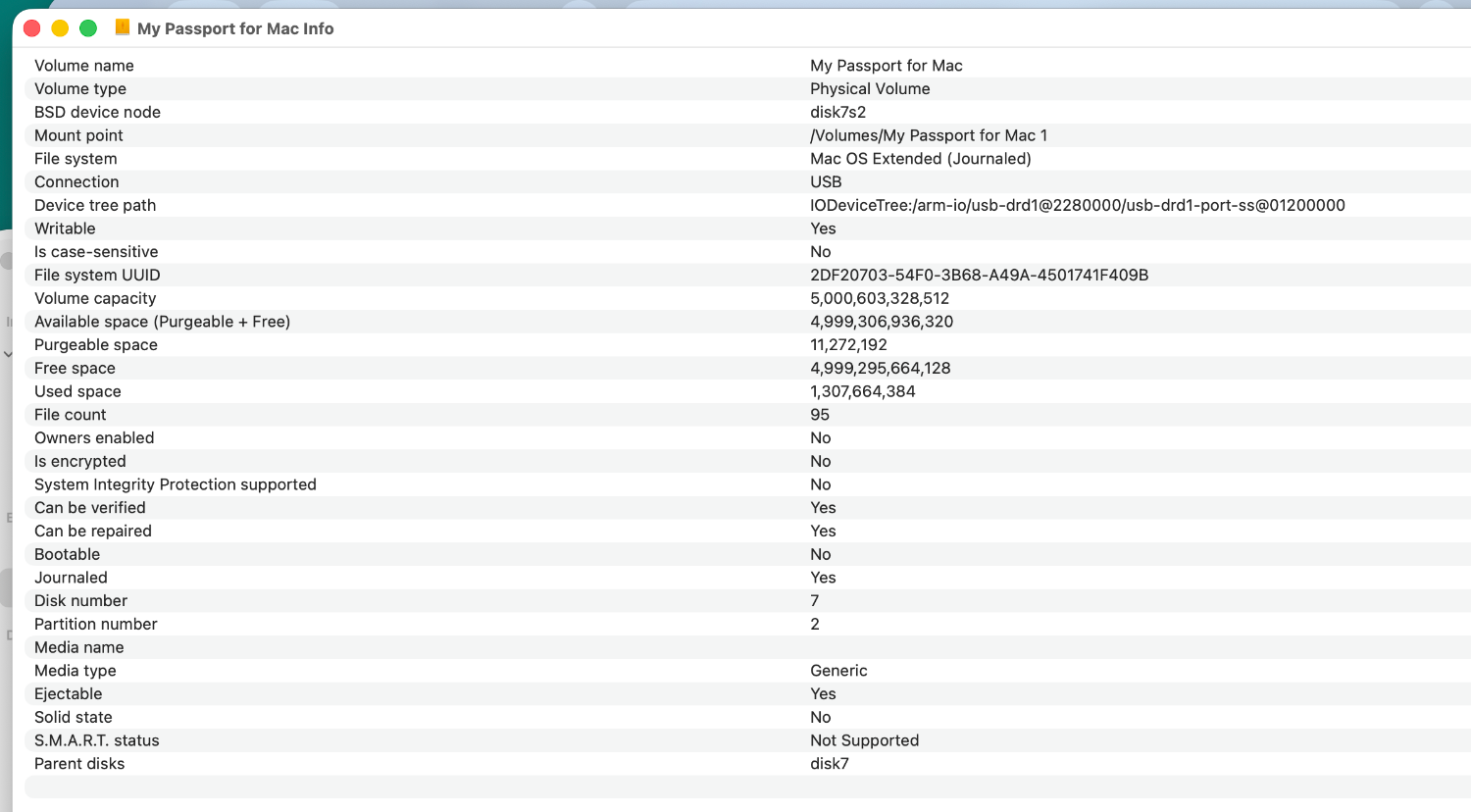
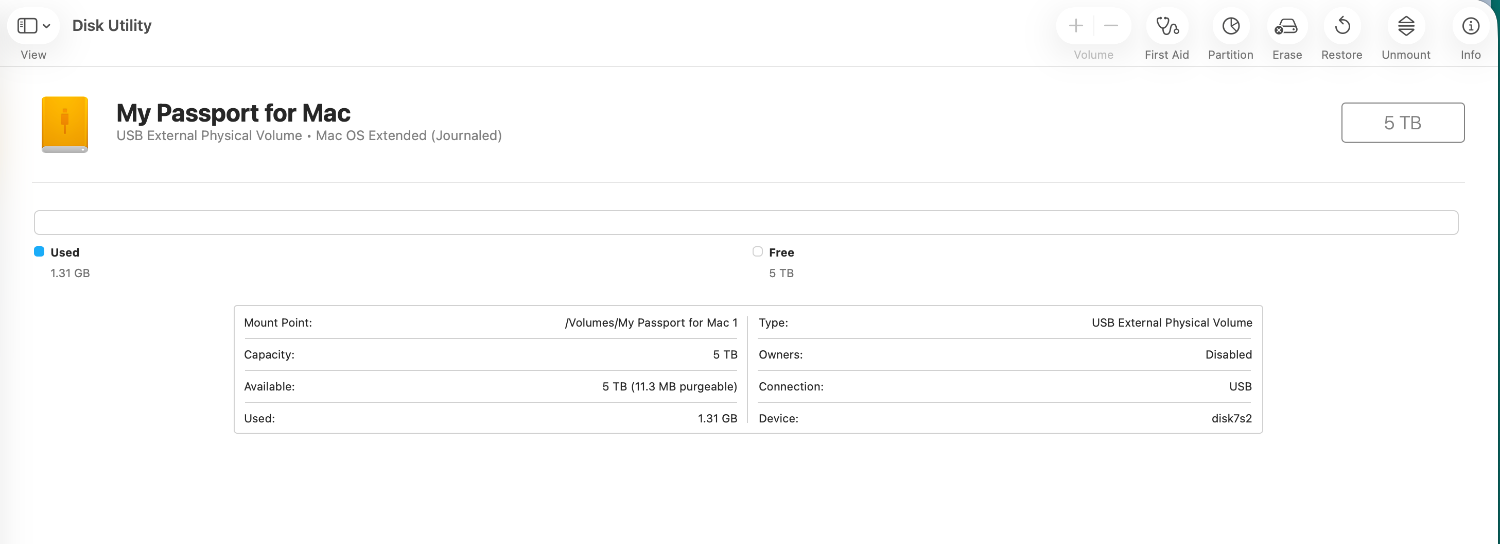
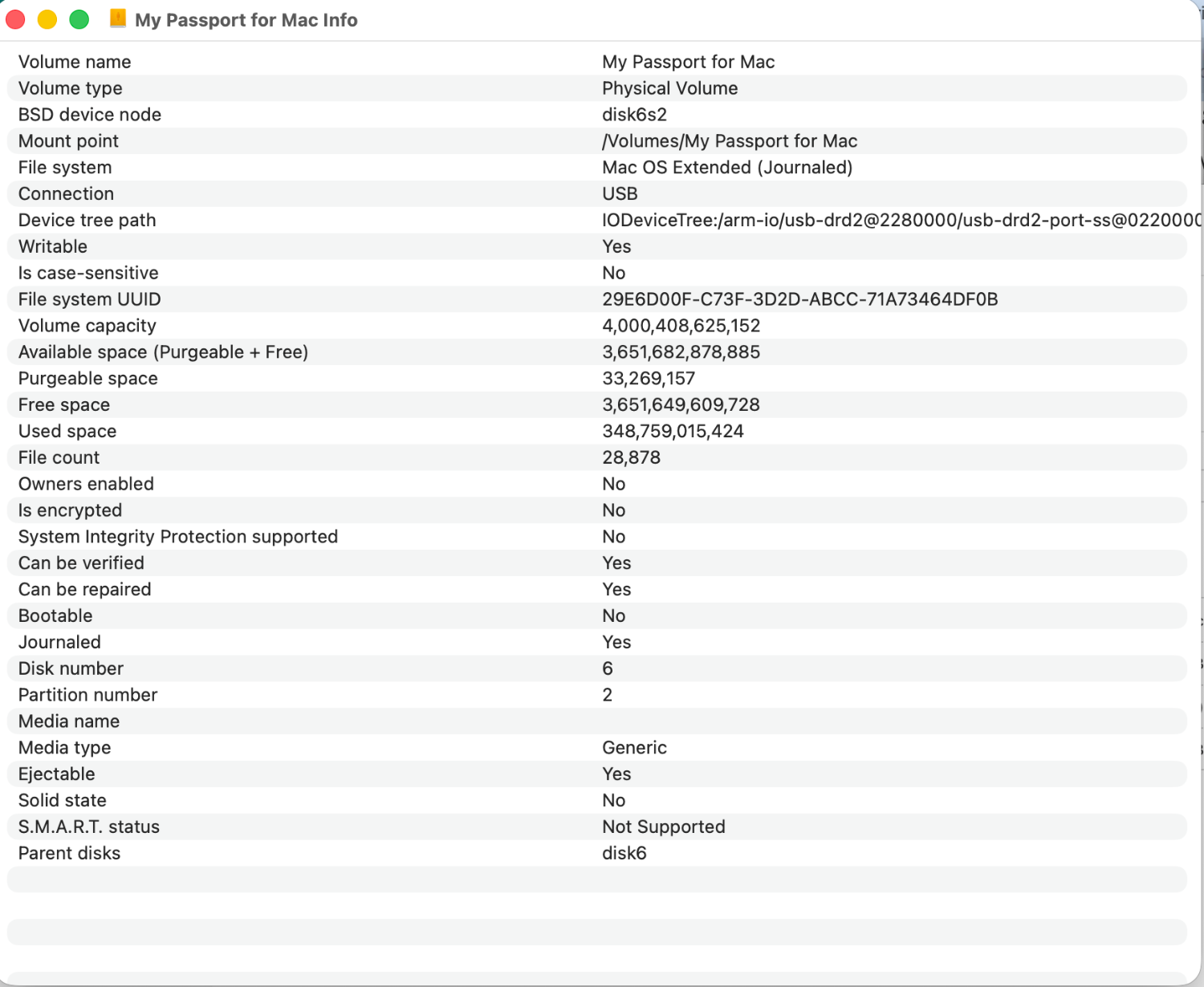
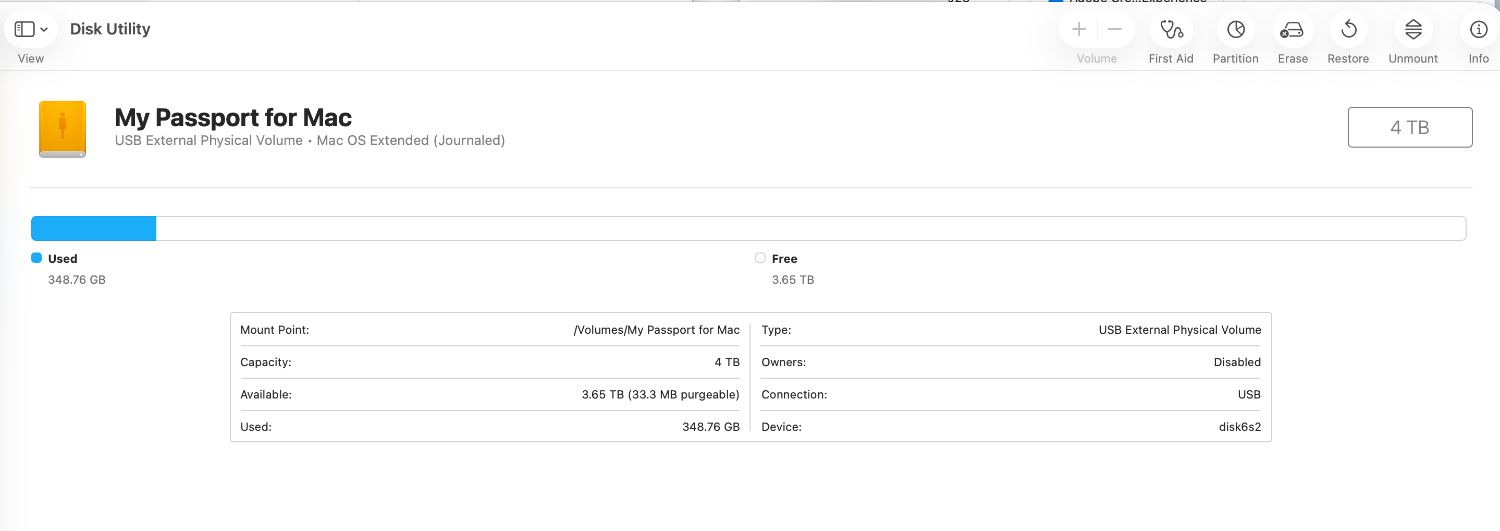
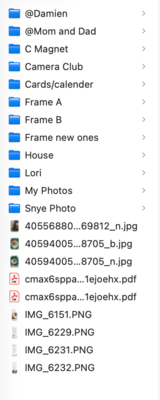
We have hope! OS Extended (Journalled) old and new drives.
-
New disk:
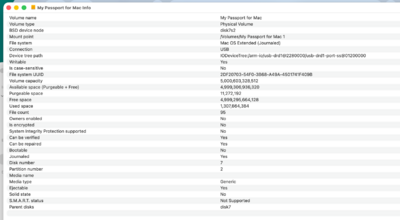
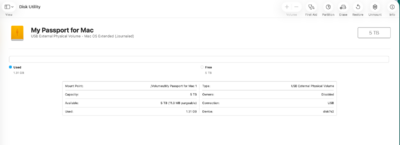
-
old disk:
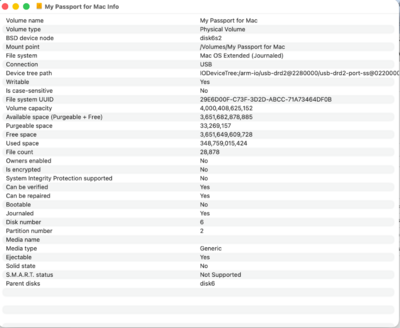
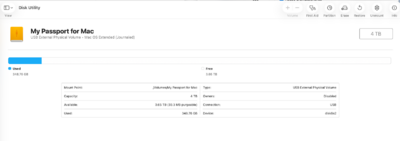
-
I will be using this to recover: