
Kellie W
-
Posts
1,603 -
Joined
-
Last visited
-
Days Won
2
Everything posted by Kellie W
-
yes that is one of the reasons why I pursued the AI option. Thanks again
-
Hi Brian, I want to thank you for the help. It certainly got me off to a great start. I really didn’t want to send my photos away. There are some issues I don’t want to get into but I didn’t want hand over photos of my grandkids to strangers. It was pointed out to me to try AI. Well $225 Canadian plus a new external hard drive, 90 hours later and as far as I can tell, everything is recovered! 300+Gb. The AI had me answer some questions and then recommended Disk Drill software. Thank you again for your time and help.
-
👍🏻
-
yes I am concerned about them too. I really didn't "cut" them. I was not at home when I typed that message and just made a word error. I can't afford those services. Maybe that software you recommended I guess. I am heart broken. I have 3 granddaughters who are competitive gymnasts and the youngest one just started to compete this year and was so excited for me to take the photos so they would display on my digital frame. The were literally the next photos I was about to edit.
-
I am truly sorry about the "cut" typo. I have never ever ever used cut. Always copy, command + c
-
Also, I am not in the USA so I don't really want to ship to Gillware. I don't suppose you know a good Canadian company? Or maybe I can do myself since I didn't "cut" and paste.
-
Sorry, command c and command p
-
Sorry maybe used the wrong word. Not teck savvy. I used control c and control p. Was that wrong?
-
Nothing worked. I cut and pasted the primary file folder. Which I could see. I didn’t look to see if the photos populated by clicking on the folder.
-
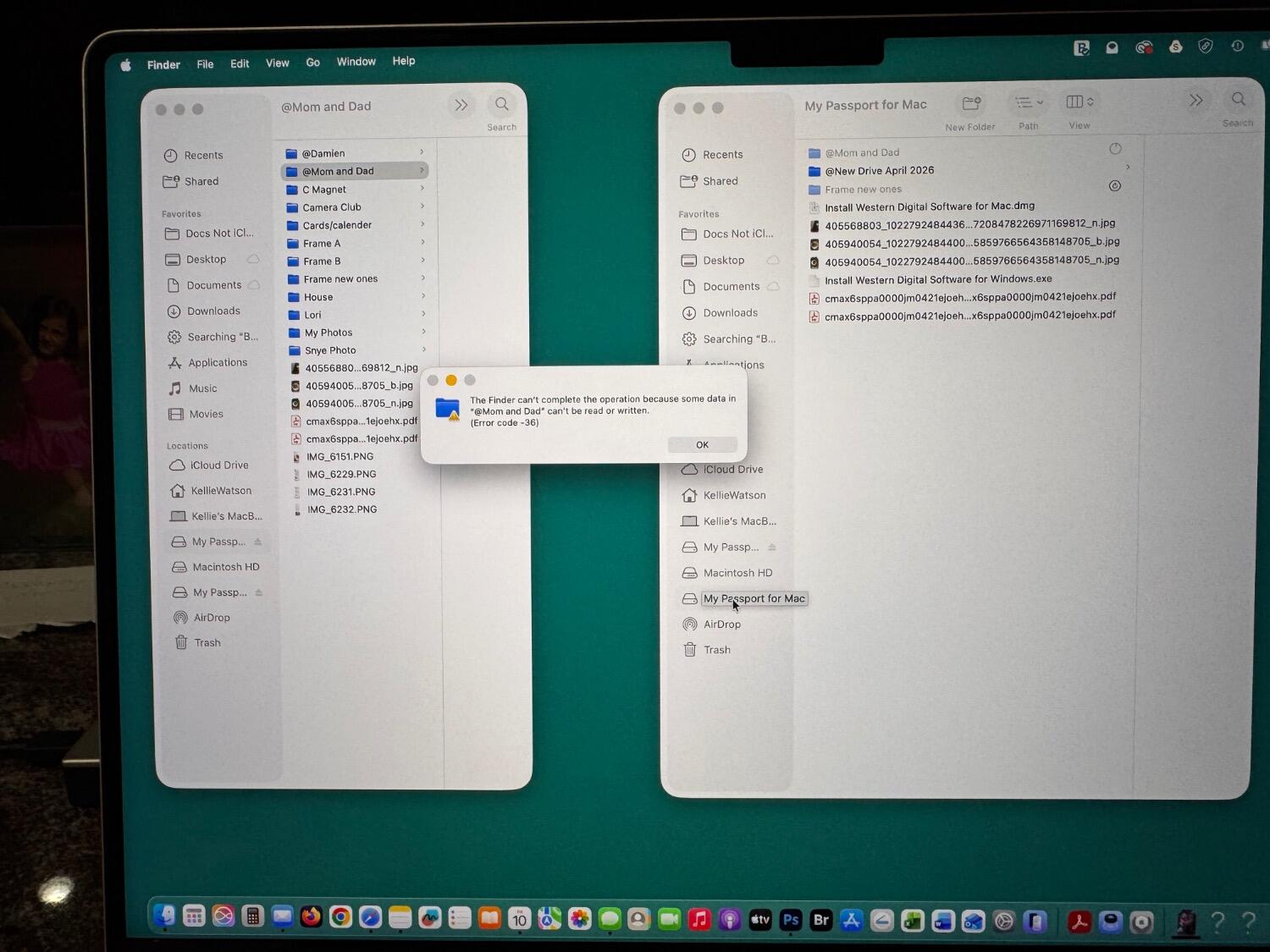
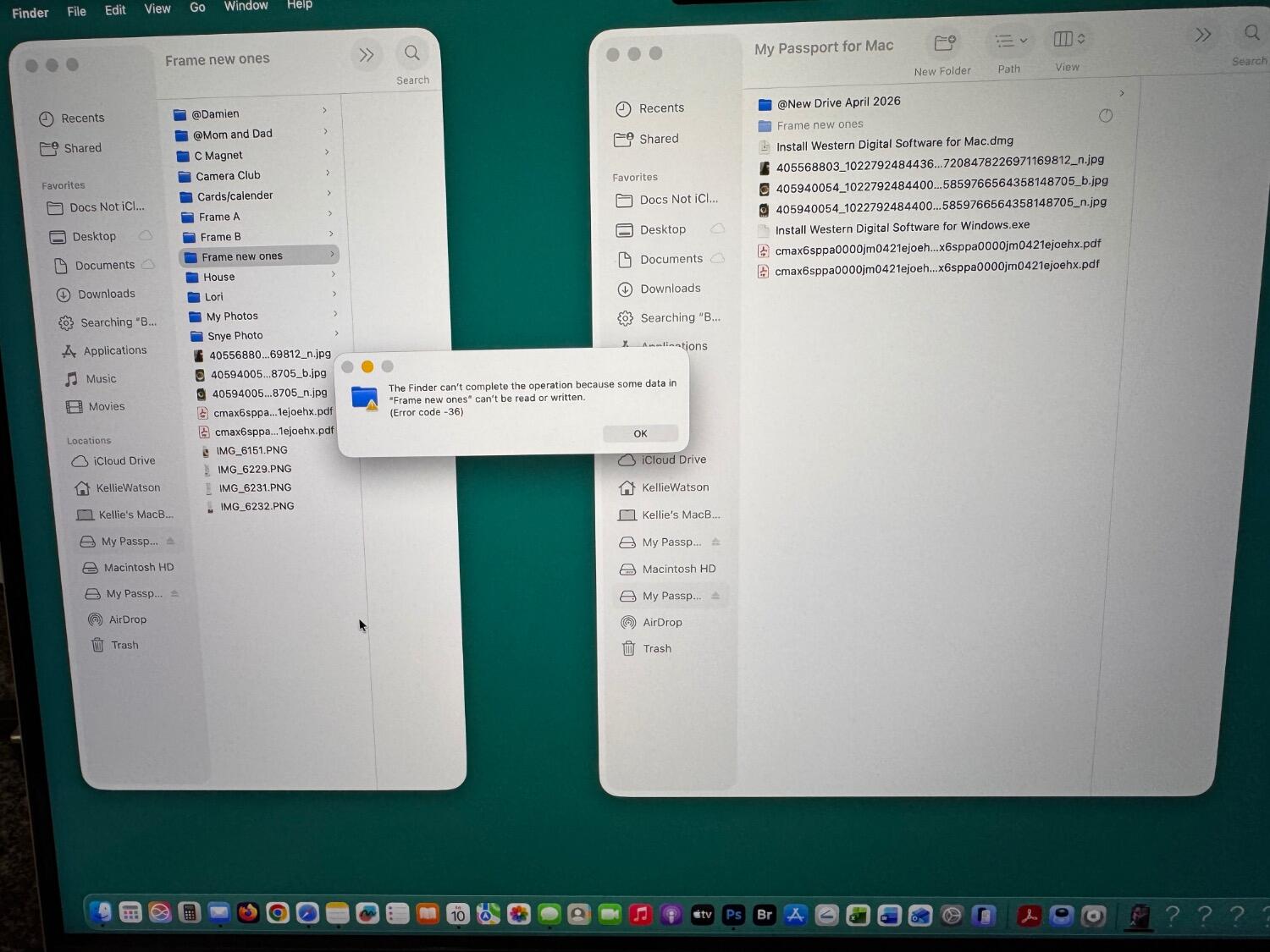
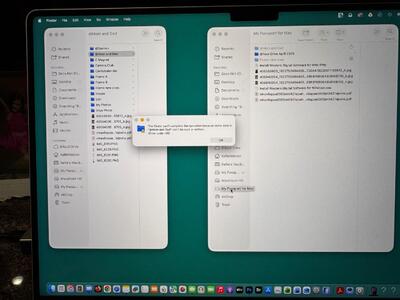
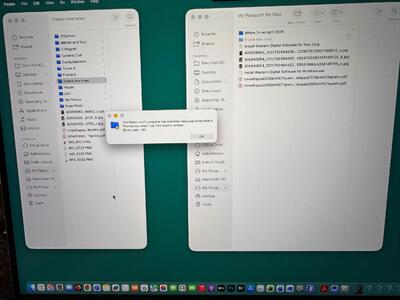
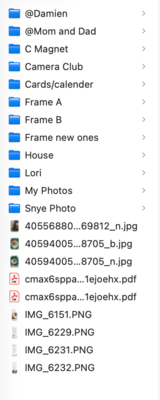
The first jpg and pdfs copied over. Then I tried “frame new ones”. Result is attached. Not good. I will try a couple more of the smaller necessary files and report back later this weekend. I do have a questions about the folder: My Photos. It is a huge folder with many folders inside it. Eg 2023, 2024, 2025, 2026. Then within each year maybe 30 folders. (Eg. Granddaughter #1s birthday, #2s birthday, etc). The only necessary ones are 2025 and 2026. How do I approach this large folder?
-
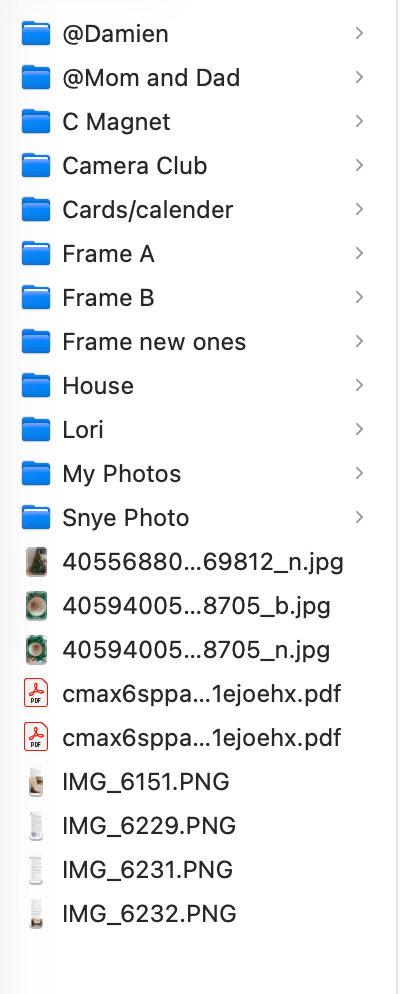
main directory on external drive loaded up in about 20 minutes. I have ejected it so I can use my computer. Everything seems there at this level anyways.
-
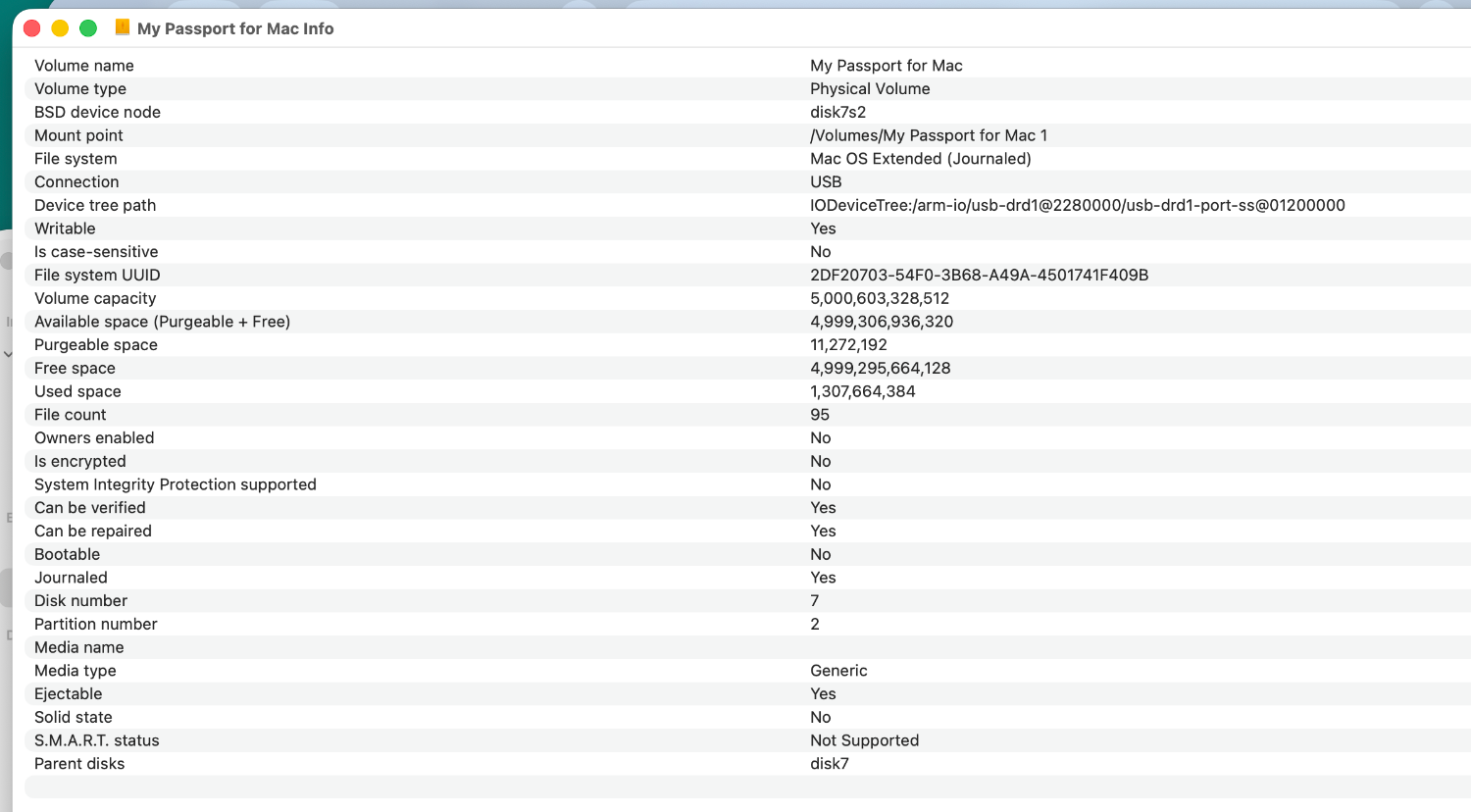
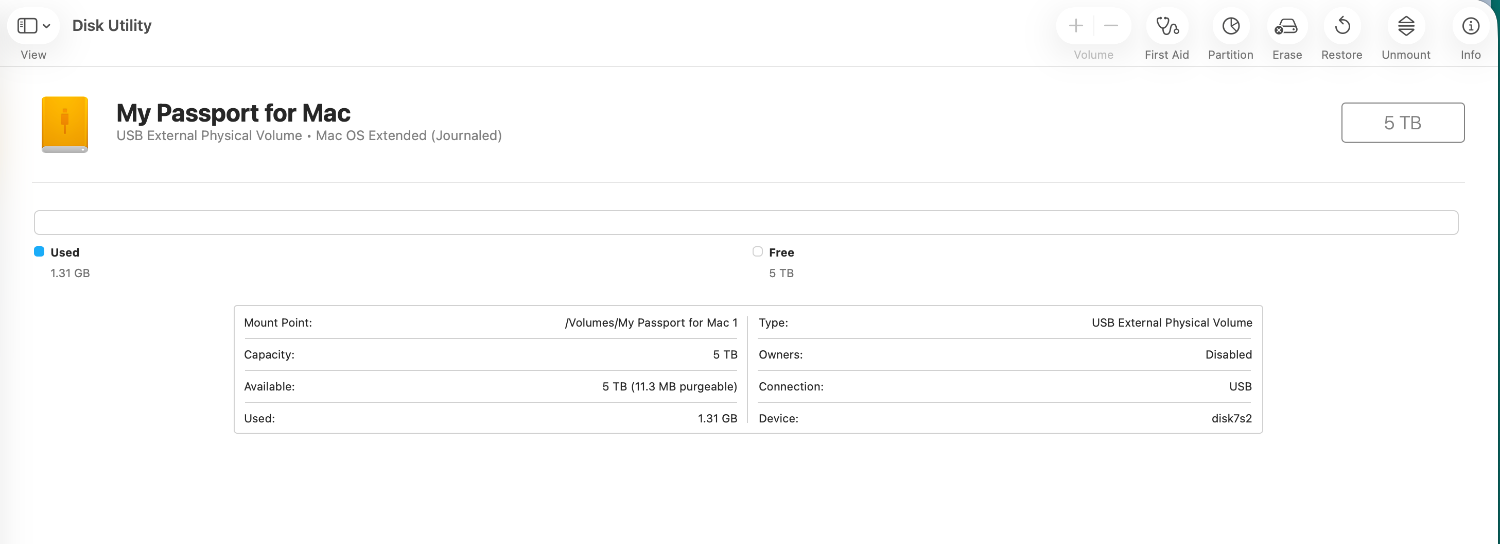
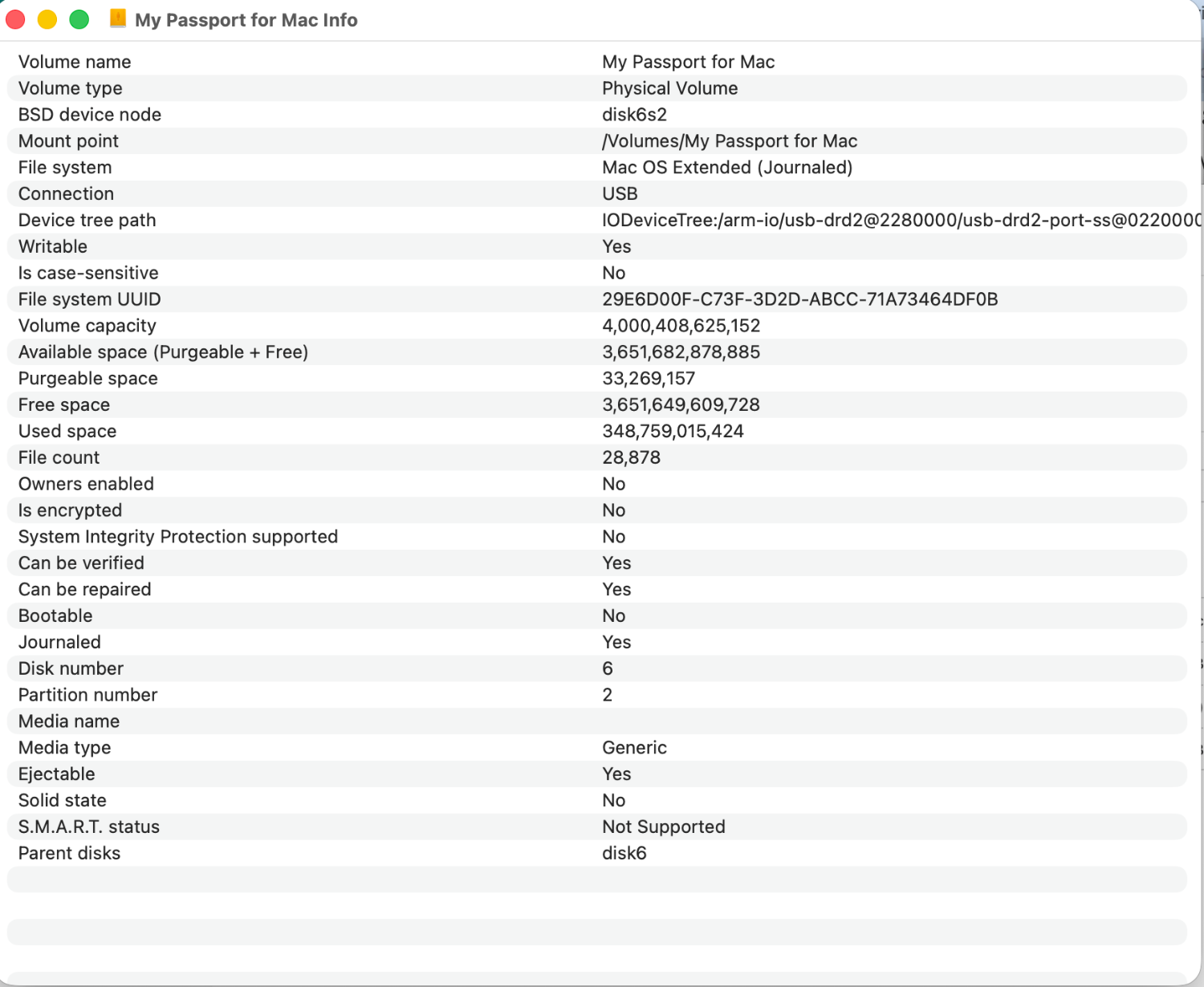
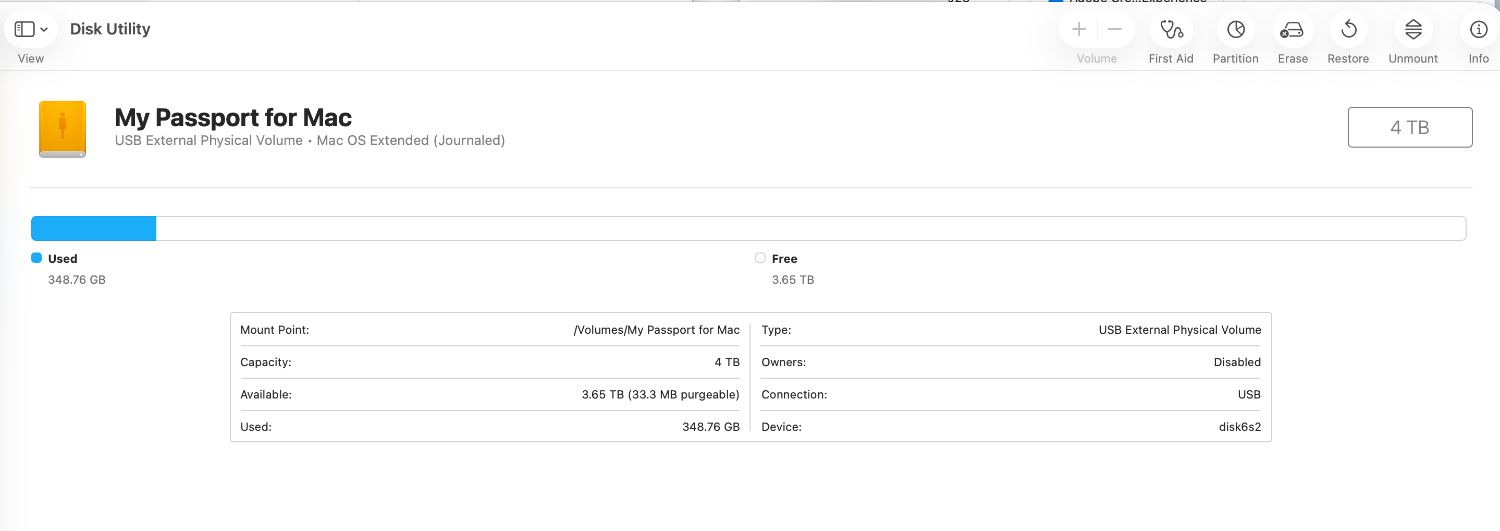
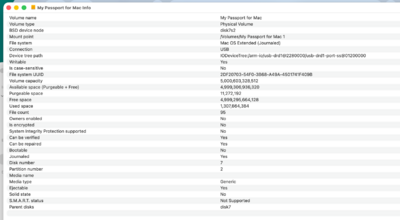
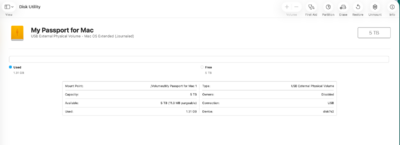
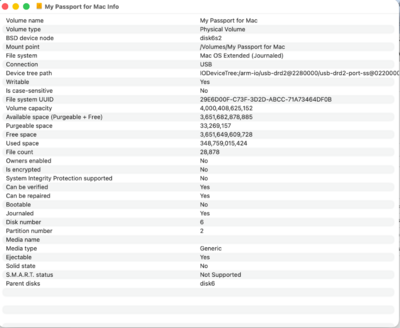
We have hope! OS Extended (Journalled) old and new drives.
-
New disk:
-
old disk:
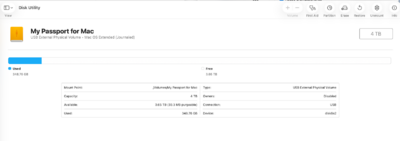
-
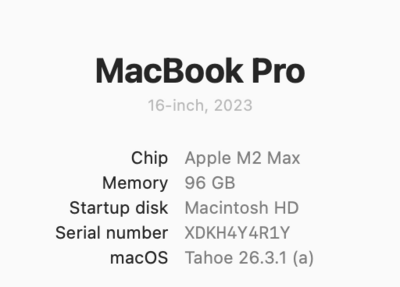
I will be using this to recover:
-
HI Brian I bought a new WD My Passport for Mac 5TB I have a number of these drives and I do believe I was doing too much, including transferring too many files at once with the old one. I downloaded the free trial for Photorecovery Professional v52. I have not done anything else. (BTW old external drive was about 20% full, so that was not an issue). Thank you for your time. I appreciate the help
-
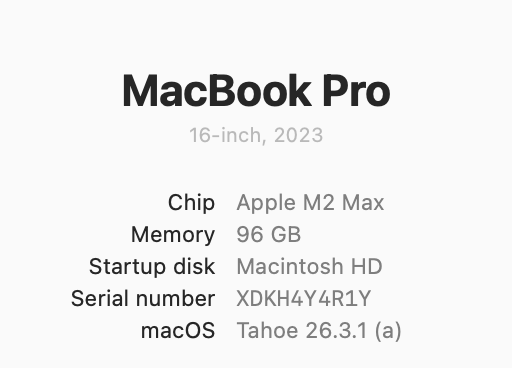
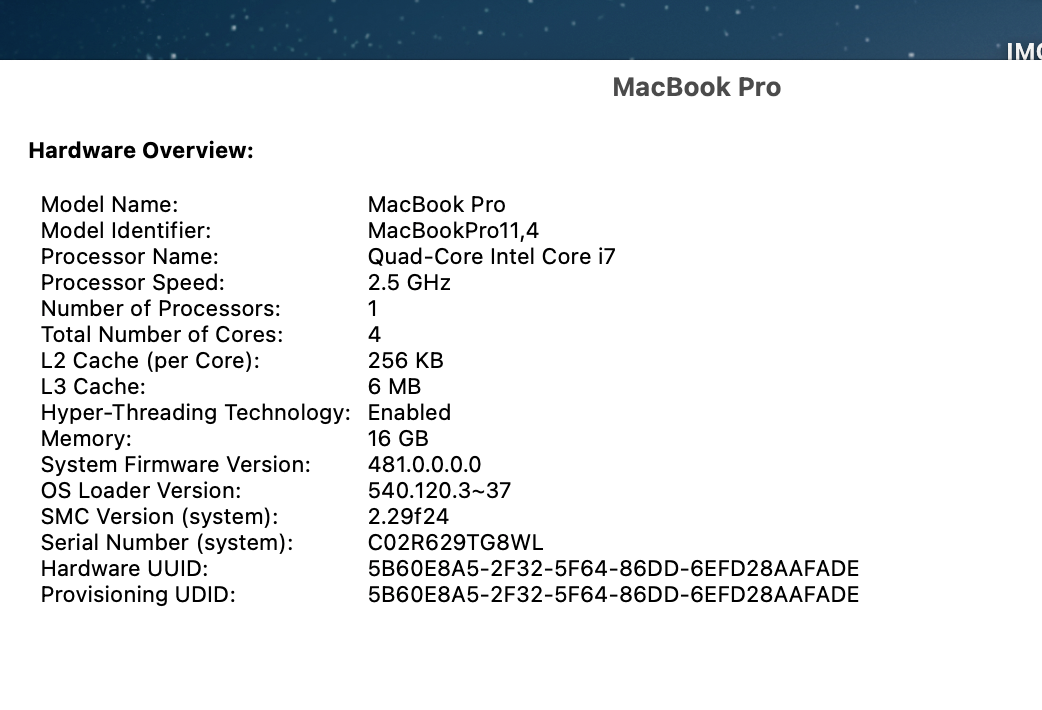
Hi Brian, I have a MacBook running Tahoe 26.3.1(a) and an iMac running on Sequoia 15.6.1. I stored all my photos on a MyPassport Ultra for Mac by WD. I used the external on both machines interchangeably. After I edited the photos, I would make a photobook and upload the edited photos to the cloud. My external drive crashed. In all fairness it was my fault. I forgot one of Damien's golden rules about do nothing with your computer when you were transferring files. This is when it crashed. This hard drive has all my travel photos and all my other photos for the last 3 years on it. I was working on editing my photos from March 2025 to now. My external now takes all day to load the directories (even when I turn off screen saver, sleep etc) and then may or may not load the photos from the directory when selected. I contacted WD who told me to connect to the drive using the MacBook and run disk utility / first aid, which we did together 2x. It did not work. So he told me to shut down the computer and then unplug the directory. Then try on my older apple machine. After several hours, the iMac cannot even find the drive since I ran the first aid (it could prior). I need to use some recovery software and was not sure which is the best to use. I don't need all the photos but there are some very important ones that I have not yet edited that I would like to recover. WD gave me a list of companies that maybe able to help; but I am sure some are better than others and better for apple. I have no experience in this and don't know what to do. Are you able to help me? I am so sad.
-
Brian I figured it out. Just the name of the program please.
-
Brian how do I turn off iCloud syncing on the old Mac but keep the syncing going on the new Mac? Aren’t the settings in my profile file, settings, iCloud, global to me and all my devices?
-
Great advice thanks! What is the name of that Mac clean up program?
-
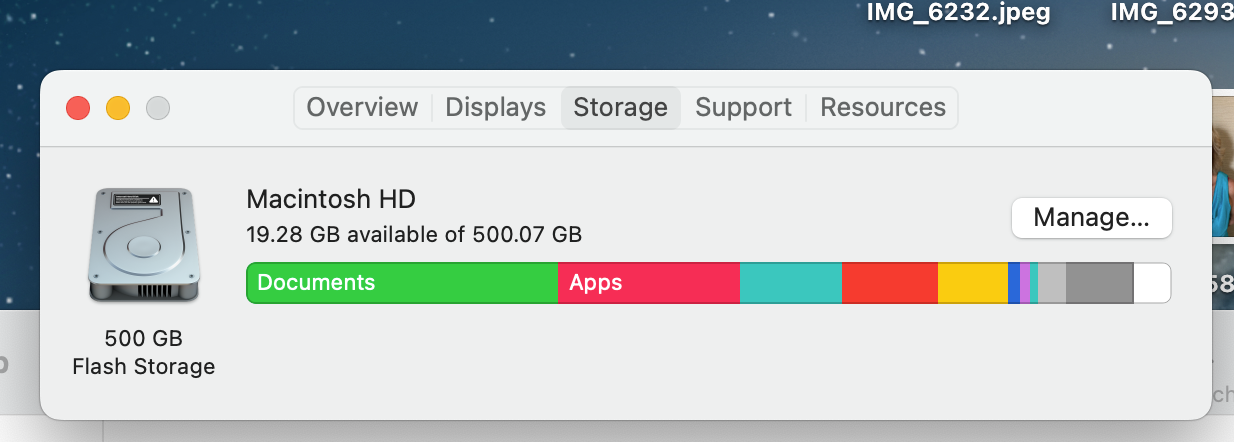
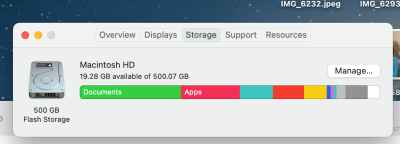
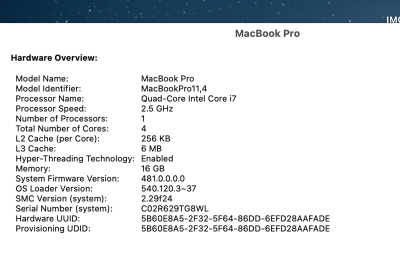
HI Brian, I know you have touched upon this before but I couldn't see a thread for 2023. Background: In 2023 I bought a new MacBook as my old one was about 8 years old and the battery doesn't hold a charge very long. I decided to keep the old MacBook for travelling, (email, social media, netflix) - figuring I can plug it in and if I lost it or it was stolen - better it than my new MacBook. So I backed up the old MacBook and transferred everything to the new one. Then I deleted all the documents from my old MacBook, this left my hard drive about 60% full. Now a few months have gone by and my hard drive on the old MacBook is almost full. I am not sure what is going on. The system information looks like the attached file, but when I "click" on documents there is nothing showing on the Finder. It also says I have 55.75 gb for iCloud drive. If info is on my iCloud why is it taking up room on my hard drive? This is confusing... I am not sure how to proceed, but I would like to clean up this old MacBook so it is somewhat useful for the reasons I already listed. I remember there was an app that you recommend to help with this task but I don't remember the name. I am running Monterey 12.7 on the old MacBook. Thank you for your help and time.
-
My Canon Camera.
-
And this with a camera is better than scanning?
-
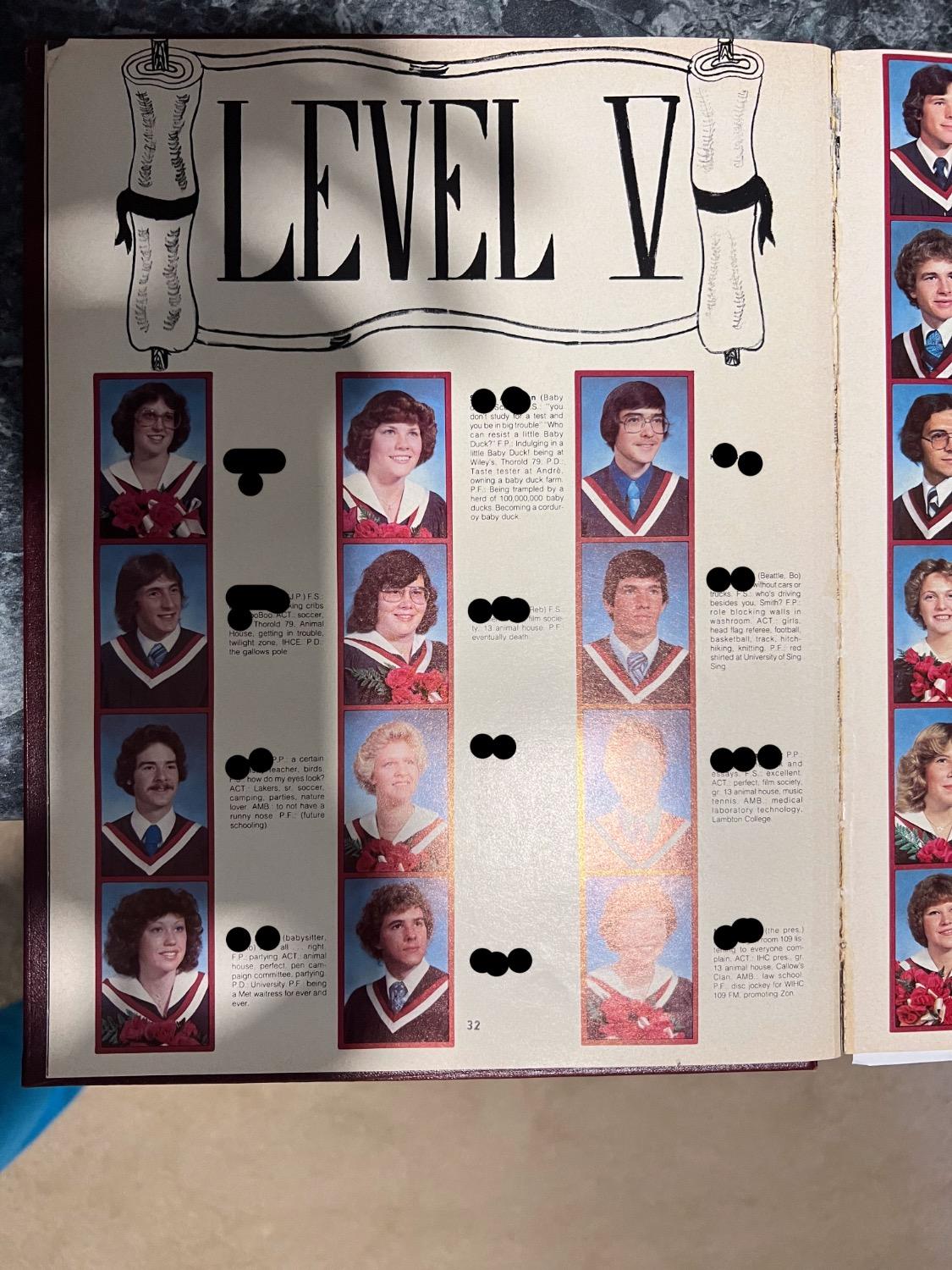
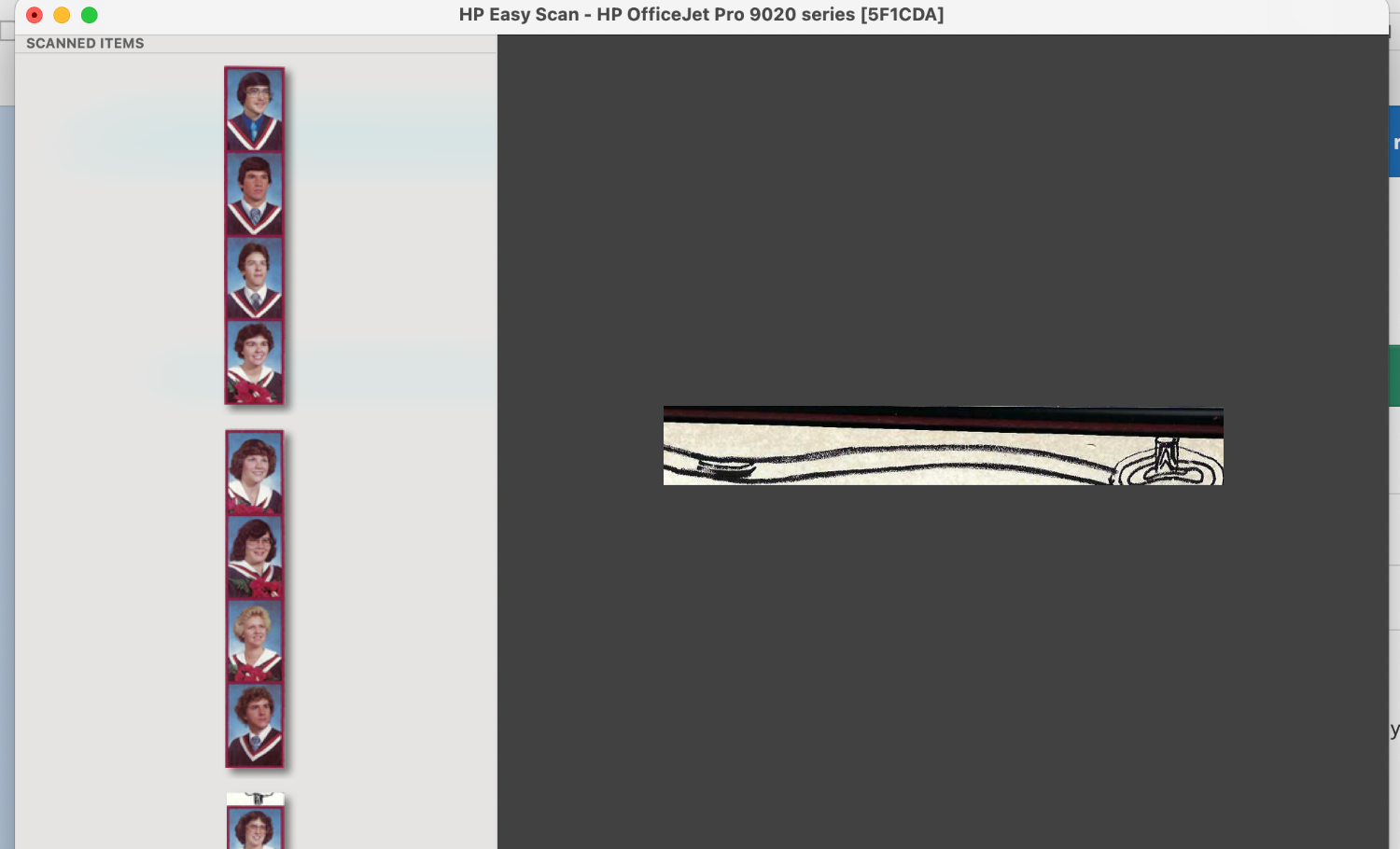
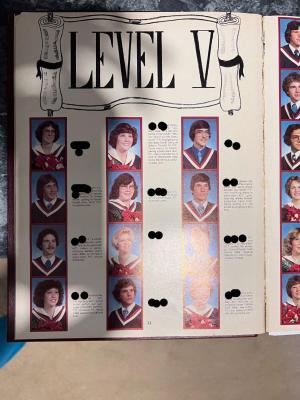
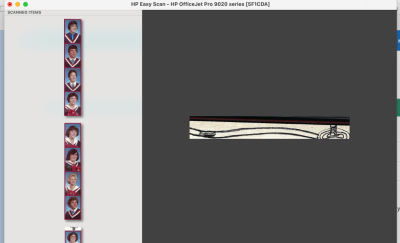
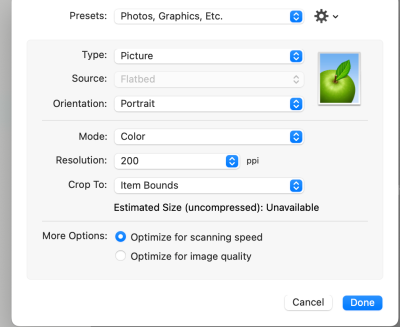
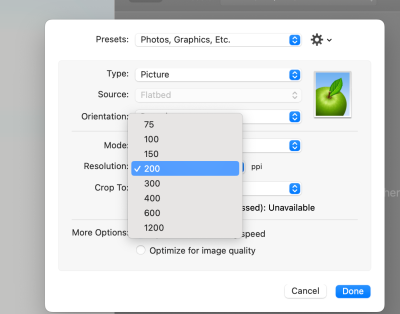
HI Damien, I have a request from a high school reunion group. They have several members who are deceased. The are having a Reunion (40 years) and they would like the deceased classmate's photos from the year book scanned and blown up to 8 x 10". They are planning a memorial table and want to include framed photographs. They already bought 8 x 10" frames. 😟 Is this possible to scan them for print so the photos look kinda decent? I have attached a page from the year book -> cell phone photo so you can see the layout I am working with. (3 of the deceased are on this page). When I scanned this page (page is 8.5" x 11"), the photos were processed into a strip (attached). I have also included the settings from my scanner. Each photo is 1.75" x 1" on the page. I also have an iPhone 13 Pro if you or Brian thinks there is better equipment and software than my HP OfficeJet 9025's scanner that I could use with the phone to create a raw image. What steps do you recommend? Is creating 8 x 10s even possible? Or what size is reasonable to enlarge the photos to? As they have already bought the frames, I suggested they might have to mat the pictures to fill the frame. Obviously they aren't going to be fantastic photos. But they really want to honour their fallen classmates in this way. Any help would be appreciated. As always, thank you for your help and your time.

-
I had read that article before. Buy the best of everything. LOL I can't really wait until October. Thanks for the reassurance.