
Kellie W
-
Posts
1,600 -
Joined
-
Last visited
-
Days Won
2
Everything posted by Kellie W
-
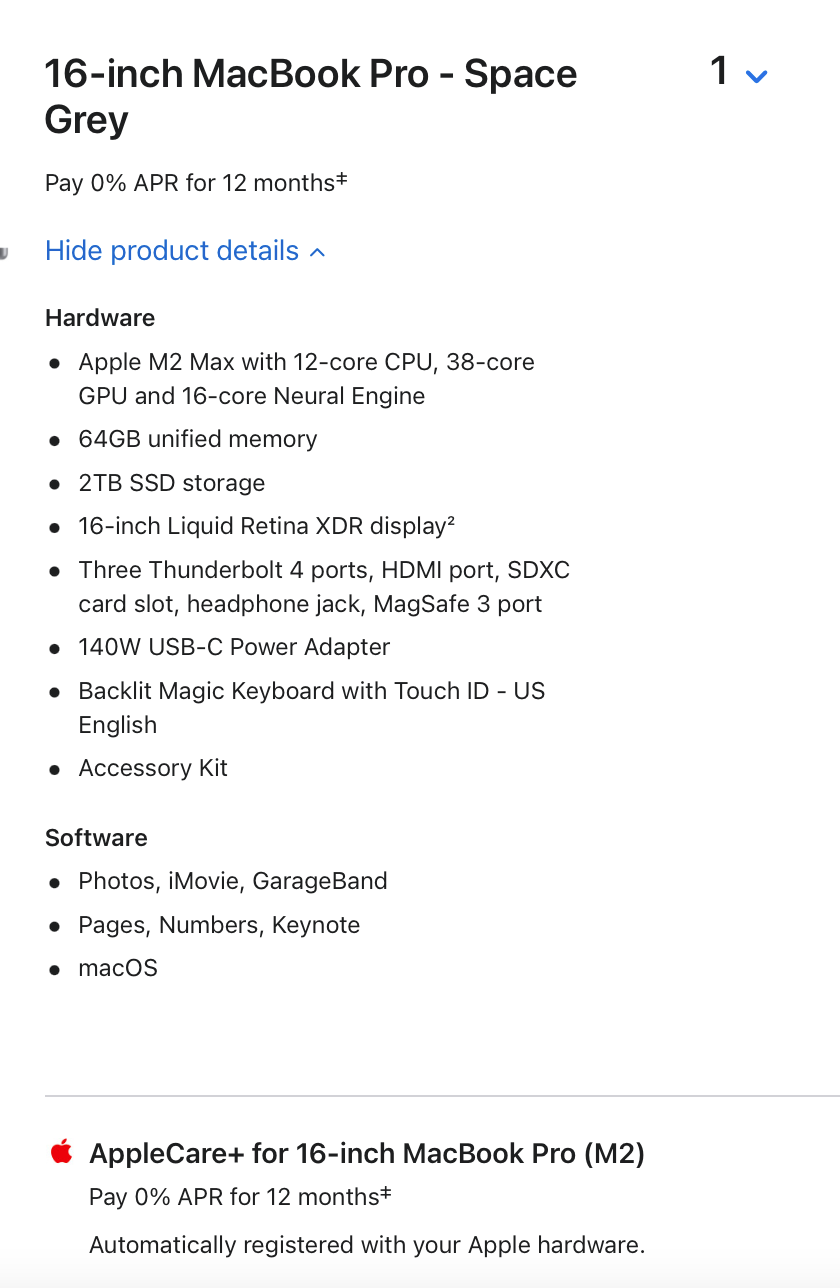
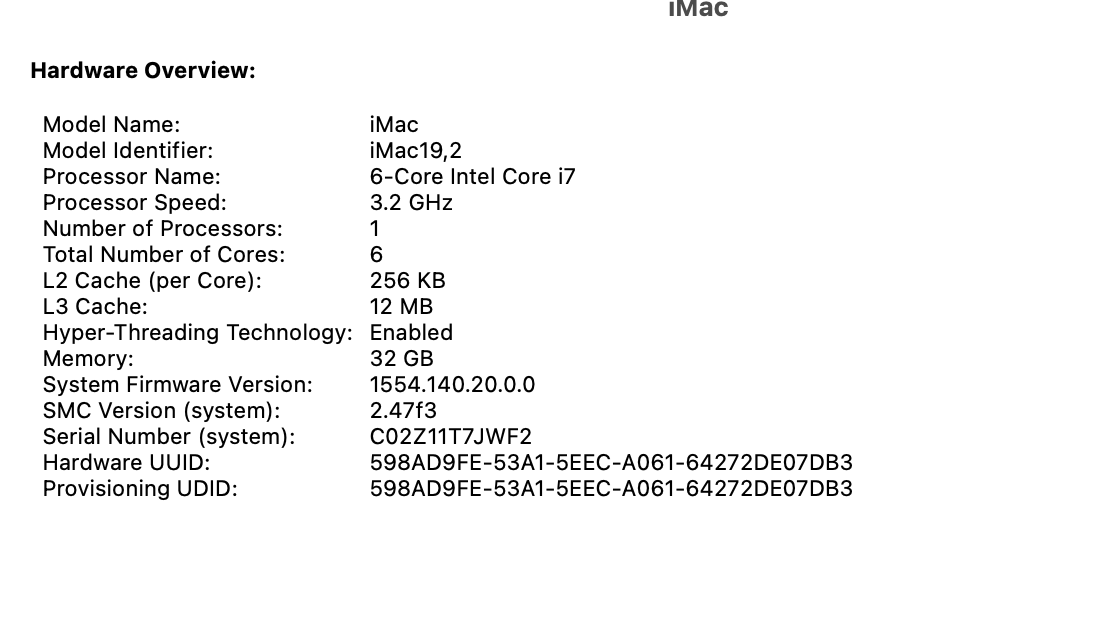
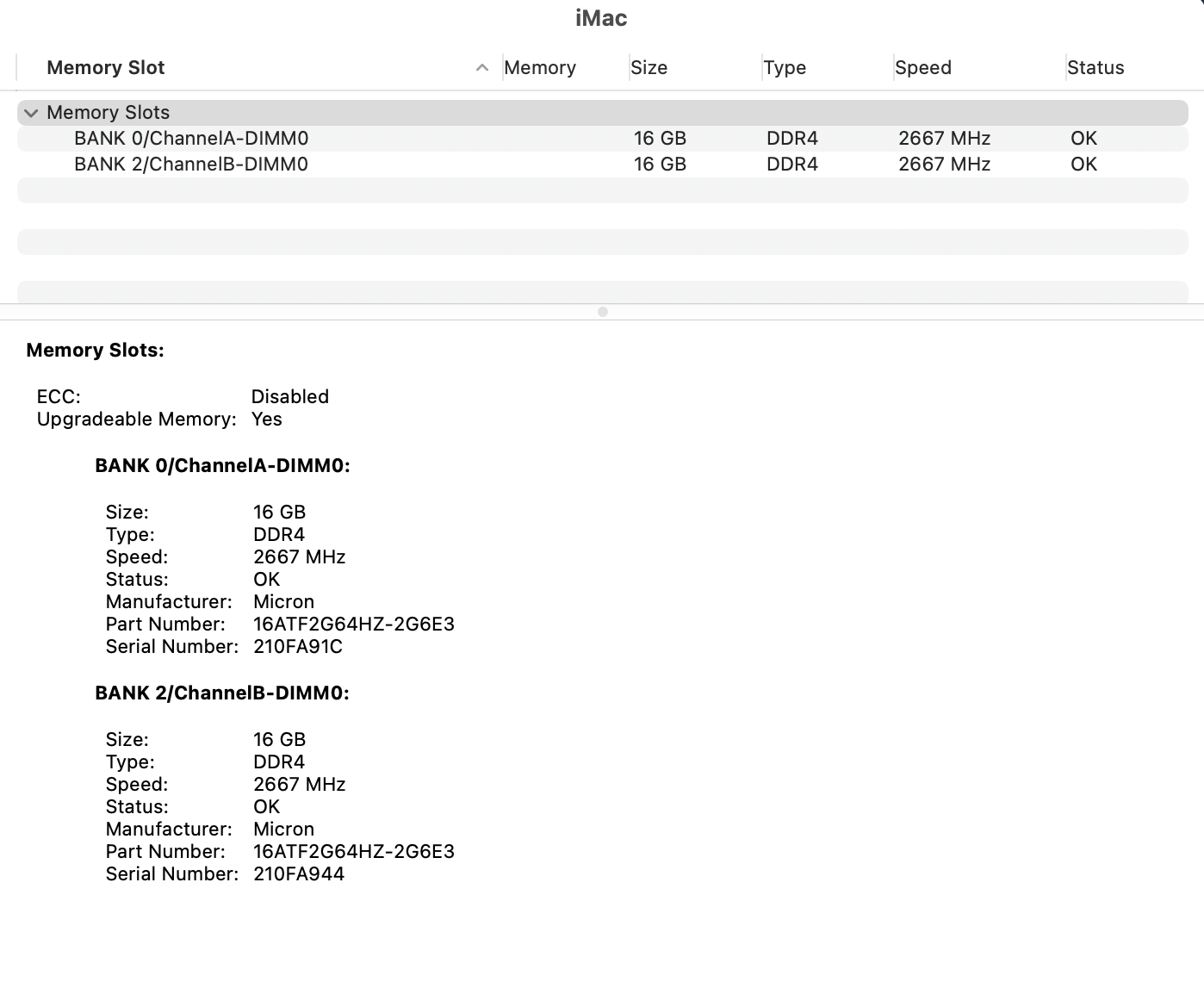
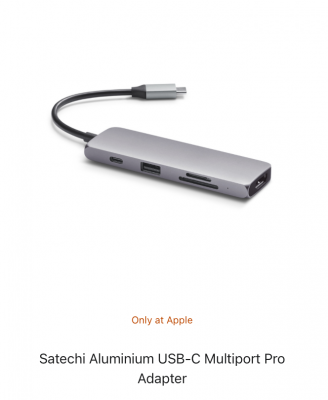
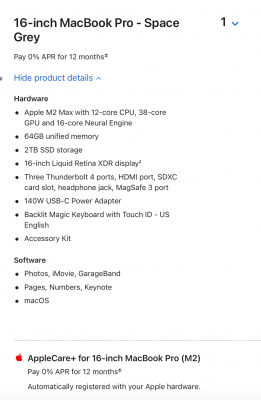
Brian, I have been dragging my feet on a new purchase to replace my older Macs. I am looking at the following. I have to replace my Mac because you told me awhile ago I didn't buy the newest and best at the time of purchase, so I have to upgrade sooner. ☹️ How are these choices? I want to ensure I get the most time out of my unit, as you know they are pricey. Any suggestions to change would be appreciated. I keep my photos on an external most of the time and yet on the machine I am using now, its full by your standards, only 115GB left out of 500GB. Damien, I absolutely hate Windows, so I am resigned to the Mac pricing and I do love how everything ties together. (iphone, iPad, mac, apple tv).

-
Brian, this is what I am looking at... Why do I have to get it shipped to the Apple store rather than directly to me?
-
Thank you so very much. Yes I got my money out of this mid-2015 laptop computer... but it gets better... I bought my laptop originally in 2013. Got Apple Care. All the components started to go about 2 1/2 years in.... First the monitor was replaced, then the track pad (and all the internal attachments), then the hard drive started to fail. I was back and forth to the Apple store a bunch of times (2 hours each way) and once to a local "official Apple repair person" who was very sketchy. I had multiple notes, multiple case numbers etc. As the hard drive was failing... I posted on an Apple FB page my frustation. Someone told me to email Tim Cook (they gave me the email). They said the email would be read by someone on his team. So I emailed Tim Cook, gave all the details (including my serial number) including my very weird experience with the official Apple repair place (who is no longer an official Apple agent now). I told Mr Cook it would have been cheaper for them to have given me a new computer than to have made all the repairs. Then I waited a week and went back to the Apple Store to deal with my hard drive. Computer was 2.75 years old at that point. I said to the Genuis at the Apple Bar, given everything that was wrong with my computer it would have been cheaper for you to just have replaced my computer. The Genuis said "we never do that". He took my computer to the back and was gone a long time. When the Genuis came back he said he had worked there for many years and has never seen this... but you are getting a new computer for free under Apple Care... then he told me to buy Apple Care on the new computer. Which I was shocked that I could do that. Anyways, long story, short.... The replacement laptop is my mid-2015 laptop. So I have most certainly got my money out of it having only paid in 2013 - ten years ago. Thank you for all the good information. It helps a lot. I am so glad you are on Damien's team. Off to the Apple store web page I go....
-
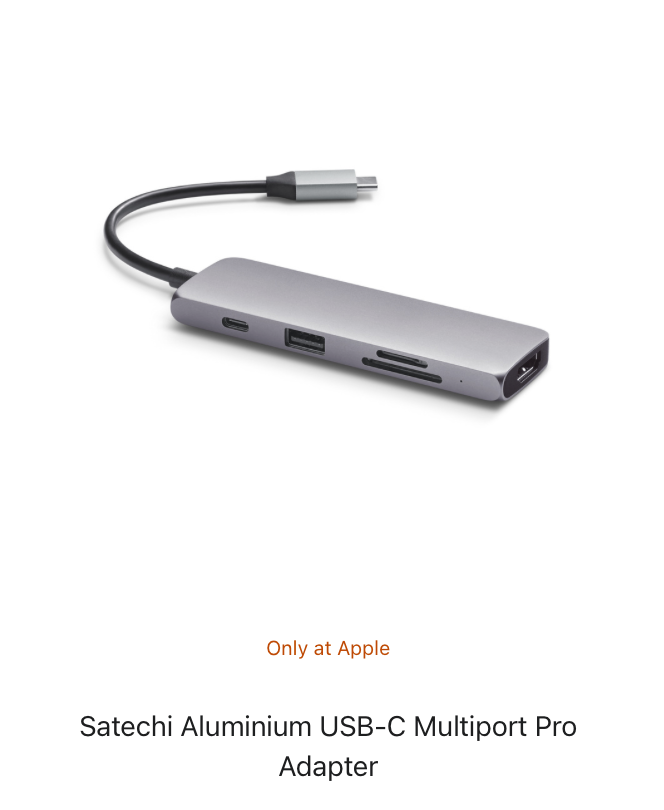
Brian, ok so if I was going to buy a new mac - what features are key? I am reading the specs and my brain is going to mush. What is the difference between retina display and liquid retina display as only one example. is unified memory what we used to call RAM? a lot don't have USB ports any more which narrows down the choice if you want to still use a USB port. (unless there is a USB to thunderport converter). also the SDXC card slot seems important - again unless there is a SDXC card slot to thunderport attachment. oh gosh, this is getting so complicated as my MacBook (mid-2015) maybe on its last legs too (fan will just start to run for no reason), battery cycle count 430, so it seems like maybe it has lots of time in the battery left???
-
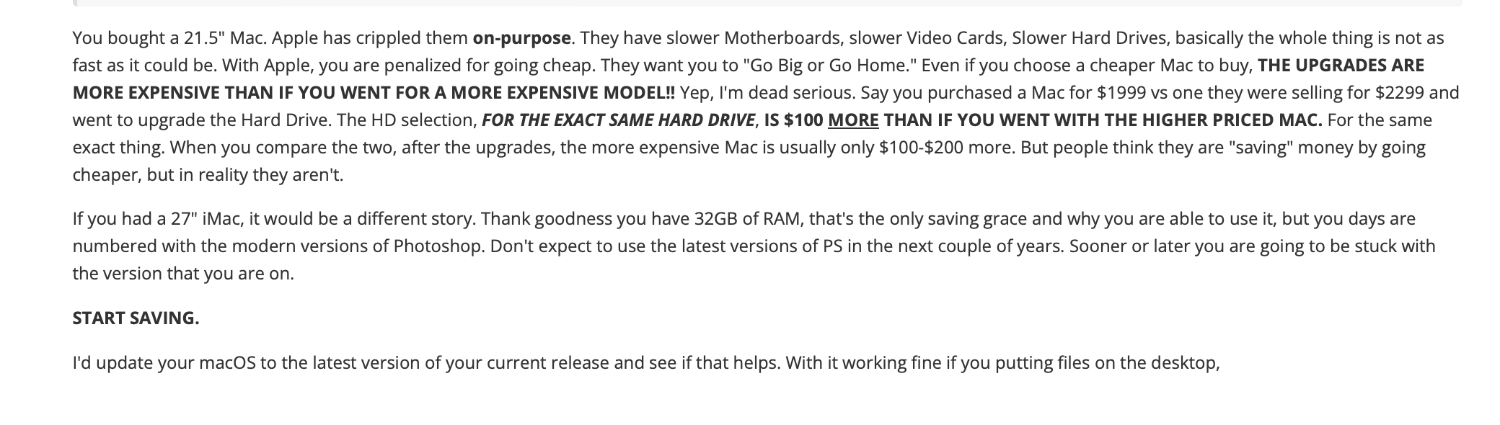
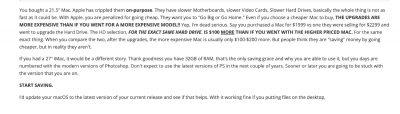
Well lots to absorb. Oddly enough, updating the OS, made Command O work. Will work on all this stuff over time. Auto updates also turned off. Your comments in the snippet are very discouraging, although I know Windows does it too. I just love the connectivity of my iPhone, iPad, and my computer; with my Apple TV box too. I am afraid I am stuck in the Apple universe. Thanks for helping with all the Mac stuff Brian, I know how much Damien doesn't prefer Apple. Thanks again Damien for all your help too.
-
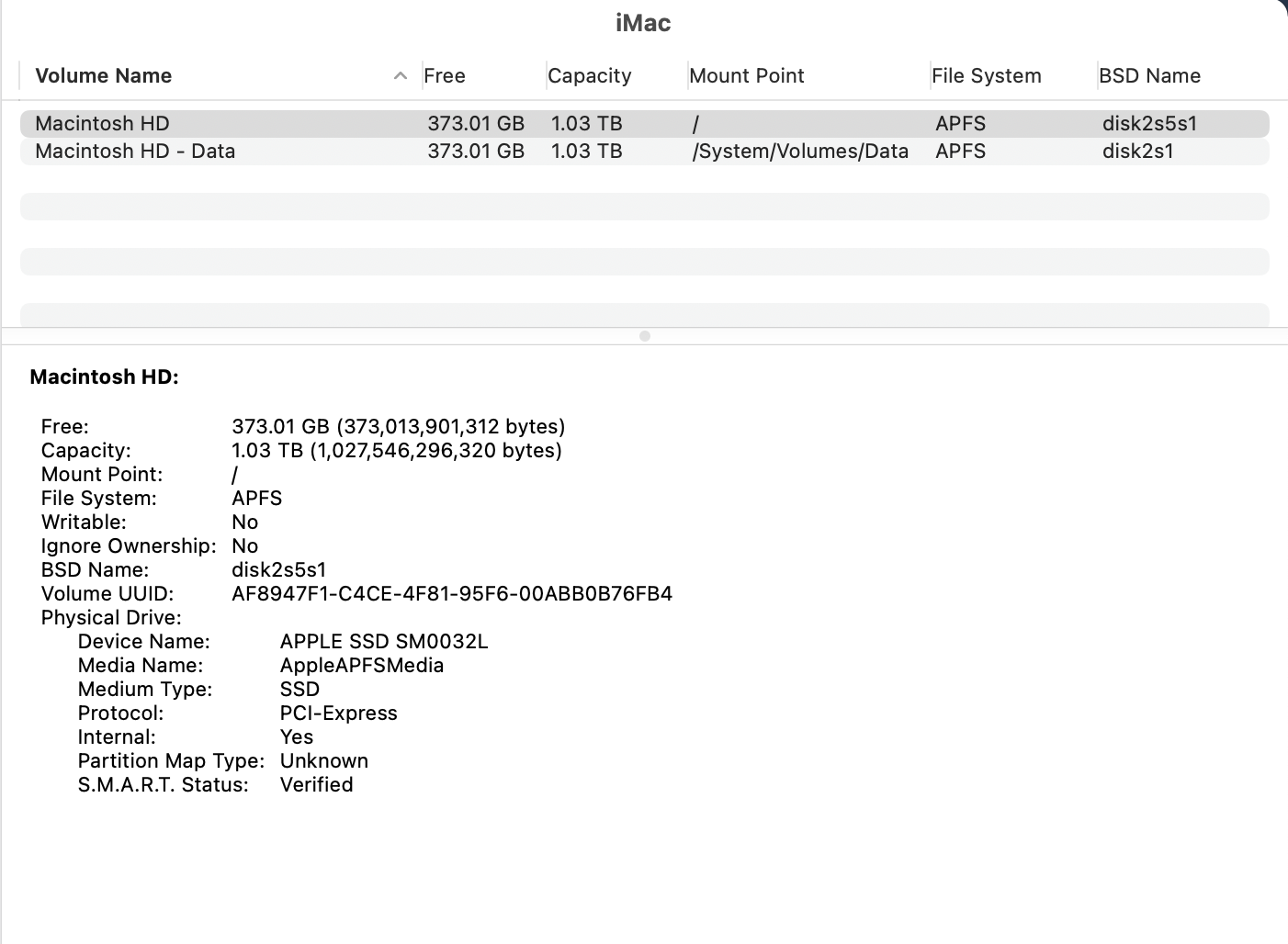
Brian, my hard drive usage is low, I keep all my photos on an external, all my working files (excel, word) are on my MacBook. The iMac is just an editing computer, lots and lots of space on the HD. The external is about 50% full. It also didn't matter if I copied the directory from the external onto the iMac the problem into documents the problem still existed. Oddly, if I put 1 photo on the desktop, it worked right. Desktop is clean (I read your stuff). I clean it regularly. I have a file in documents called "Desktop" where I put stuff that most folks would normally put things on the desktop. I used clean my mac for awhile, then once it totally wrecked an external hard drive and made it usable. so I stopped using it. Was grateful it wasn't my HD. Ok you have me at: fixed my permissions. What is that? Sigh, don't want to replace the iMac, yet. will turn off updates right after I update the OS. this would be a hard sell to the hubby. No difference. Putting 1 photo on the desktop, solved the problem for that 1 photo.
-
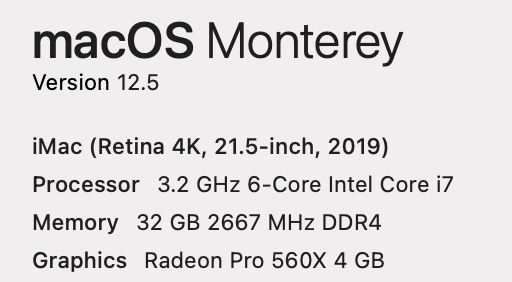
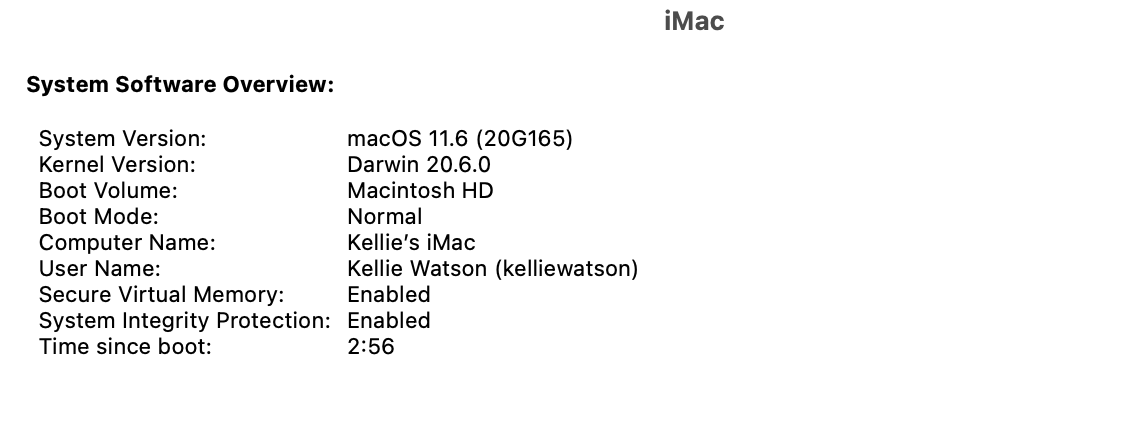
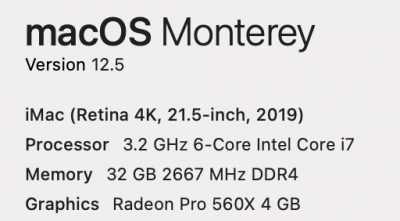
HI Brian, I have a Mac using OS 12.5. I have Bridge 13.0.2.636 and PS 24.2.0 Before (earlier this morning...) for years, I would open a photo in Bridge, click on the raw wheel, edit in raw and then choose open and the photos would go to PS. Now, the photos don't travel and open from Raw to PS. I have changed nothing. I contacted PS and they looked around on my computer and told me it should work. I closed everything, shut down, let the Mac sit and then rebooted. This didn't fix anything. This is really annoying and I was wondering if anyone suddenly was having this problem. I doesn't seem to matter, if I open 1 photo or multiple. If the photos are on my hard drive or external drive. Sadly it is probably something in an auto update???
-
Yes I had the camera set up for Raw as per apple support above. I will check out the options you listed. Thank you.
-
Hi Brian, I bought an iphone13 because it shoots raw to try to eliminate carrying a phone and a pocket camera in my daily life. What is the best way to download the raw photos to my iMac?
-
Its ok, I figured it out myself. I was mixing things up. Confusing file sizes (in MB) with pixels in the photo. I remembered another lesson by you about making your own cropping tool based on your camera's features when you don't know the size the client will print and it all clicked. Thanks again.
-
Or am I confusing pixels and file size bytes?
-
I assume that this decision is made on the raw unedited file before editing? (Don't actually crop just make the decision because once you add layers you add pixels?)
-
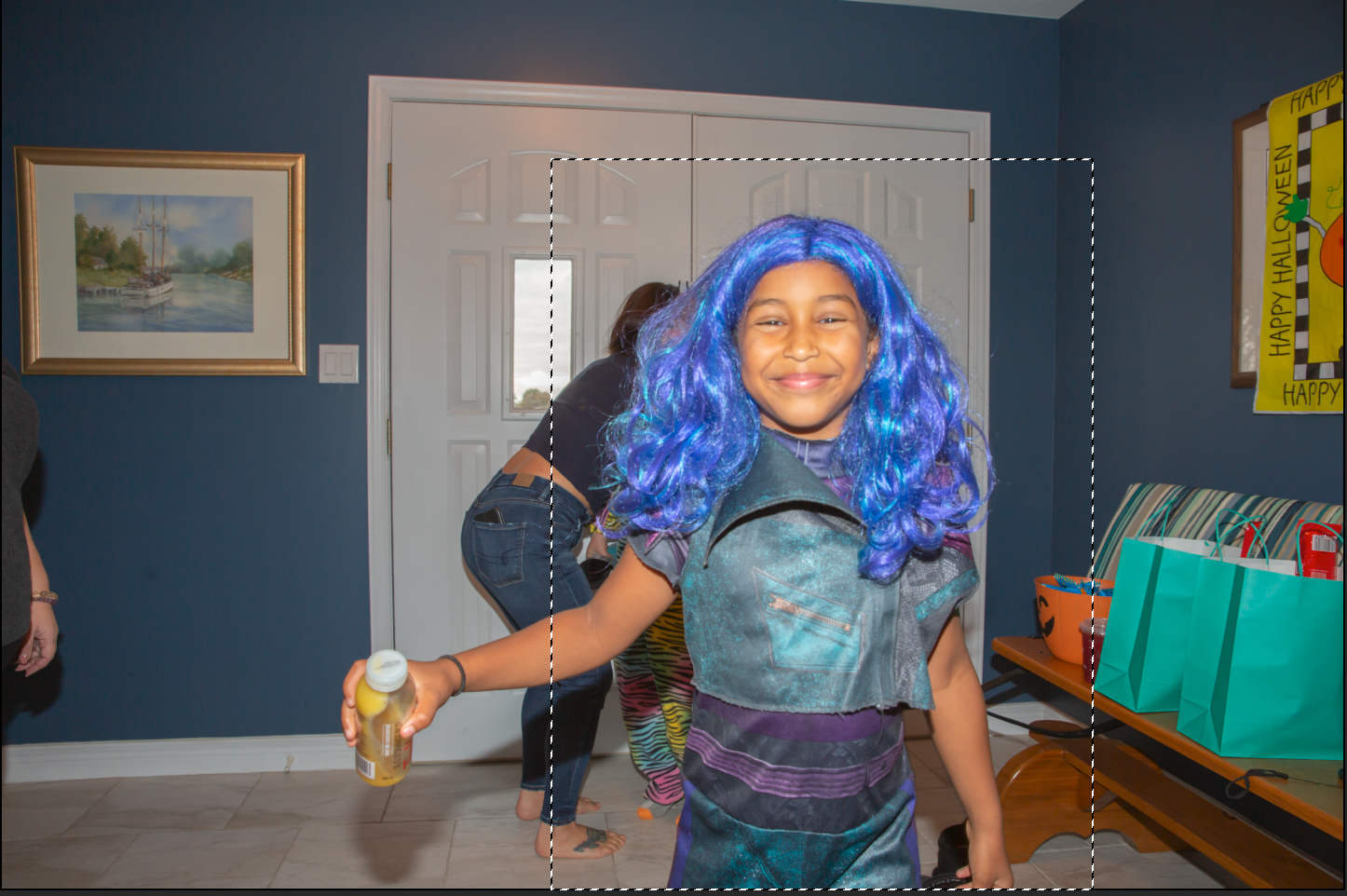
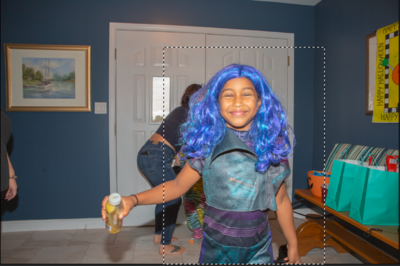
Great article. Not the best photo here by any means, but the child is in the frame at the appropriate size. This marquee is over 7million pixels. I will print it out and keep it with me so I keep the children in the frame at the appropriate size. Thanks again. In actuality I would crop wider to get the holiday backdrop also in the photo. (And because you say to crop loosely).
-
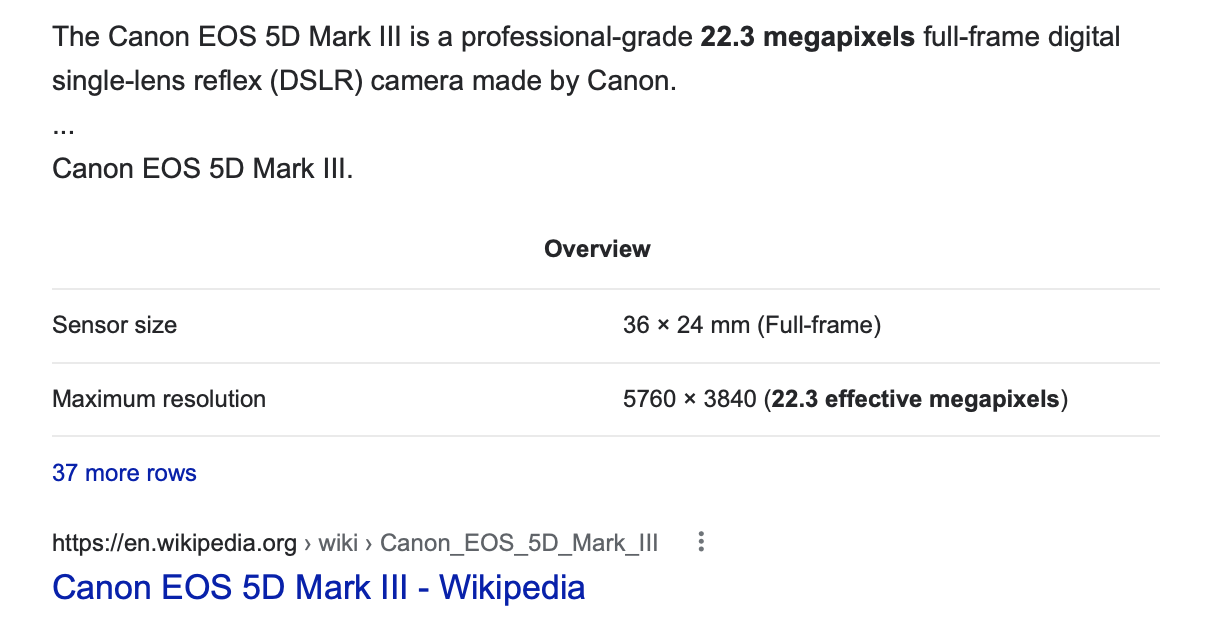
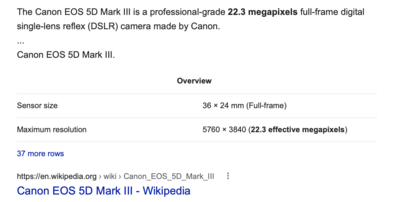
I have a Canon EOS 5d Mark iii.
-
Hi Damien, I hope you and your family are well. Crazy times we live in... I was wondering about work process and flow. I have friends and family coming this weekend every 30 minutes to do some Christmas photos in front of a printed backdrop. I will have my camera on a tripod with a flash on the camera. I will also have set up side lighting (left and right) and a light above and behind to cut out shadows. Now sometimes I will photograph the whole family so the picture should be horizontal landscape. After the family group is done the parents may want a photo of just a child. When I am photographing the child, my instinct is to turn the camera sideways to capture more in the frame. But when I do this the flash is now to the side which makes the lighting is all wrong in my set up. So my question is shooting in raw with the camera in horizontal landscape position, how much do I give up in the photo (pixels) by shooting a picture of the child that will eventually be cropped vertically into a portrait, so as not to mess up my lighting, camera position etc. These are rapid sessions every 30 minutes, so time is a factor. (Most of these photos will be going on Christmas cards and maybe an 8" x 10".) I sure hope that was clear. Thank you for your time.
-
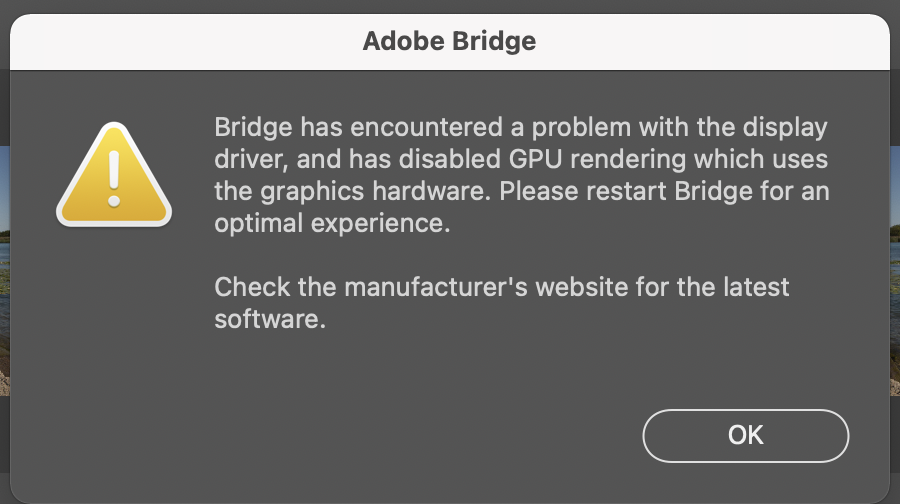
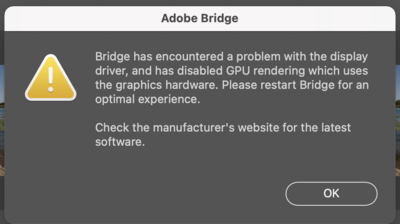
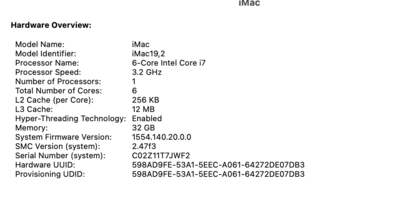
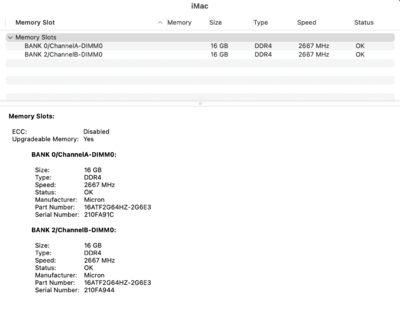
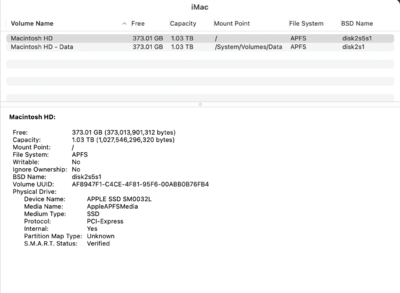
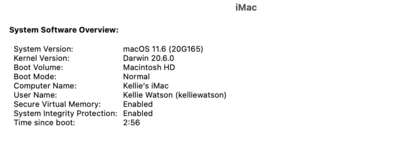
Hi Brian, I just turned on my computer and loaded my Mac and got this message. What do I do?
-
yes but what about the blurs?
-
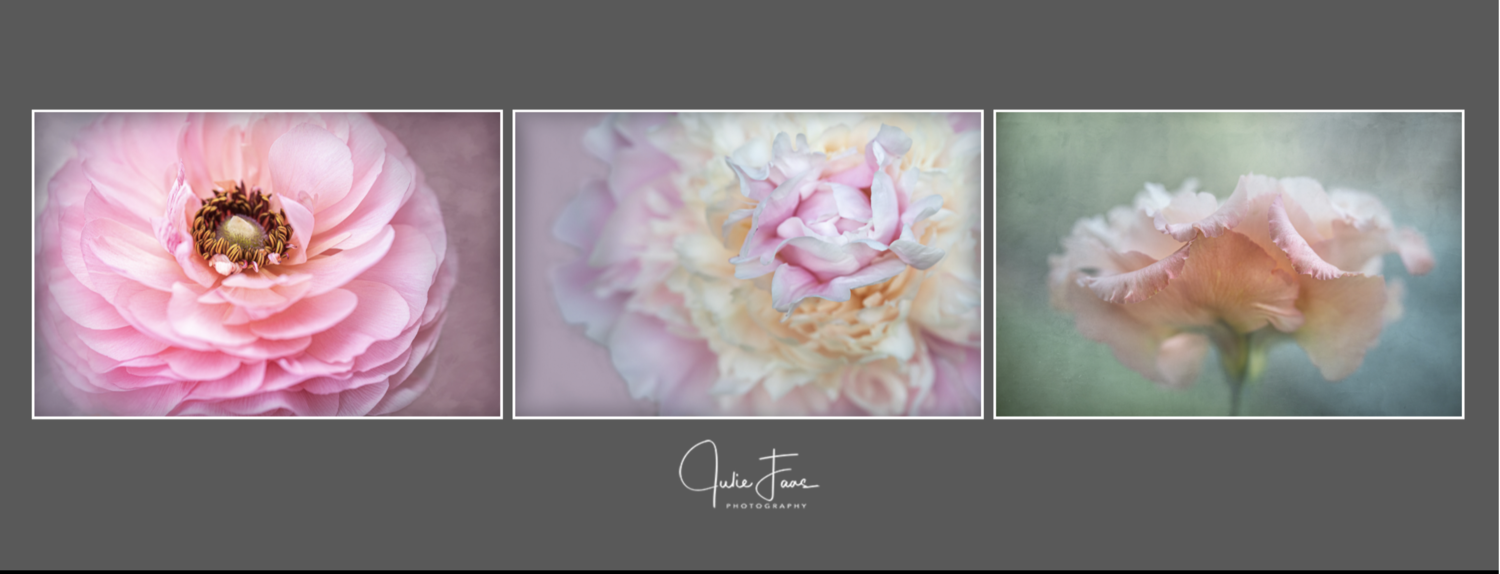
Hi Damien, how would someone go about trying to recreate the style of these images? https://www.facebook.com/photo?fbid=10158028733672096&set=a.10150967123652096 Here is a screen shot incase the link doesn't work. If I did this wrong please let me know what I should have done to credit the artist.

-

PS CC vs Elements
Kellie W replied to Kellie W's topic in Photoshop / Elements / Bridge / ACR questions or problems
Can't make the change. Thanks for the info. It was helpful. -
PS CC vs Elements
Kellie W replied to Kellie W's topic in Photoshop / Elements / Bridge / ACR questions or problems
ok I am probably going to ask the dumbest question ever.... I have downloaded the trial 2021 PS Elements. Where is the adobe bridge? when I google "free adobe bridge" the CC comes up. Does this CC version of Bridge work with Elements and PS CC (and is it free)? I am most likely missing something clearly obvious but can't find it. -
PS CC vs Elements
Kellie W replied to Kellie W's topic in Photoshop / Elements / Bridge / ACR questions or problems
Ugh not sure I can make this adjustment. Thank you for your time Sir. I do appreciate ALL your help. -
PS CC vs Elements
Kellie W replied to Kellie W's topic in Photoshop / Elements / Bridge / ACR questions or problems
I am rereading Levels from the Elements perspective. Would you say the biggest (obvious) difference is the lack of the Quick Mask? -
PS CC vs Elements
Kellie W replied to Kellie W's topic in Photoshop / Elements / Bridge / ACR questions or problems

-
PS CC vs Elements
Kellie W replied to Kellie W's topic in Photoshop / Elements / Bridge / ACR questions or problems
I should have phrased that better... If it don't edit video is there any benefit to having Premiere Elements? -
PS CC vs Elements
Kellie W replied to Kellie W's topic in Photoshop / Elements / Bridge / ACR questions or problems
I am not sure what the image processor is, so I don't think I use the image processor. Here is an interesting question. I owned Elements back in 2012 and 2013. Can I reactive these? It seems like I could or will they no longer work with my Mac and Big Sur. Sorry if this isn't posted in the right place. Or is it better to get the 2021 version? Also what is Premiere Elements? PS CC just seems wrong when I am not using the LR add on. (you have converted me).