nikkinisly
-
Posts
121 -
Joined
-
Last visited
Everything posted by nikkinisly
-
Thank you, sir! Hope you're all well on the other side of the world!
-
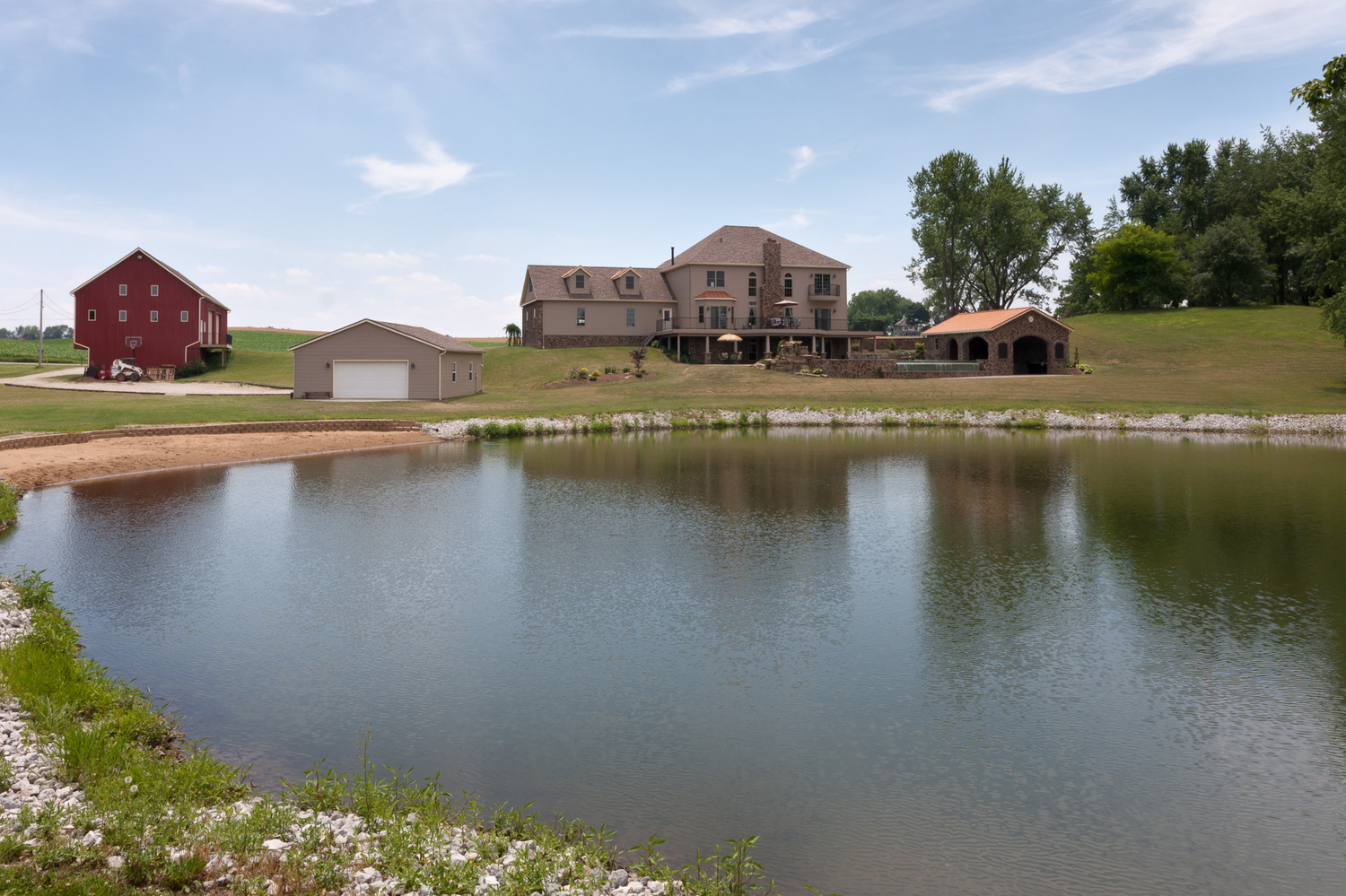
5760 x 3840
-
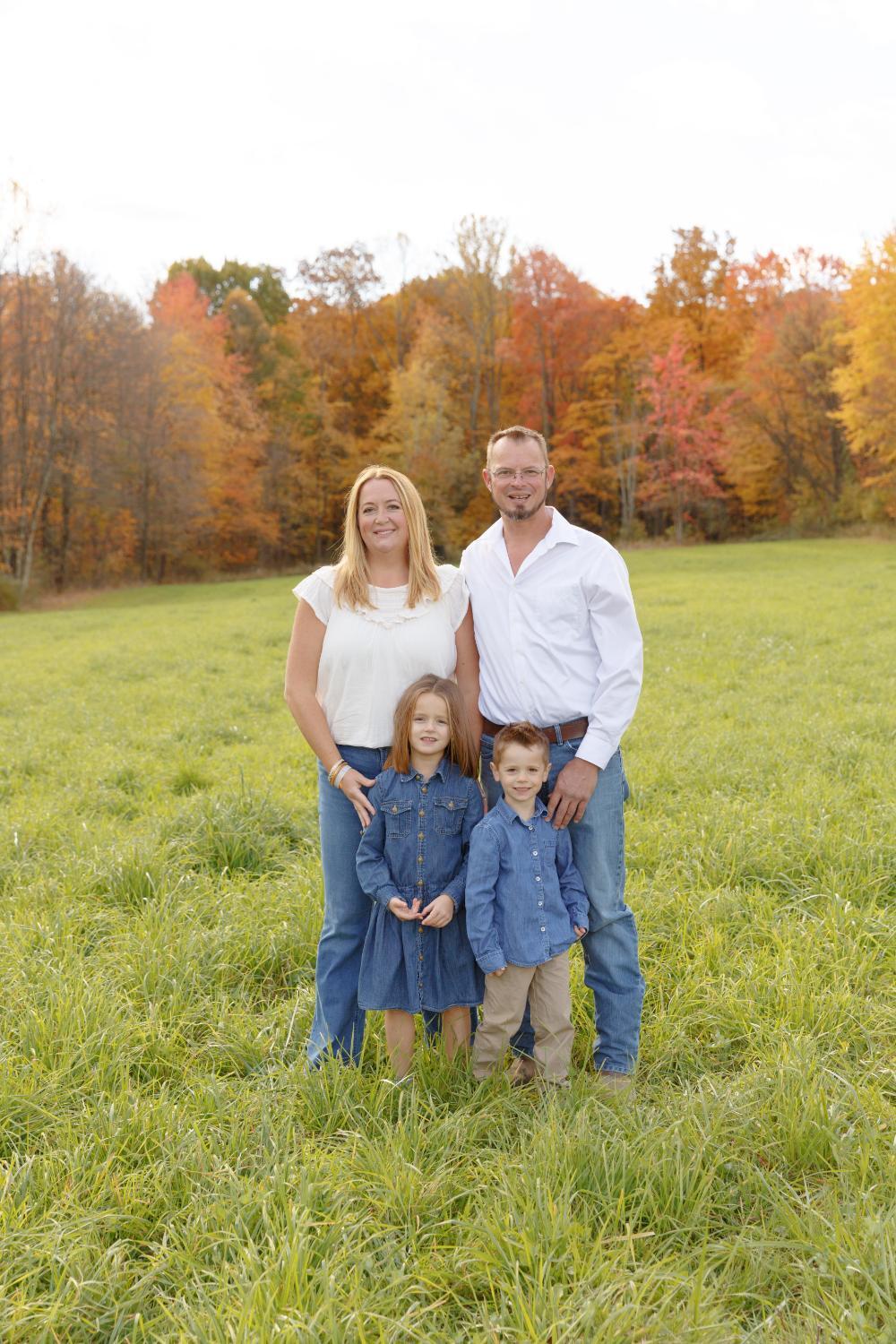
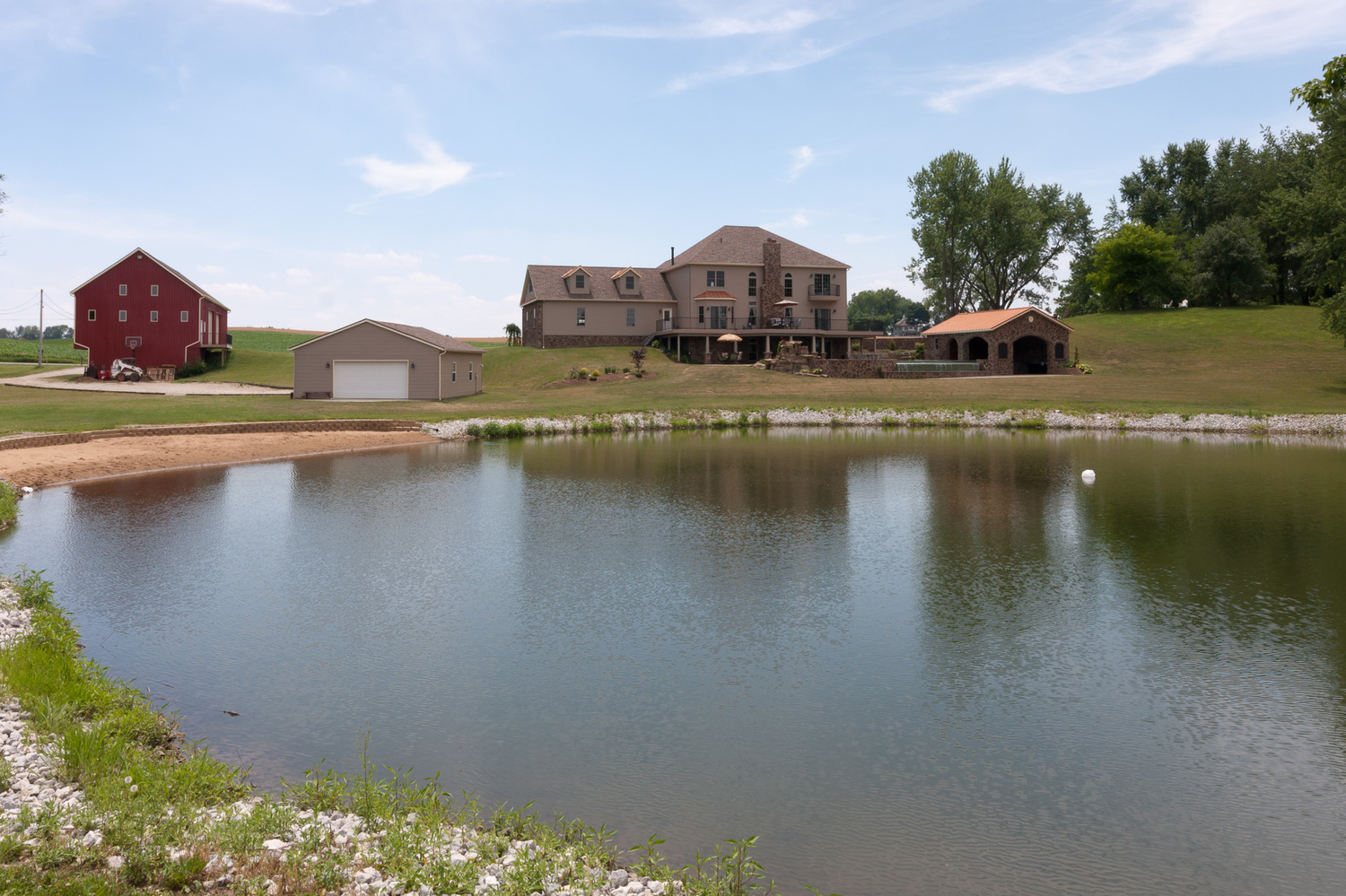
Hi Damien! It's been far too long! Last year I took some photos for a friend and she'd like to print this image on a 24 x 36 canvas. I'm following the steps in your tutorial https://www.damiensymonds.net/tut_canvas.html but when I place the image, it's showing up very small. I'm including the jpg conversion with this post. Do I need to upsize this file? If so, is there a class or do you have a post on how to do this? It's been so long Thank you!!!

-
I'm an idiot... you can ignore me
-
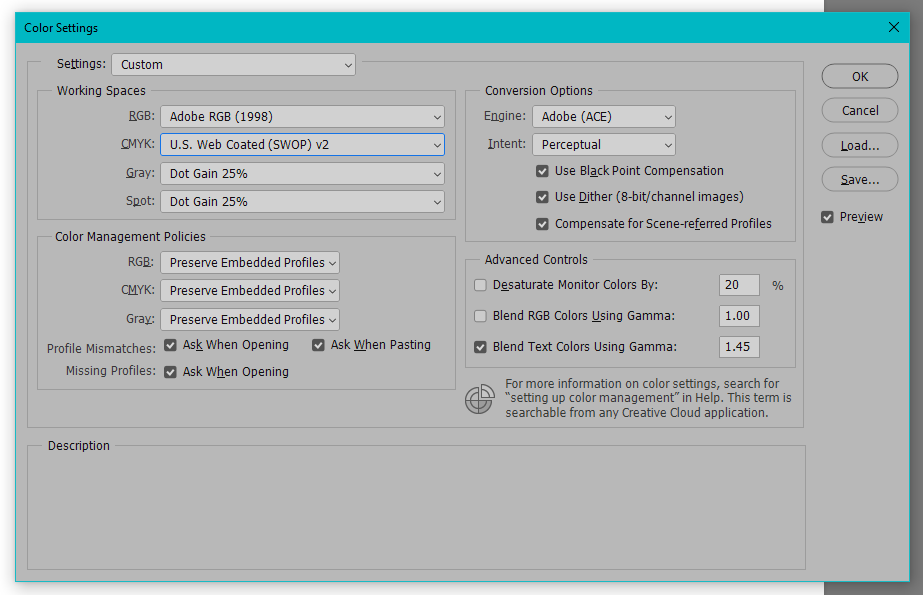
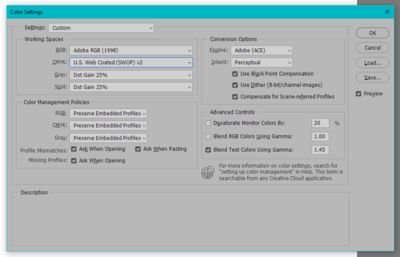
I am reading through the CMYK article for newspaper print (https://www.damiensymonds.net/art_newsprint.html) and I can't seem to find the same options described/shown in the article. Is there a newer version I'm missing somewhere or am I missing something on my end?
-
That worked fantastic, thank you!
-
Ok now that we finally got the image correct, how bout those glasses?

-
Yep, heading over there now.
-
Started from scratch, any better?


-
Raw processing is done on this one. That bad, huh?
-
Ok, here's the full pic and the 700px. Can you help me with these glasses please?


-
Am I misremembering or is there a tutorial somewhere to fix dark glasses? I can't find it with a search
-

Internet Colors
nikkinisly replied to nikkinisly's topic in Output - print, websites, Facebook, email, client disk, etc
Updating now... -
Internet Colors
nikkinisly replied to nikkinisly's topic in Output - print, websites, Facebook, email, client disk, etc
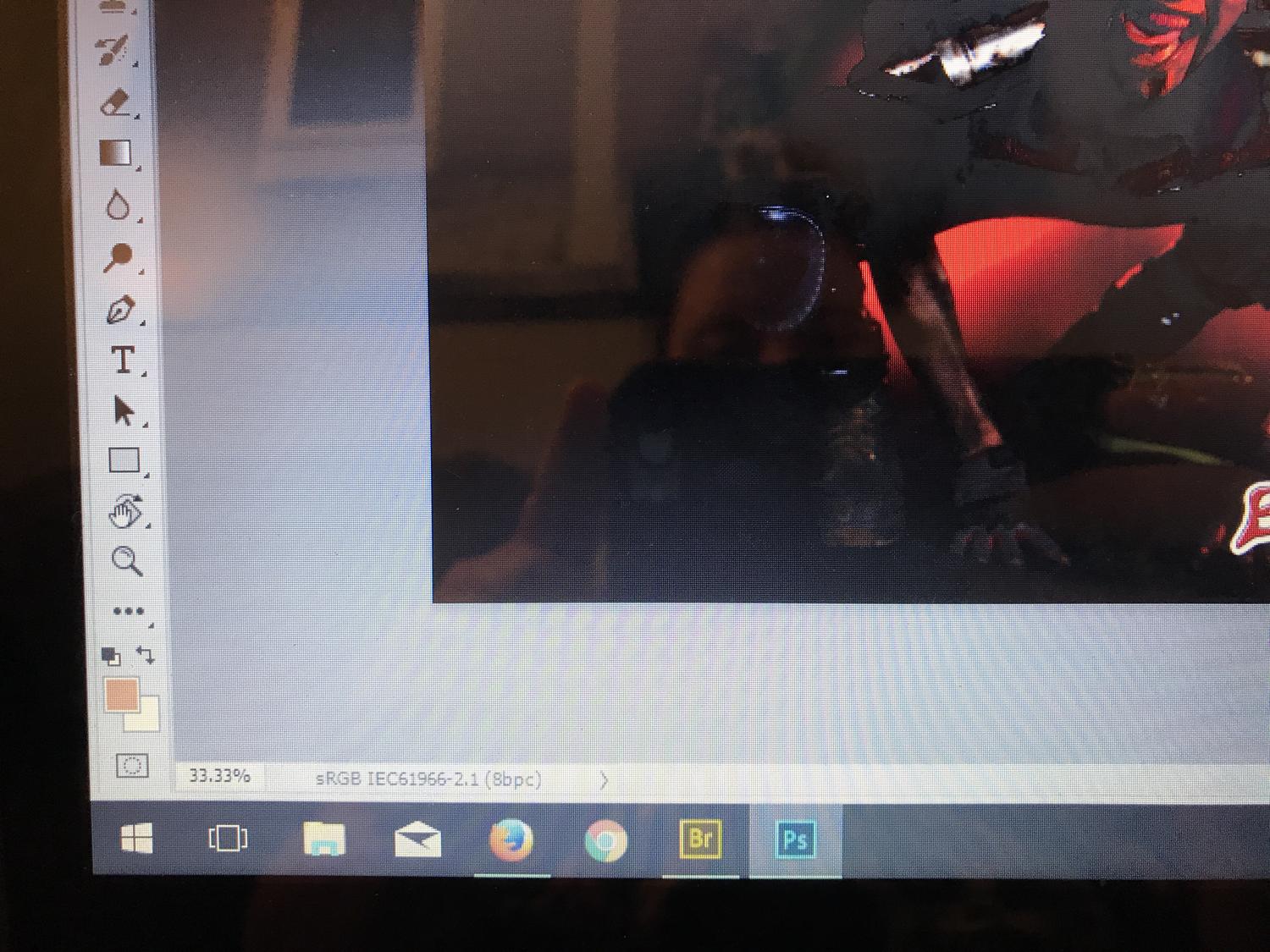
Well that is good news! Here's what I see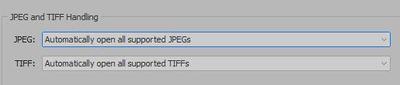
-
Internet Colors
nikkinisly replied to nikkinisly's topic in Output - print, websites, Facebook, email, client disk, etc
Ok, Damo. I'm still having issues and I don't know what the problem is. I've checked everything alllll the way through my workstream to ensure everything is in sRGB and I think I still have an issue. When I'm saving files from PS (file save as or export for web), I don't think my files are being assigned the sRGB profile. The other weird thing is when I open JPGs in PS, they're opening in camera raw. I've included a recent example.
-
Internet Colors
nikkinisly replied to nikkinisly's topic in Output - print, websites, Facebook, email, client disk, etc
Oh I believe you. I just need to go back through and figure out what the hell happened -
Internet Colors
nikkinisly replied to nikkinisly's topic in Output - print, websites, Facebook, email, client disk, etc
That screen grab was from the JPG I put here. I'm gonna have to look at this whole process again tomorrow to see where something went wrong. Argh -
Internet Colors
nikkinisly replied to nikkinisly's topic in Output - print, websites, Facebook, email, client disk, etc
Untagged? How the heck does that happen? My PSD is sRGB as always. I used the image processor in bridge. Btw I'm an idiot, was looking in Chrome. It looks fine in Firefox and on mobile. When I open the file I shared here, I see it in sRGB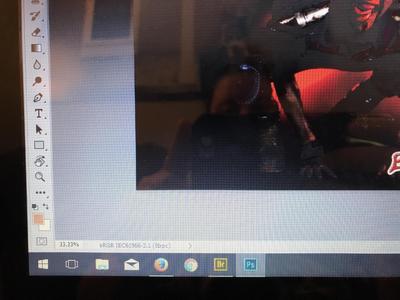
-
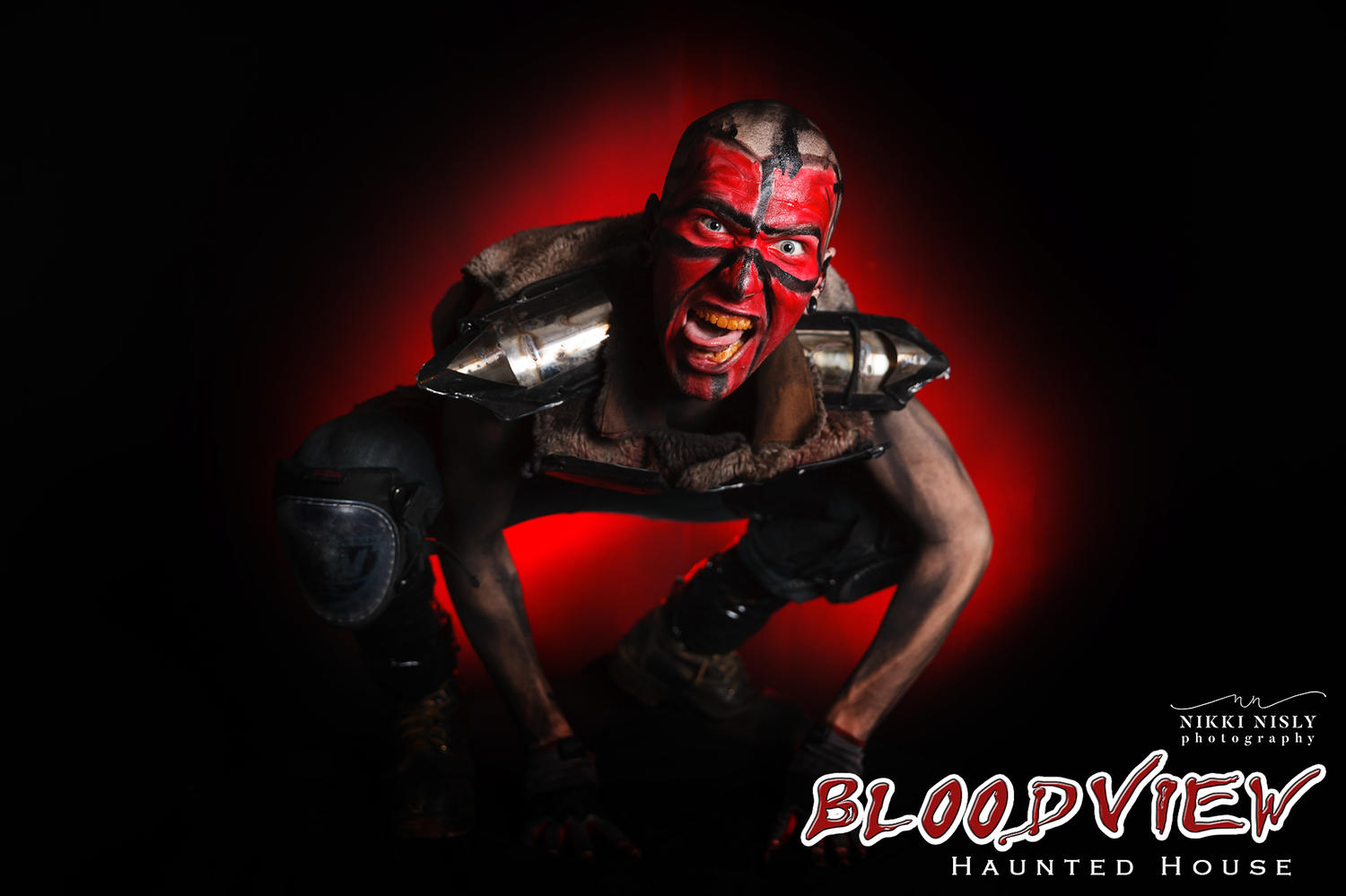
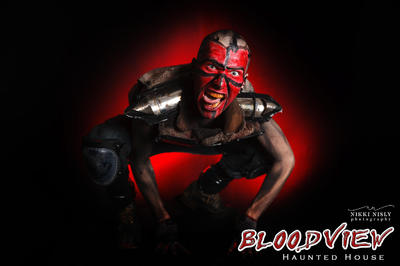
I cannot figure out why the red is washing so far out on this image. I've checked clipping, I'm in sRGB. I'm not sure what else to look for
-
Monitor Calibrator Buying Question
nikkinisly replied to nikkinisly's topic in Questions about tutorials and articles
Thank you! If you want to share the link with anyone, here it is. Good through August 31, upgrade only, and direct from Datacolor https://info.datacolor.com/acton/media/5553/switch-to-spyder5eliteplus?utm_source=Froknows&utm_campaign=NSA-US-IMS-Online-Demand-Gen-Crossgrade-Promo-Froknows-Sponsored-Video-Spots&utm_medium=Online+Demand+Gen -
Hi there! I see this article hasn't been updated for awhile and I wanted to check to see if Damien had any newer recommendations. I have the opportunity to purchase the Spyer5Elite for $139 and want to make sure there isn't something newer/better he recommends Thanks! https://www.damiensymonds.net/what2buy_cal.html
-
I found it Handyman! (for some reason I was thinking mechanic) https://www.damiensymonds.net/2015/04/the-handyman-method.html
- 1 reply
-
- 1
-

-
I'm looking for a tutorial Damien has where he uses a few things to fix an armpit but I can't find it. Can someone help me locate it please?
-
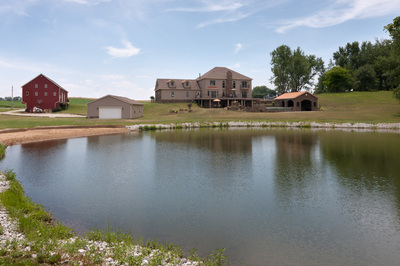
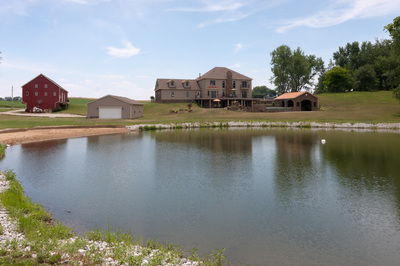
I started on this image and I feel like it can go further but I'm stuck. Any suggestions?
-
Thank you!