
Michelle Pena
-
Posts
376 -
Joined
-
Last visited
Everything posted by Michelle Pena
-
What does that mean? Fine-tuned? I've changed it to 0.0. I did talk to the lab once, and they mentioned they added a plus one or two of red, which is why I moved it . I have a newborn baby today and will shoot with the new settings.I hope all goes well. Mini Mac is calibrated almost to match prints, the only issue I have is brightness. I think it's been a few months since I calibrated. I may do that this evening
-
Ok I messed with the arrows again and I don’t know how or why but now it’s changed!
-
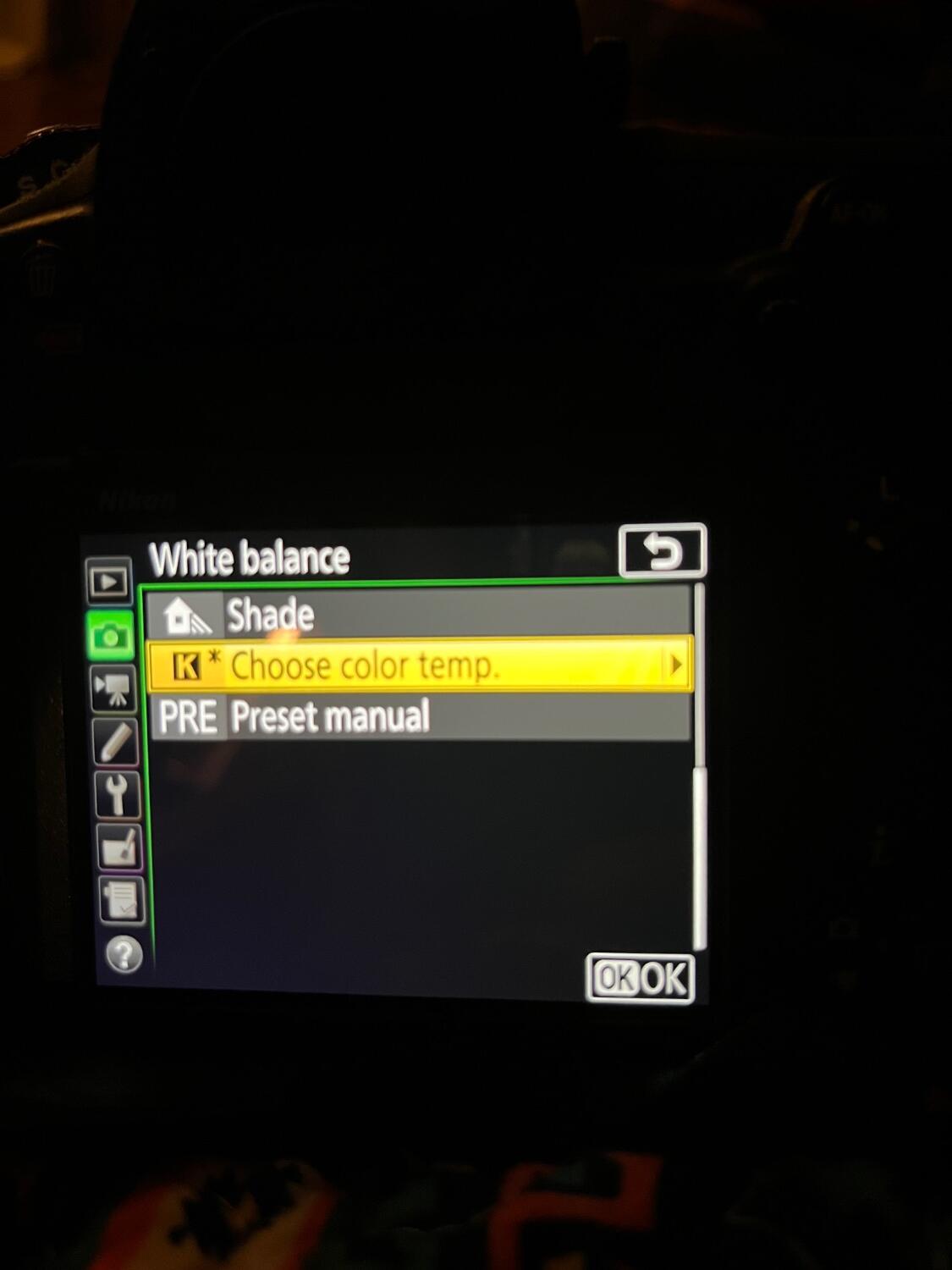
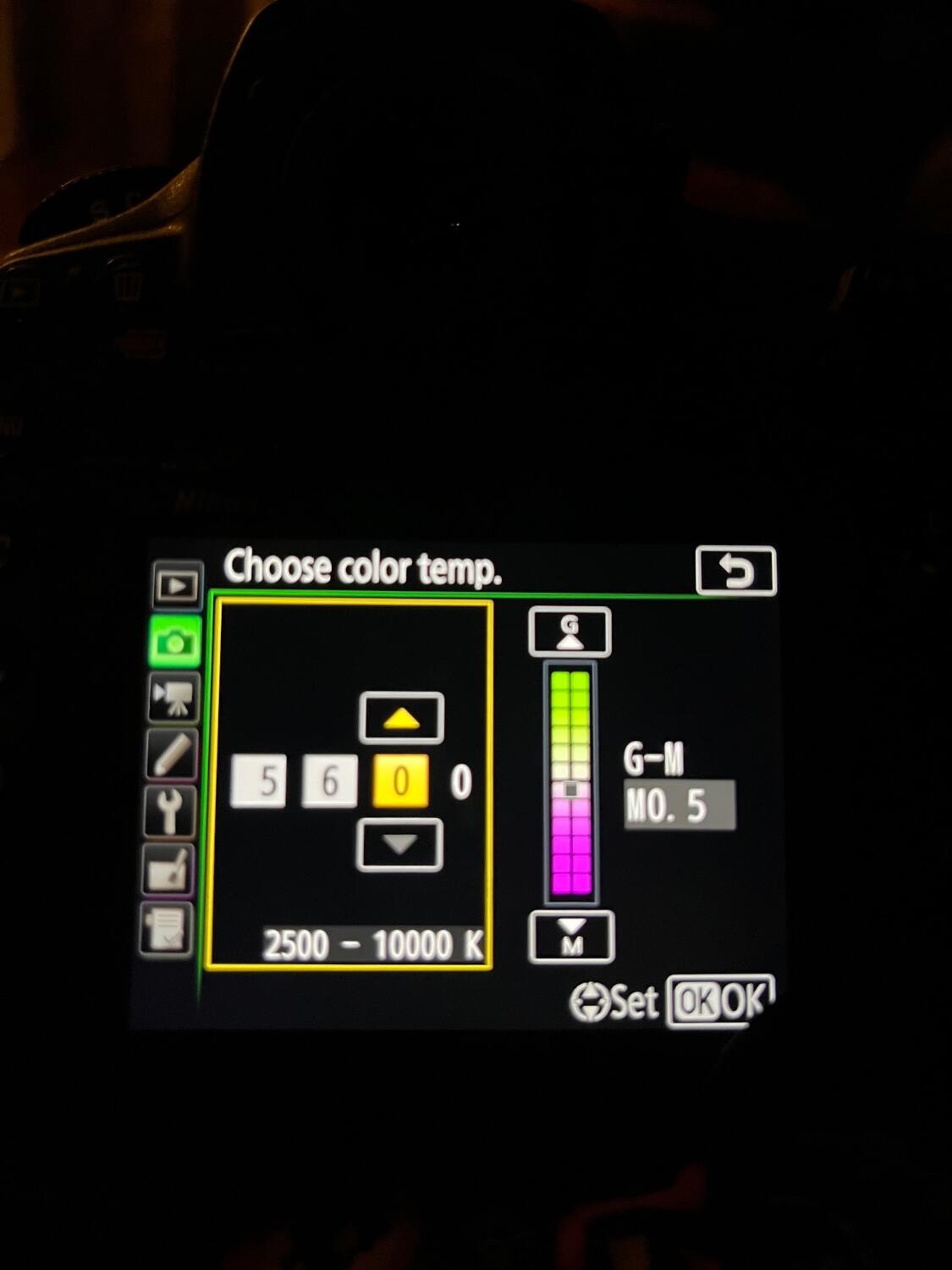
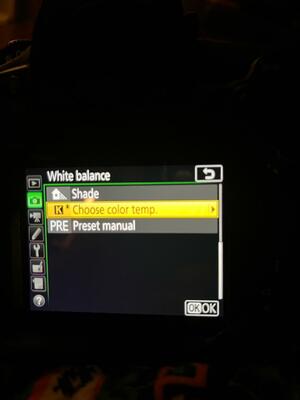
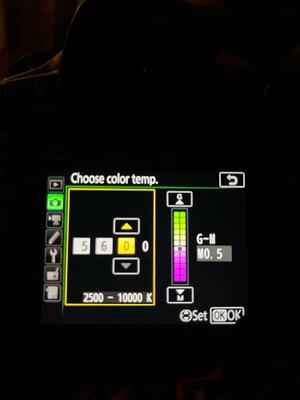
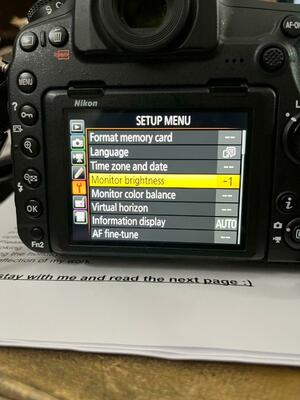
I followed the directions and it still does not change the astrik out? Once I hit ok after setting it to 5600 it’s still k and astrick. Picture below . For newborns, I use a 64 inch Paul c buff umbrella, white inside , white diffuser and black outside cover. I use this size for newborns and maternity . For sitting babies I use a 86 inch plm same set up and the 64inch . I may have to take the raw class again.
-
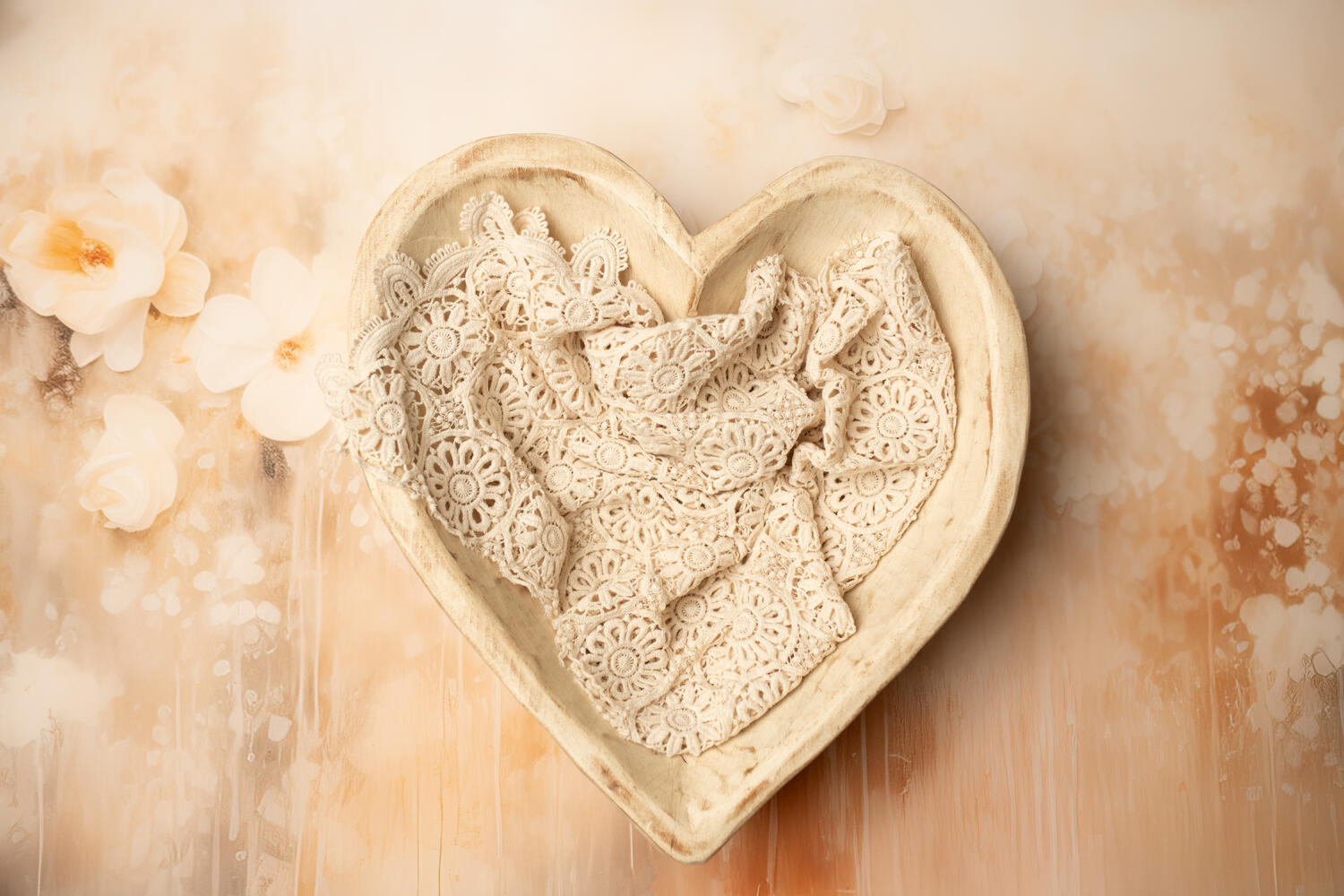
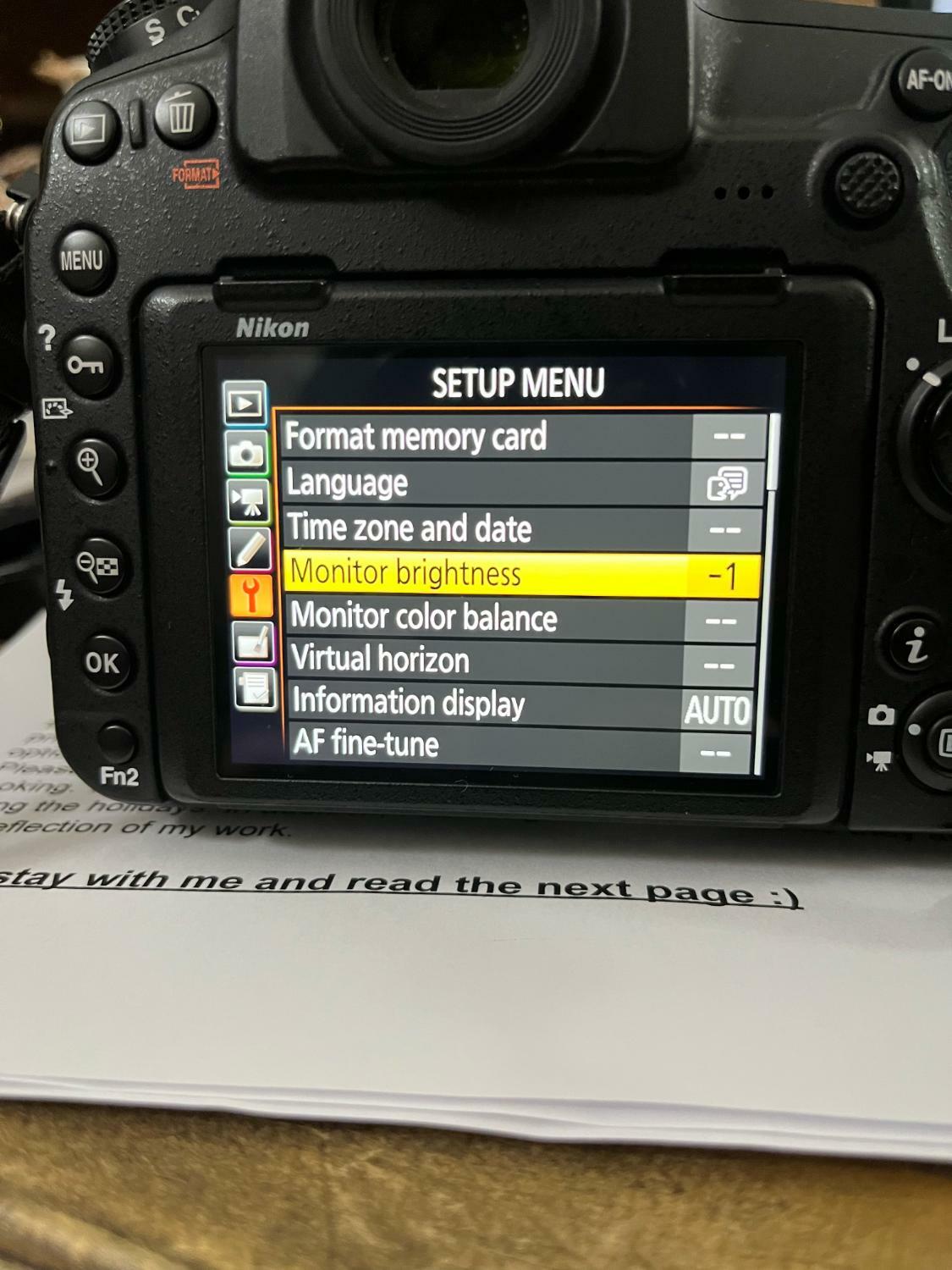
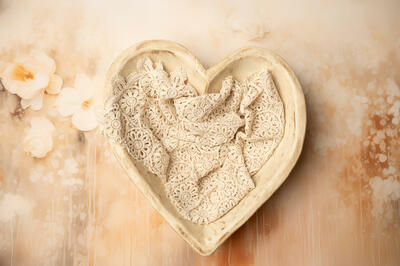
OK, the camera is already set to sRGB. Picture control is in neutral, and WB is at 5600k. I changed the LCD screen to -2 it was at -1 before..I'm not sure I see the difference. Did you see the Wb setting in the previous photo I sent you? It's on Kelvin, that is correct? I will attach a picture of a setup I used with those changes settings, not sure if it will do any good for you to judge it. I need to go down to 250iso... I do understand about using the histogram. But I do love some shadows in my newborn images, so the points are never in the middle What should I do then? I do see your friend's images are clean-lit but flat. Not that that's bad, but I personally love a little more shadow and depth. I will start saving for the Profoto light!
-
Oh, and once I change those settings, do I also change my color profile in ACR to Neutral? Right now, I think I have it on " color."
-
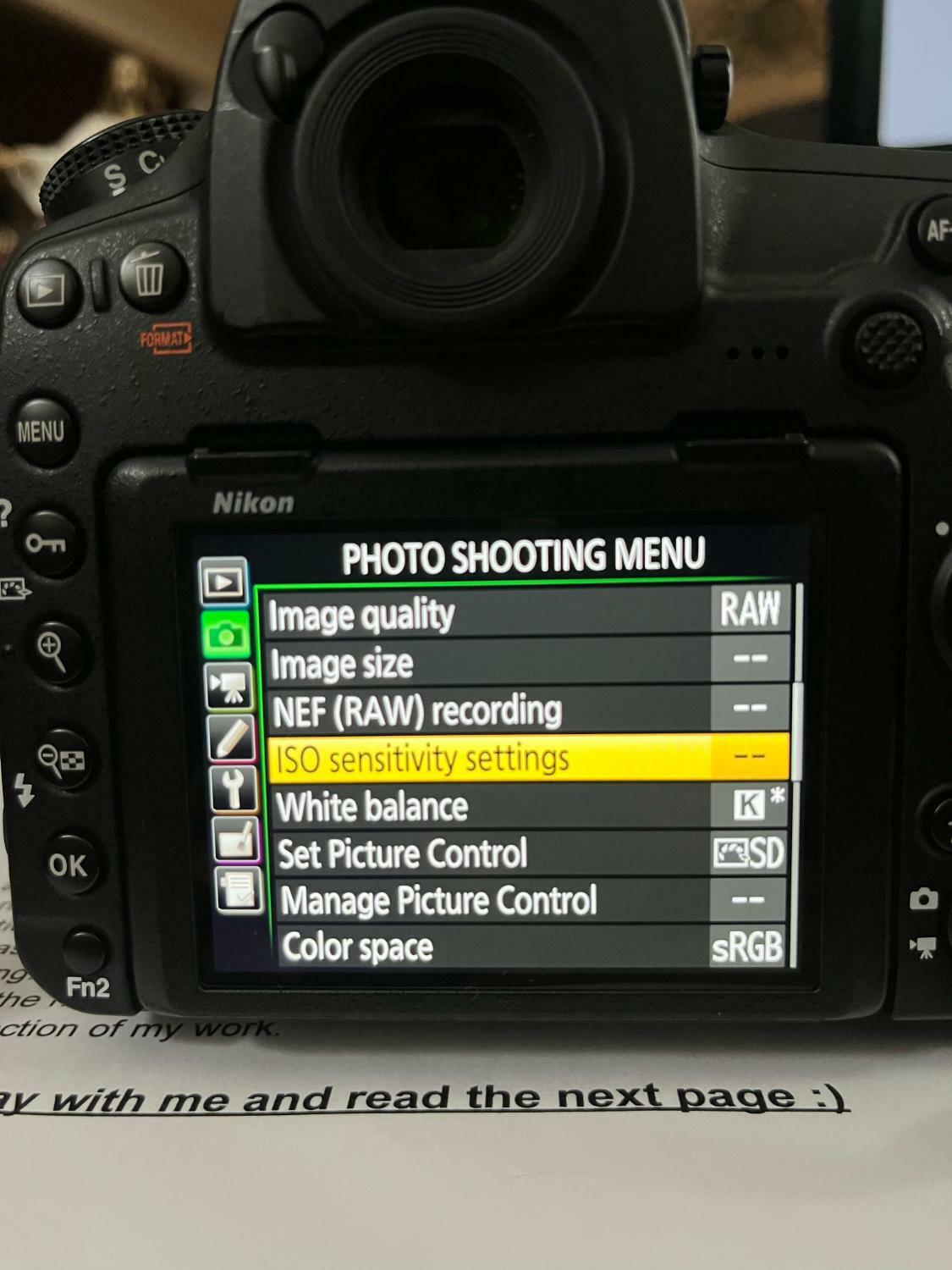
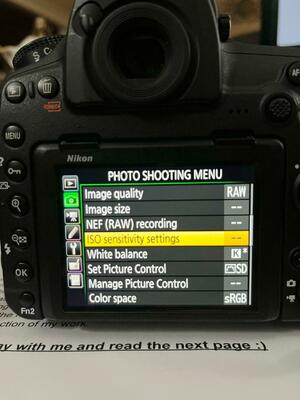
My current settings are in the pictures below. I don't think I'm on AWB. Omgosh, neutral looks bland once I upload it to the Mac, but I will give it a shot. I have some free time tomorrow to try the new settings you suggested. Neutral,-2 monitor brightness, and WB of 5600k correct? Profoto has been a light I've wanted. The B10, but this must be new. I'm not up to date on those lights. I've heard that the Wescott FJ 400 and FJ 200 are suitable for what I do: newborns, babies, and maternity. What's your take on those lights Thanks for your help.
-
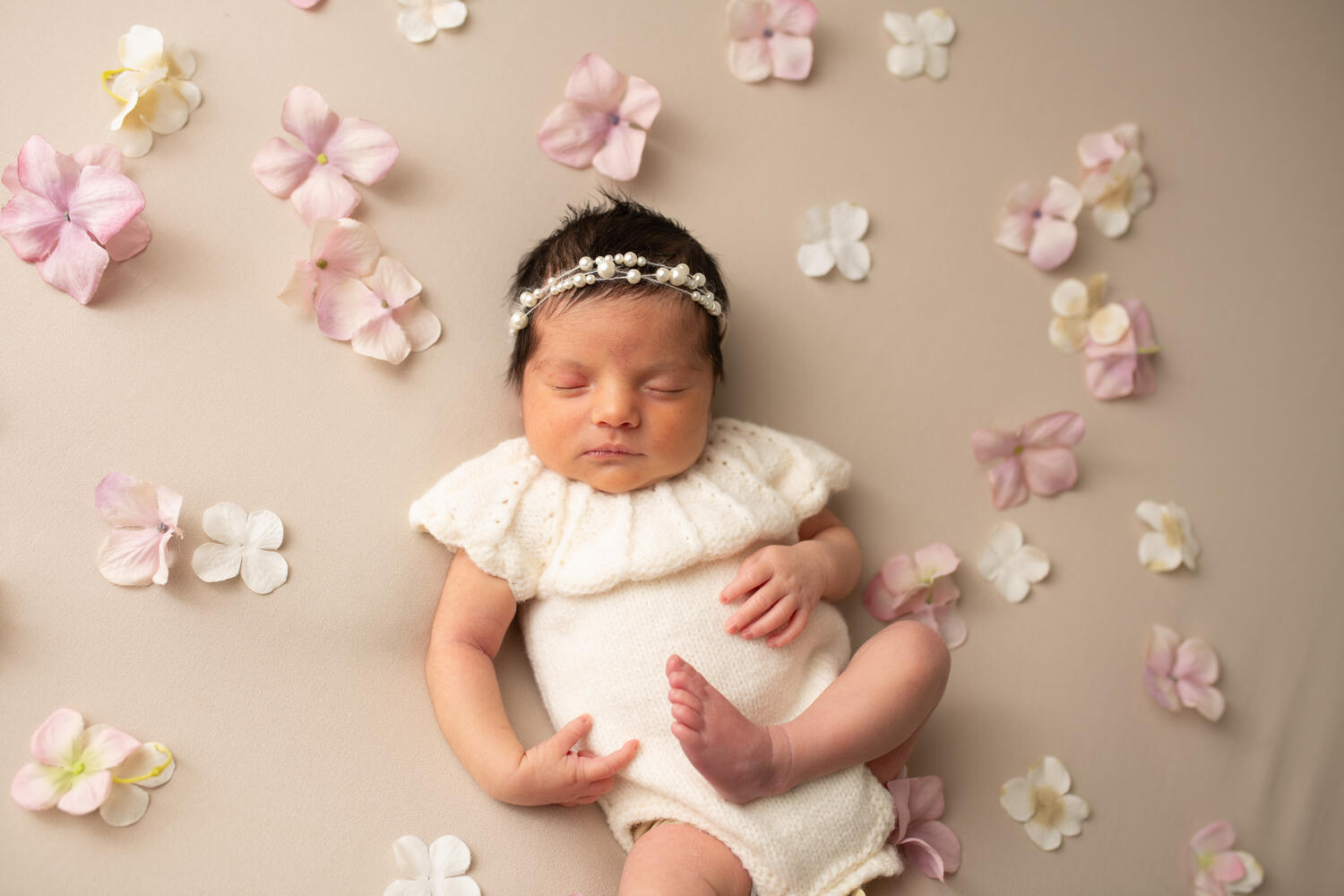
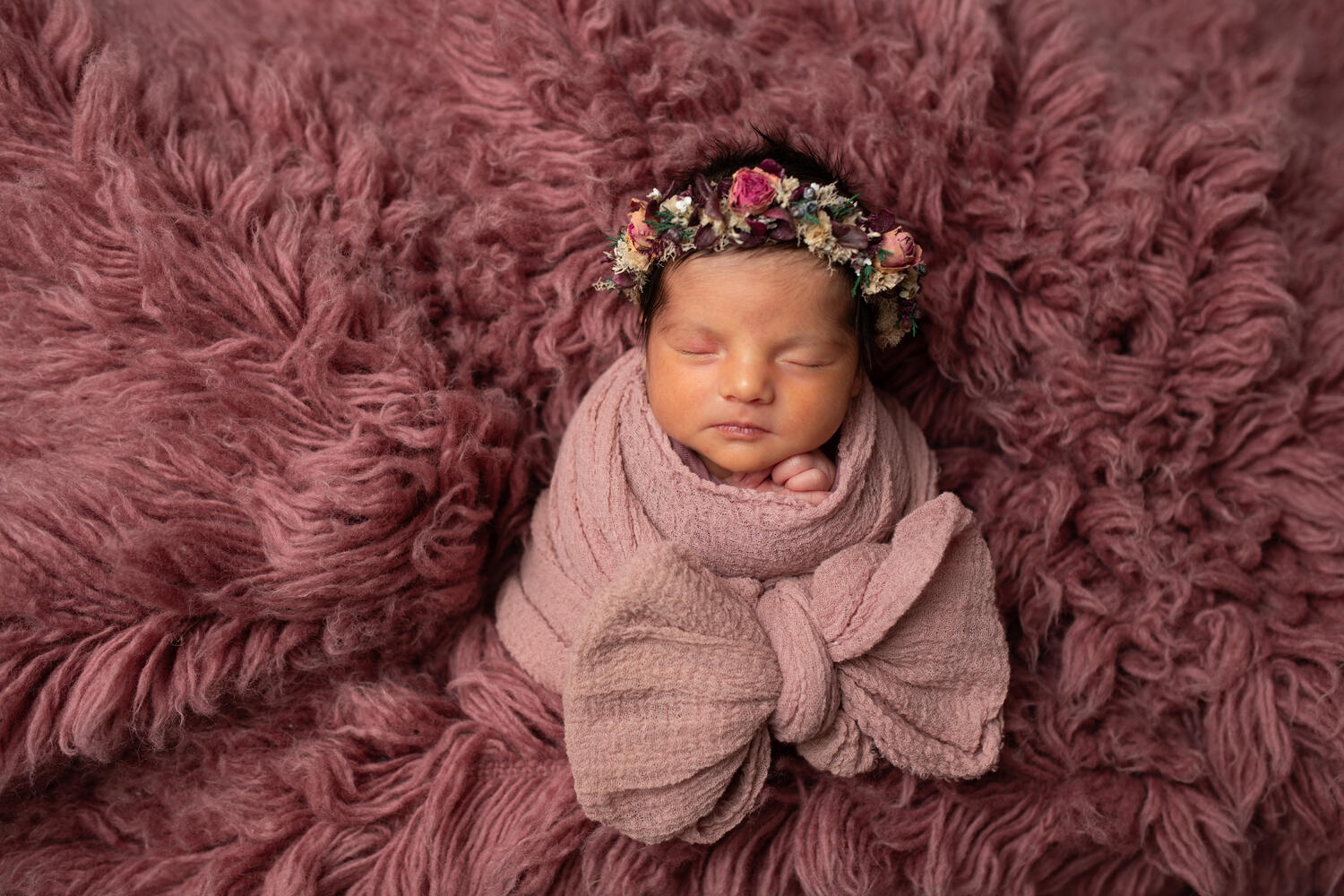
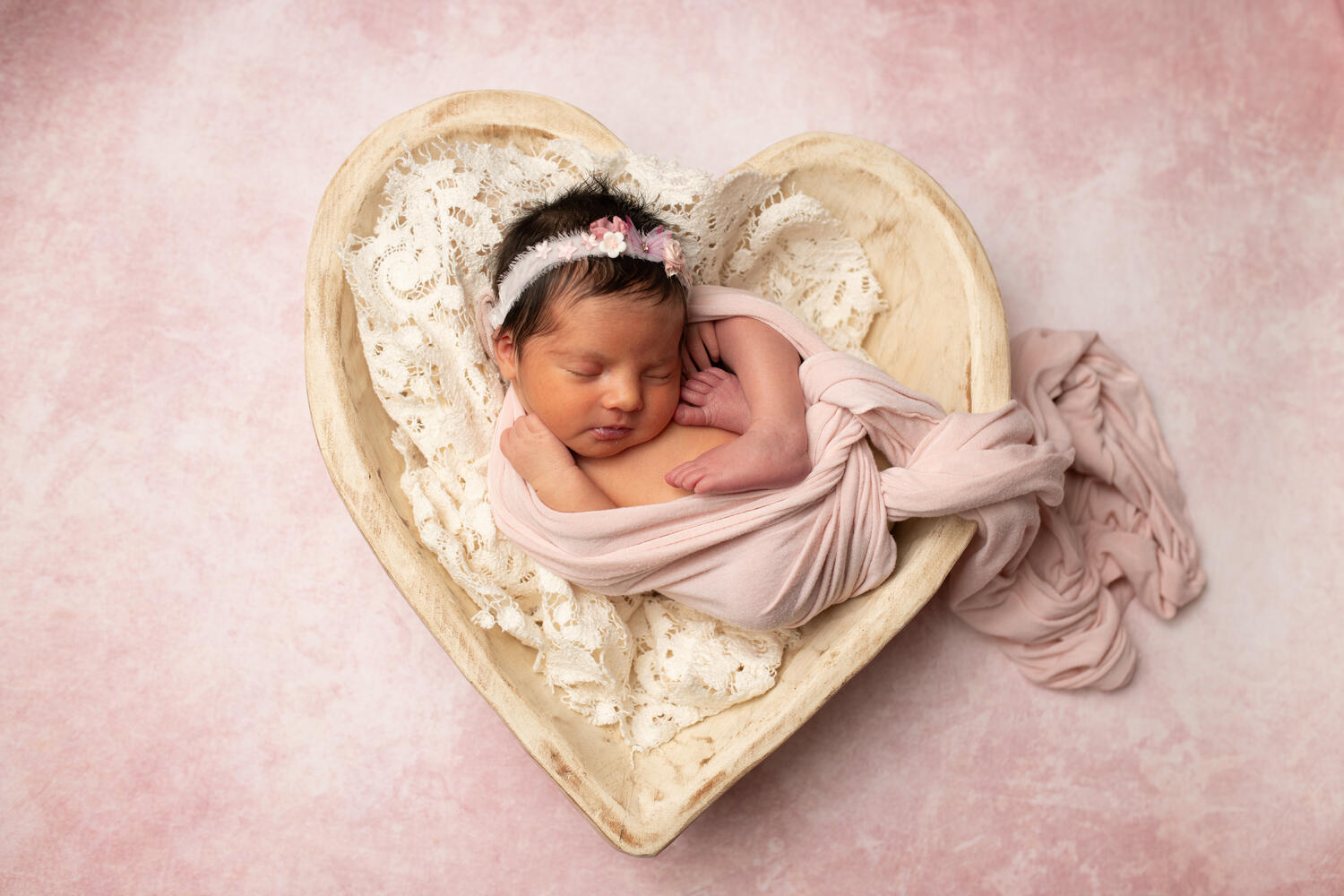
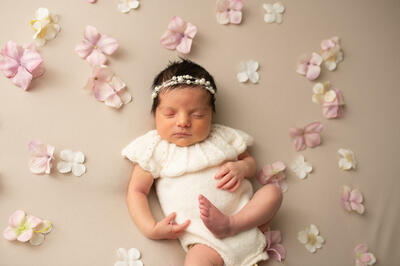
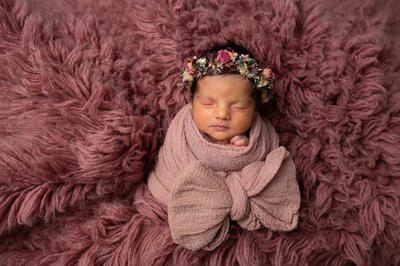
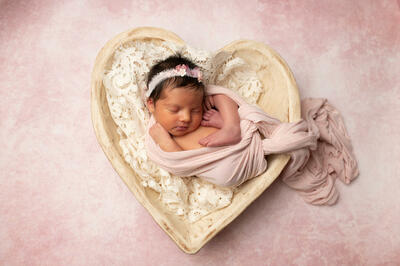
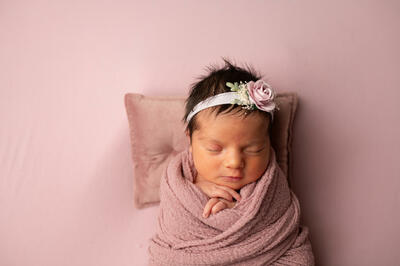
Hi Brian, I've been noticing for a few months now, and not every time... that the back of camera images have been saturated with ugly orange and glowy look. Nothing has changed regarding camera settings that I can tell, and when this happens, editing is a nightmare, even using the grayscale for WB. I don't know if my camera or strobe is causing the issue or if I'm accidentally hitting something. The bulb on my Flashpoint 400ad Pro is new for about 6 months( I've been using this light for 4 years and never had this issue), so I don't know what it could be. I'll attach unedited photos, but you may see a different color as it doesn't look the same on the back of the camera versus a computer. I have a D850, which is a very contrasty camera, but I have not seen images like this. WB was set at 5260k except for the mauve rug image, which was set at 5000k. Those settings should make the image cool in my experience. These are just awful. Any suggestions? Thank you!
-
Should I upgrade my mini mac to the Sequoia 15.2 ?
Michelle Pena replied to Michelle Pena's topic in The Macintosh User Group
Yes, most definitely! -
Should I upgrade my mini mac to the Sequoia 15.2 ?
Michelle Pena replied to Michelle Pena's topic in The Macintosh User Group
Should I be ok with upgrading to Sequoia? Its file is 7.48 GB. Has anyone had any issues? Thank you, Brian. -
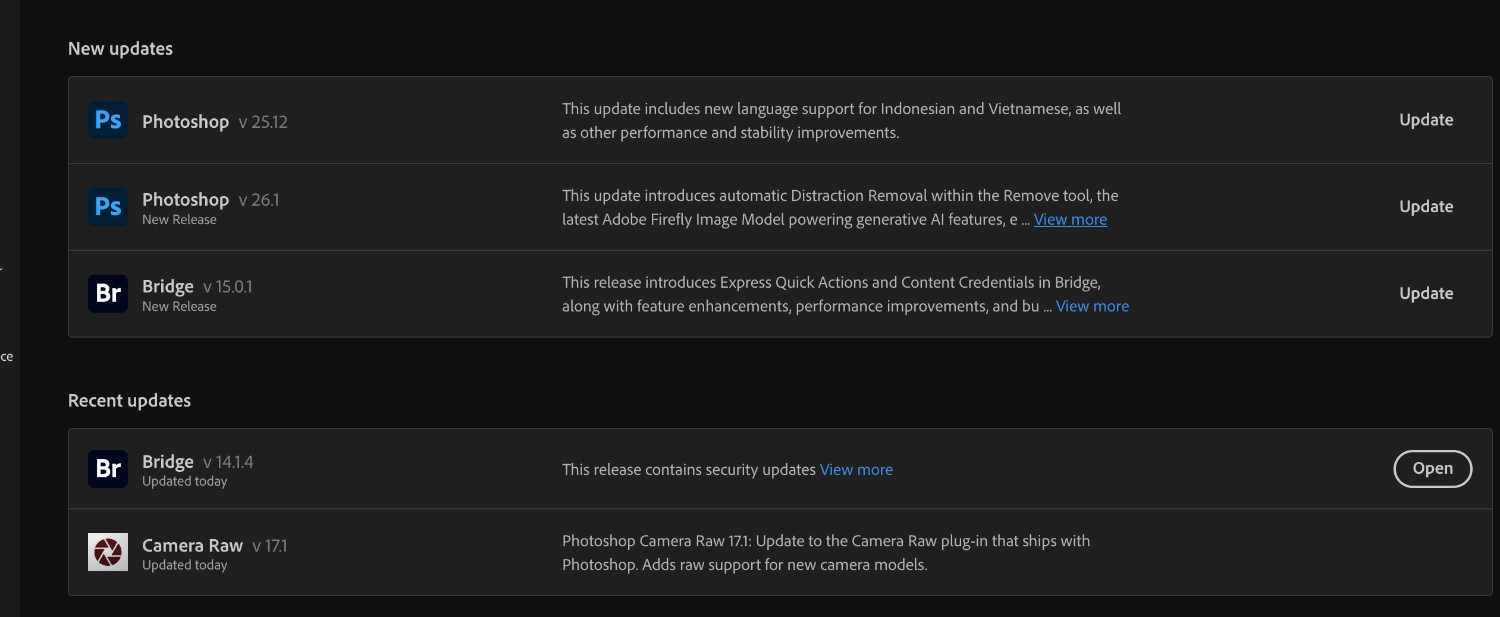
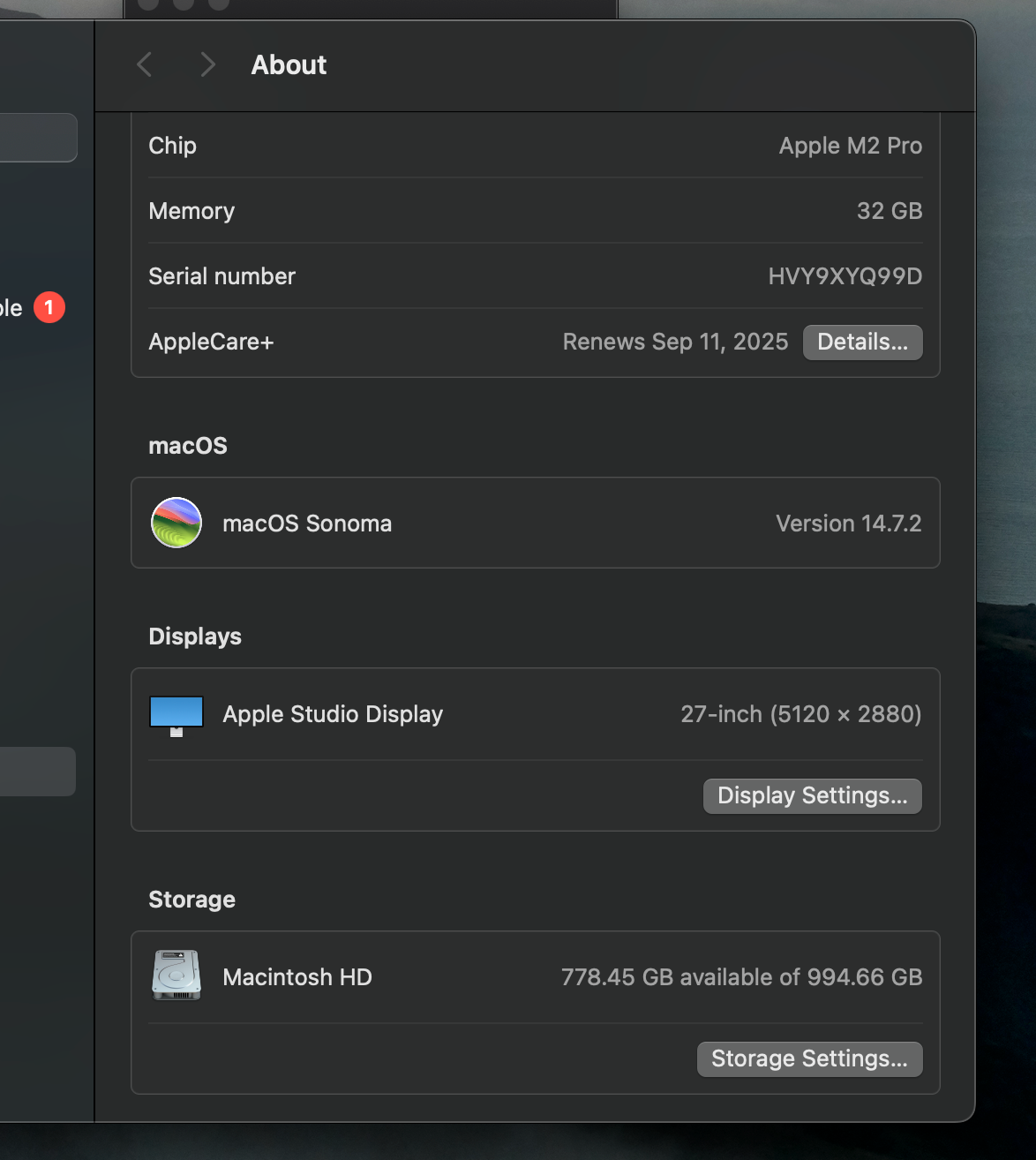
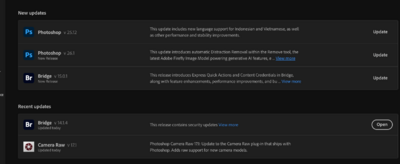
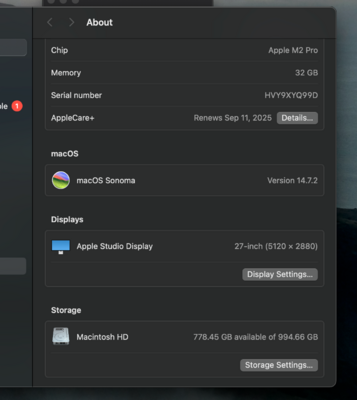
It's 7.48 GB, so I feel like it would be okay. I've only had this new Mac mini for over a year. Has anyone had issues? Image below. Also, has anyone experienced any issues with the Photoshop update? The image below shows what it's asking me to upgrade.
-
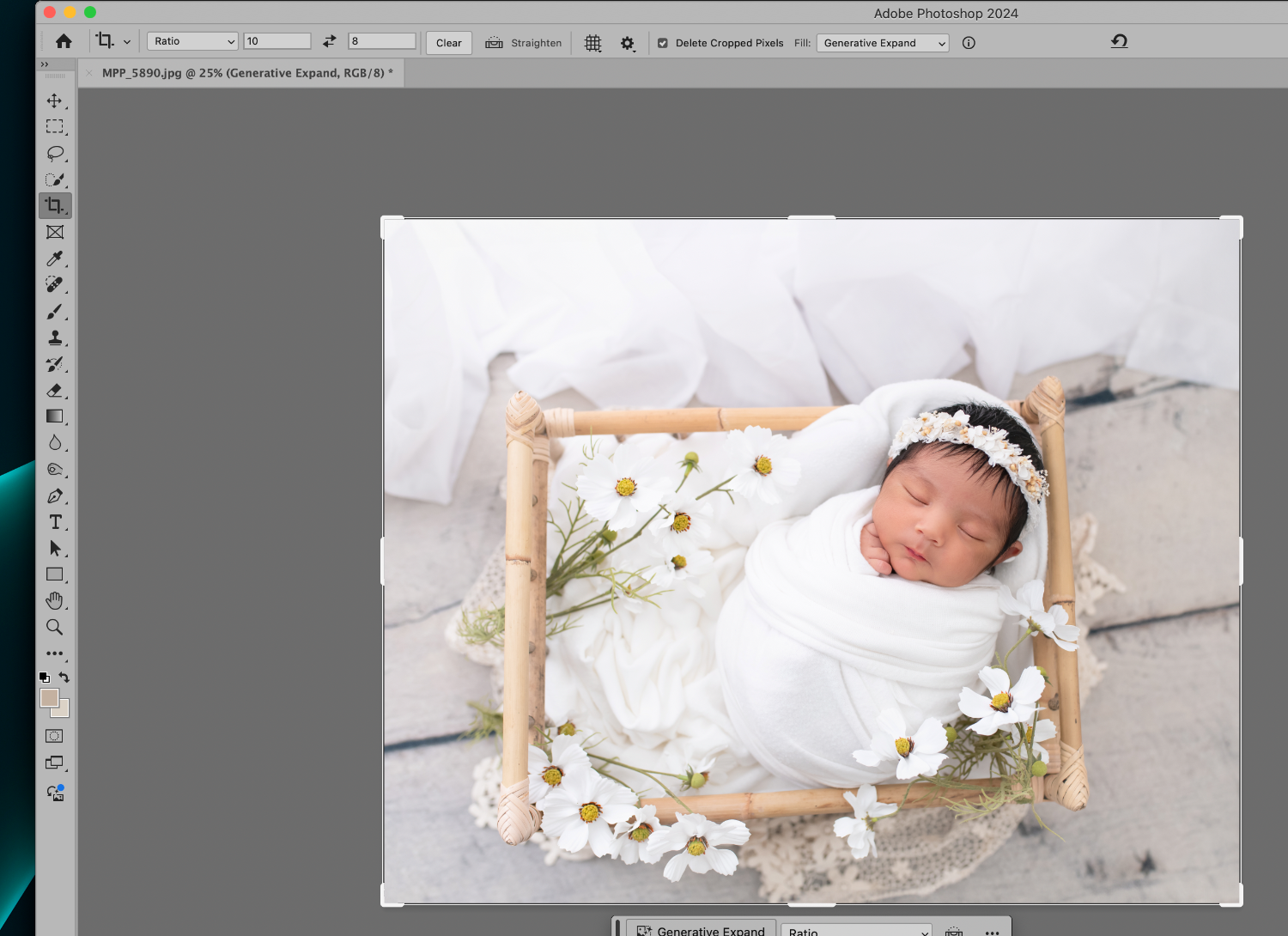
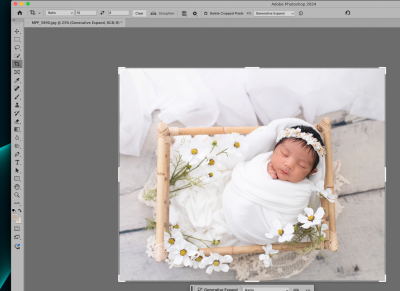
How can I get the resolution box back on the top tool bar? When clicking the crop box, it used to be there by height & width. Or is it gone now?
-
Any problems with Sonoma 14.3
Michelle Pena replied to Michelle Pena's topic in The Macintosh User Group
If I can butt in here, lol! I came from a 16 GB, and it slowed down because of all the PS updates. I could not upgrade to Sonoma or upgrade my PS to 2024 (I was using the 2019 version) I knew if I did, it would slow down the imac even more. Believe me, from my experience, saving up for my 32 GB M2 Pro mini Mac was the best choice ( of course, now they have the m3, which was not available yet when I purchased the new machine ...ugh). Everything runs smoothly.I have not yet updated to the new 14.5 Sonoma. The upgrade is 2.48 GB, which is not bad I think the M2 could handle it but If I don't need to upgrade, I won't. Photoshop runs so well on the new 2024 version. I can also use the AI features to remove items from pictures to remove wrinkles or to extend backgrounds, and it's fast at generating it! Take Brian's word for it: this one will not do what you need it to. Anyway, my two cents! LOL. Good luck, Jess! -
Any problems with Sonoma 14.3
Michelle Pena replied to Michelle Pena's topic in The Macintosh User Group
I am going to wait for a bit before upgrading. Geez, I feel I just upgraded to the 14.3 ! -
Any problems with Sonoma 14.3
Michelle Pena replied to Michelle Pena's topic in The Macintosh User Group
Everything is running fine -
Any problems with Sonoma 14.3
Michelle Pena replied to Michelle Pena's topic in The Macintosh User Group
Will do! Thanks again. -
Any problems with Sonoma 14.3
Michelle Pena replied to Michelle Pena's topic in The Macintosh User Group
LOL, no, I won't be a moron and start this with sessions needing to be edited, but I stay busy.. sooooo. It's not a big deal; honestly, everything works fine. The only reason I wanted to upgrade to PS 2024 is because of the AI feature where hands, feet, and the harder stuff can be easily edited out. Especially the sessions where parents help spot a newborn, and we have hands to edit out. It would make editing go smoothly. I am not a fan of the AI world but it's here. Thank you for the links! -
Any problems with Sonoma 14.3
Michelle Pena replied to Michelle Pena's topic in The Macintosh User Group
Oh, I see. Can't run the new OS on the 2023 PS? So if I update, just update both? Sorry if I misunderstood. -
Any problems with Sonoma 14.3
Michelle Pena replied to Michelle Pena's topic in The Macintosh User Group
Thank you. Now, I hope the new 2024 PS holds up -
I have a 32GB MiniMac M2 Pro chip. Will this be okay to upgrade? I mean, I've had this MiniMac for just three months, and there is already an upgrade! Brian, any issues that you know of?
-
I think my time is up in that class , thank you.
-
Where can I find a link to download and print out the WB grayscale? Thank you!
-
Thank you.
-
Shit, I returned it lol Thinking it was the brand. Well this sucks, I plug in my camera card reader to transfer raw files to the external because the D850 files are huge. I never place the raw files on my mac just if only i'm working on that session. SO now i have to directly place the raw files on my mac ?? ughh Do you know of another way? Thank you for the research! "So for now, if your WD Drive that you are reformatting, make sure it is setup for macOS Extended (Journaled) and it's formatted. Then all you should be able to do is find your drive you want to copy, open it and do a Command+A which will select all the files. Then right-click and select Copy, then go to the destination drive and right-click and select "Paste." This will copy the files and will allow you to make sure that everything copied over and is fine, THEN you can do a select all on the originals and delete them. " This what i do with the raw camera files?
-
Hey Brian, I have the new Mac mini and always used WD external hard drives. I found out that Western Digital is compatible, but Apple does not allow drag and drop feature as of now. This is essential for me as I'm transferring files from the old external to the new external drive for the new Mac. It's due to Ventura, is what they told me. What other hard drive do you suggest for my drive to be able to backup and where I am able to drag and drop files from the desktop to the new external? Thank you !