Damien Symonds
-
Posts
212,599 -
Joined
-
Last visited
-
Days Won
3,519
Everything posted by Damien Symonds
-
New thread please.
-
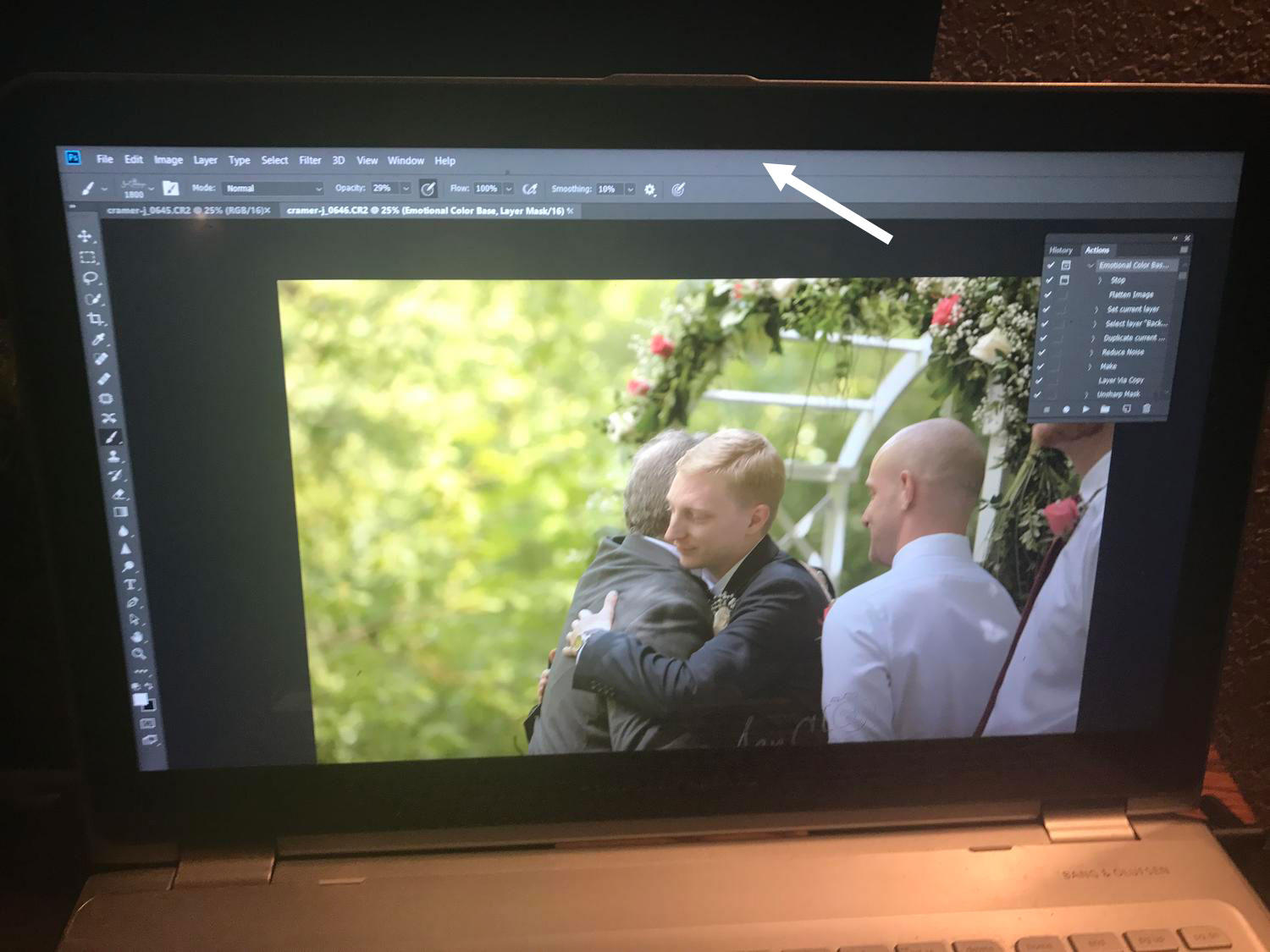
 So you can't grab the window by the corner and drag it bigger?
-
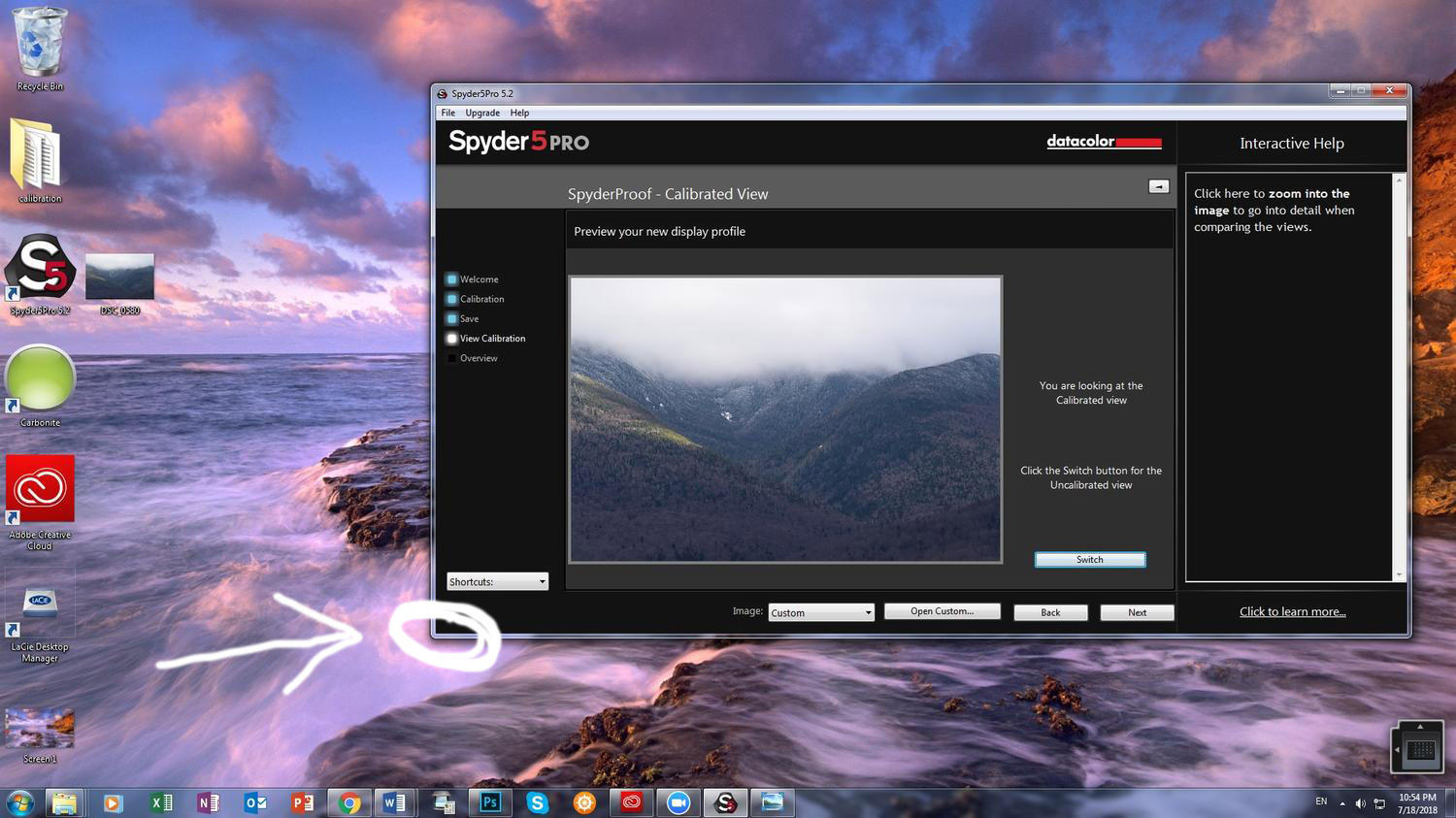
Whoa. Please don't compare the calibrated with uncalibrated. That doesn't matter a bit. Only compare the calibrated setting with your prints. That's all that matters. Yeah, you really have to fix that. May I see a screenshot of your whole screen?
-
Ok, in what way does it not look right? The better you describe it to me, the more I can help.
-
You're a cruel person, @GraceCJG. I'm dying of curiosity here! How did the calibration go?
-
A setting of 15 to get a reading of 91 sounds perfect! Very very common numbers.
-
Yes, although I hope we won't have to go too far down that path.
-
I'm really worried about you messing with the screen's contrast setting. That should remain at the factory default setting.
-
No, don't wait. Please calibrate now. If you wait until nightfall to calibrate, you won't be able to check the result until tomorrow.
-
Crop Tool
Damien Symonds replied to sla453's topic in Photoshop / Elements / Bridge / ACR questions or problems
Did that work, @sla453? -
Hang on, what do you mean by this? Adjust it how?
-
That's fine for now. Go ahead with calibration.
-
Don't keep me in suspense, @Jamie Brown! How did the sample print turn out?
-
Shoe photo with ribbons
Damien Symonds replied to Iva's topic in Miscellaneous questions or problems
Any updates on this, @Iva? -
Hmmm, I see. Smaller, but still big enough to be visible. I understand your concerns. I fear it's because it's simply too small. It's just so fiddly to work at the individual pixel level, you know? And none of the blur options work well at such a fine detail level. Do you have any where the logo is bigger in frame?
-
Wow, ok. And so that we can keep a level of realism in this conversation, how big is the logo going to be when the photo is eventually put on the website?
-
No, if you could take it like this, I'd be very grateful.
-
Ok, I understand now. The photo you showed me above (with the blue arrow drawn on it) - is it a 100% crop?
-
Well, what I really want to know is - do you WANT that many catchlights on the logo? Or do you intend/desire to edit some of them out?
-
Yeah, nah, sorry. It's too obvious that the focus is far behind the roo.
- 1 reply
-
- 1
-

-
Crop Tool
Damien Symonds replied to sla453's topic in Photoshop / Elements / Bridge / ACR questions or problems
You LIKE that? Gosh. Well, yes, I'd say resetting. https://www.damiensymonds.net/2012/09/resetting-tools.html -
Please may I see what you came up with?
-
How many lights did you use?
-
Oh, yay!
-
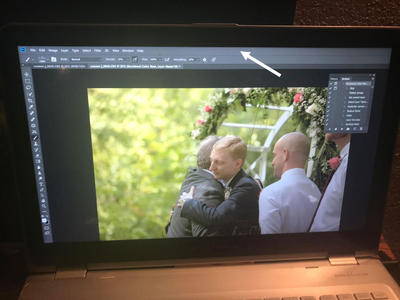
How weird, eh? What happens if you double-click on this top bar here? Does it make the Photoshop window smaller on screen?