Damien Symonds
-
Posts
213,265 -
Joined
-
Last visited
-
Days Won
3,546
Everything posted by Damien Symonds
-
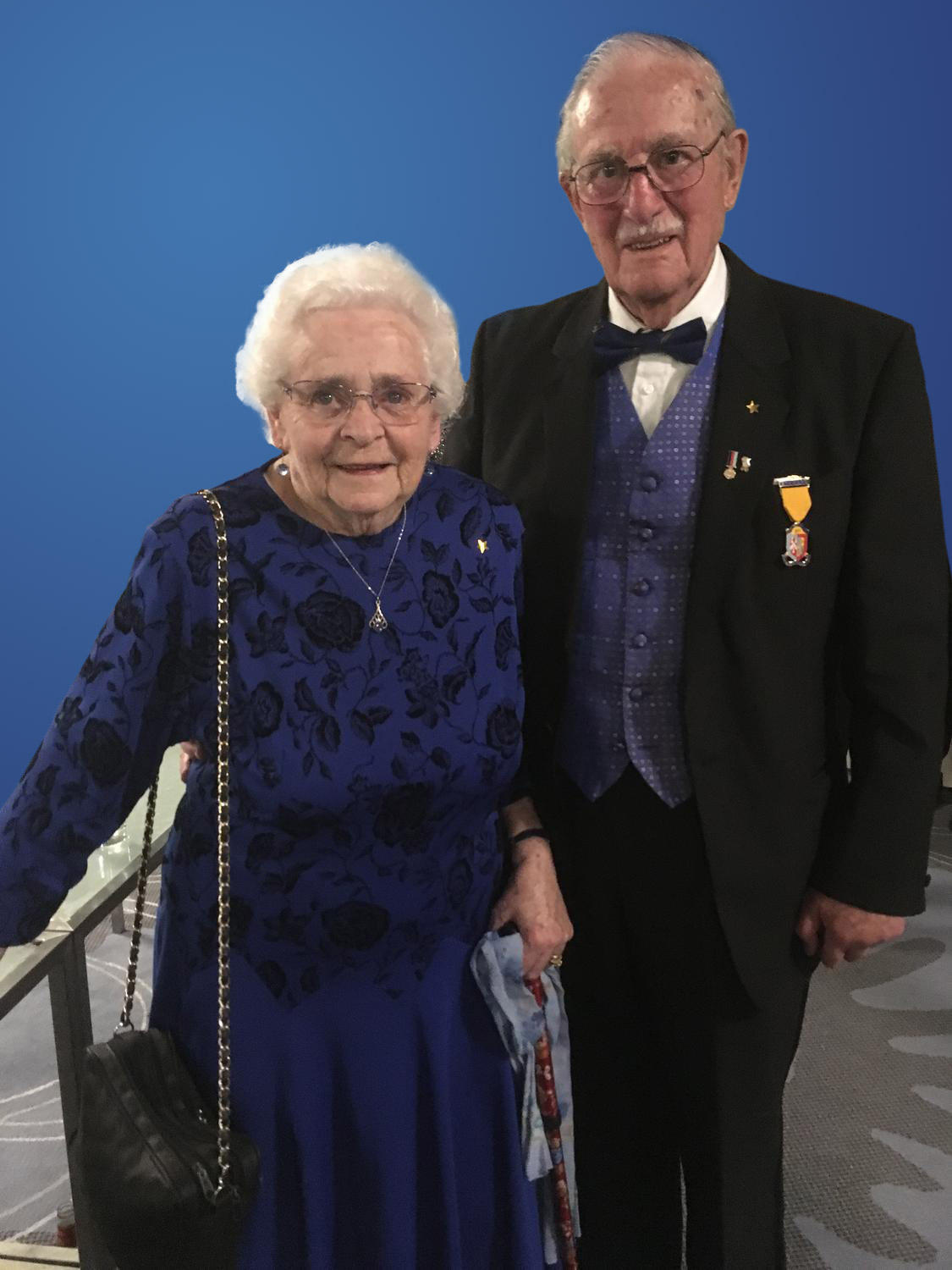
Changing the background to royal blue gradient
Damien Symonds replied to EmmaBrett's topic in Help with editing
When you double click a gradient layer (to get the little window where you chose "Radial") you can click on the image and drag around, to move the centre point of the gradient. Try it and you'll see what I mean. -
"Could not copy......"
Damien Symonds replied to verticaltriage's topic in Lightroom questions or problems
Are these files coming off a card? If so, have you tried another card to see if it works? -
Can't say I love this ...
-
Oh boy ... I'll see ...
-
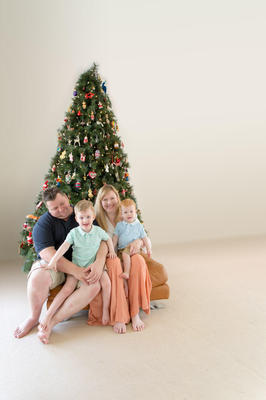
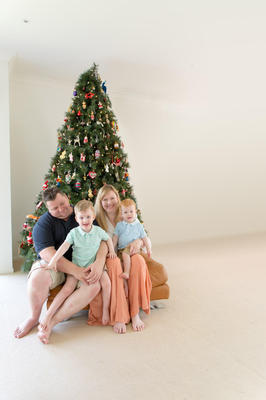
This is a really tough one. How would this be?
-
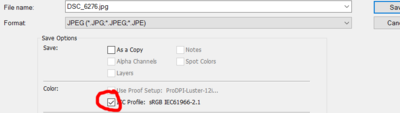
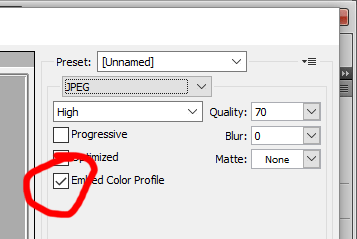
Your photos are all untagged. This is really bad practice. Make sure you always embed the profile when you save.
-
Hi Sarah, could you post the whole photo for me?
-
Brightness step missing
Damien Symonds replied to Silvia2's topic in Monitor calibration questions or problems
https://www.damiensymonds.net/desktop-monitor-brightness -
Changing the background to royal blue gradient
Damien Symonds replied to EmmaBrett's topic in Help with editing
Download PSD -
Screen turning off
Damien Symonds replied to Stacey Sedgman's topic in The Windows & PC Hardware Forum
Hi Stacey, I'm not Brian, and I don't really know what I'm talking about, but I'm wondering if you've tried plugging in a desktop screen to the laptop; and if the problem still occurs with that screen? If it doesn't, that would seem to suggest a problem with the backlight. Needless to say, be VERY diligent about keeping your laptop backed up at all times, while this problem is persisting. -
"Could not copy......"
Damien Symonds replied to verticaltriage's topic in Lightroom questions or problems
Hold on, have you tried a different destination? -
"Could not copy......"
Damien Symonds replied to verticaltriage's topic in Lightroom questions or problems
Please don't put up with this crap. Now is the time. https://www.damiensymonds.net/bridge-30-day-challenge -
"Could not copy......"
Damien Symonds replied to verticaltriage's topic in Lightroom questions or problems
Did the restart fix the problem? -
"Could not copy......"
Damien Symonds replied to verticaltriage's topic in Lightroom questions or problems
That's hard drive space, not RAM. -
"Could not copy......"
Damien Symonds replied to verticaltriage's topic in Lightroom questions or problems
This is impossible, as far as I know. Please check again. After you've restarted. -
"Could not copy......"
Damien Symonds replied to verticaltriage's topic in Lightroom questions or problems
https://www.damiensymonds.net/thread1.html -
Changing the background to royal blue gradient
Damien Symonds replied to EmmaBrett's topic in Help with editing
Light at the bottom will look weird. The light part of the gradient should follow the natural flow of the light in the photo. How does this look? (I haven't done the bottom part yet, but it's easy of course):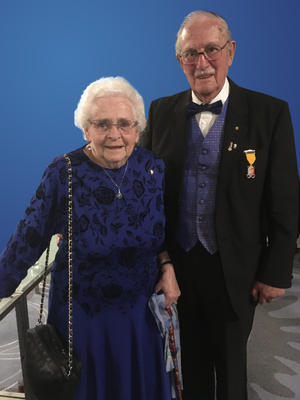
-
new lighting
Damien Symonds replied to Tim Evans's topic in Monitor calibration questions or problems
Yes, I'd say it would be the safest idea. -
Brightness step missing
Damien Symonds replied to Silvia2's topic in Monitor calibration questions or problems
No, there should be no need to redo prints. -
Calibrating a laptop
Damien Symonds replied to Perli halpern's topic in Monitor calibration questions or problems
Just check as is for now. -
Changing the background to royal blue gradient
Damien Symonds replied to EmmaBrett's topic in Help with editing
Can you make a new blank document, and show me how you'd like the blue to look? -
https://www.facebook.com/groups/195567190503489/permalink/969328583127342/ With the HSL tab, I assume.
-
Brightness step missing
Damien Symonds replied to Silvia2's topic in Monitor calibration questions or problems
Right. So ... how close are they? -
Brightness step missing
Damien Symonds replied to Silvia2's topic in Monitor calibration questions or problems
Only a tiny minority of very vivid colours. 99% of the colours in 99% of your photos should print exactly as they look on your screen, no lab profile required. This is SO important. -
It might matter, yes. Again, it comes back to this - you'll need to calibrate both, and see which one is better. That's the one you'll edit on.